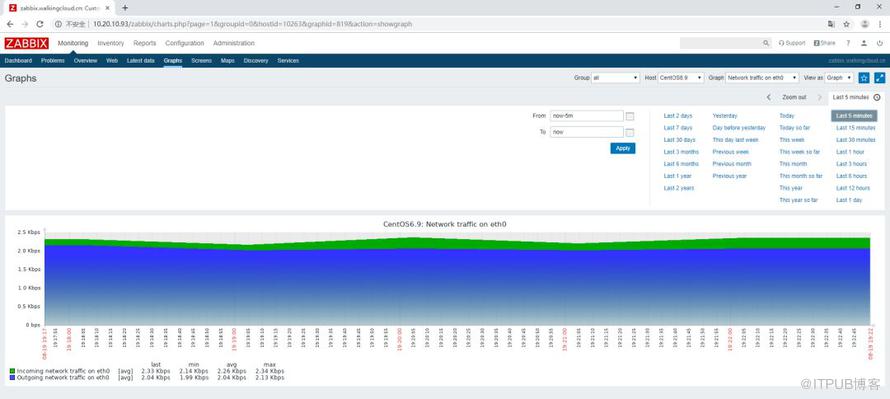
 zabbix是一个基于WEB界面,提供分布式系统监视以及网络监视功能的企业级开源解决方案。
zabbix能监视各种网络参数,保证服务器系统的安全运行;并提供灵活的通知机制以让系统管理员快速定位/解决存在的各种问题。
zabbix由2部分构成,zabbix server与可选组件zabbix agent。
zabbix server可以通过SNMP,zabbix agent,ping,端口监视等方法提供对远程服务器/网络状态的监视,数据收集等功能,它可以运行在Linux,Solaris,HP-UX,AIX,Free BSD,Open BSD,OS X等平台上
下面介绍CentOS7下Zabbix监控平台的搭建
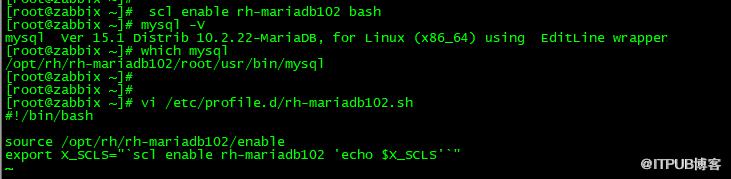
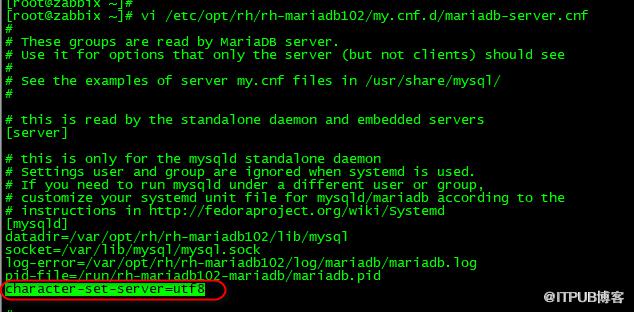
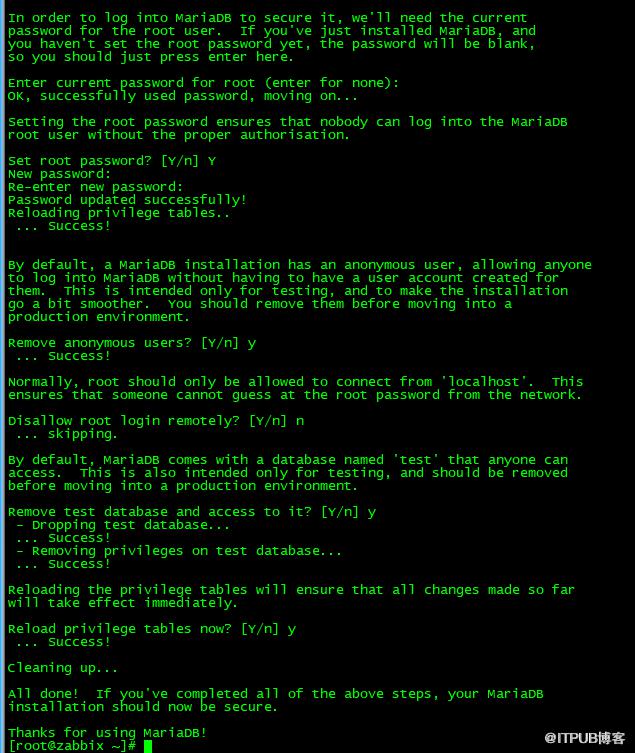
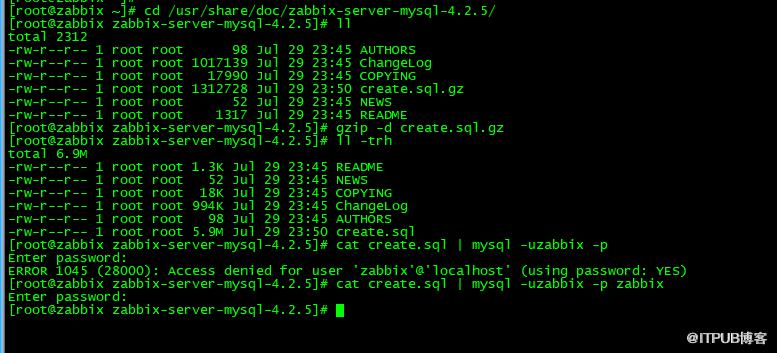
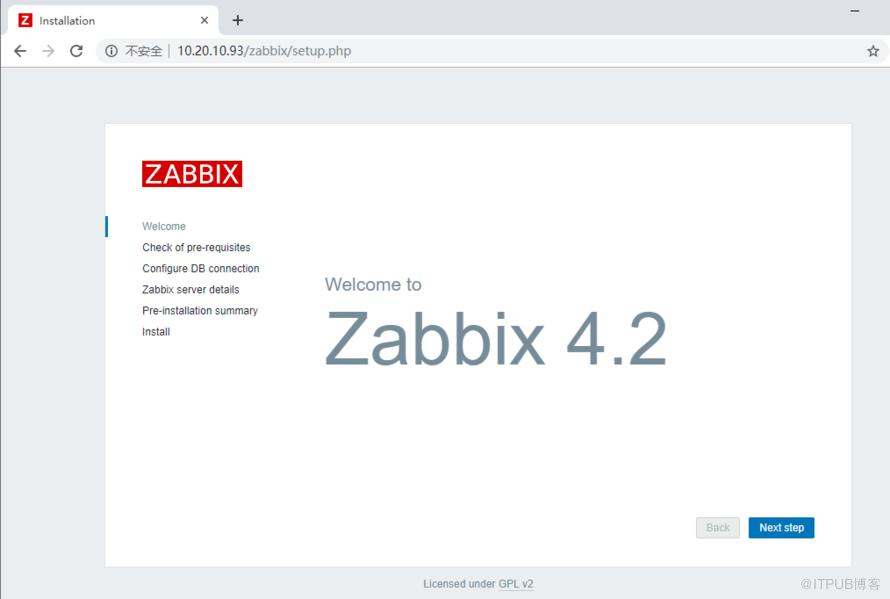
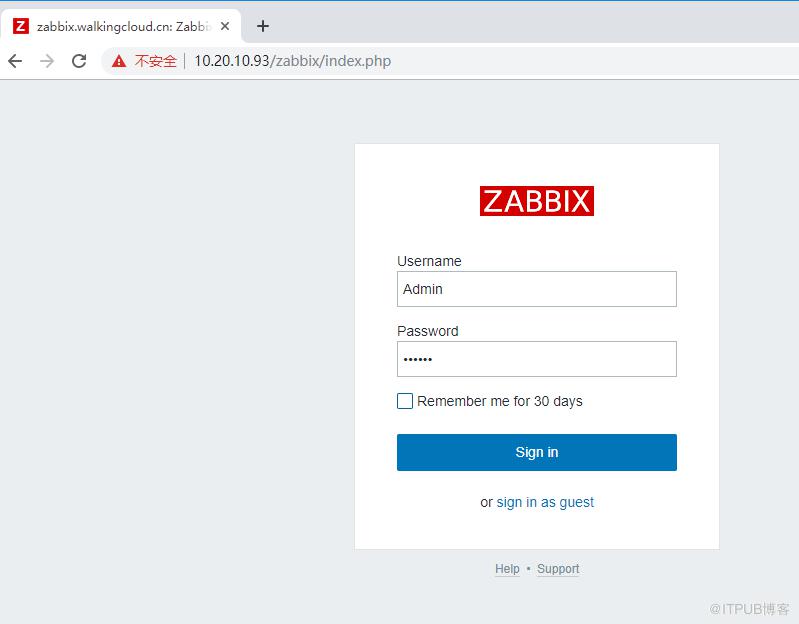
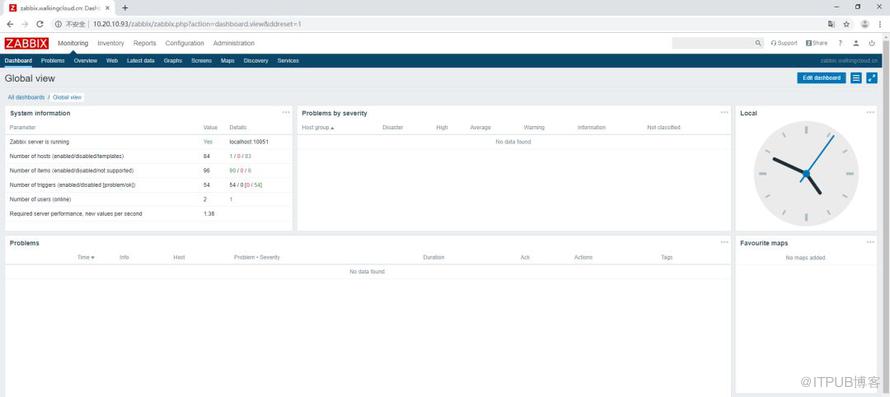
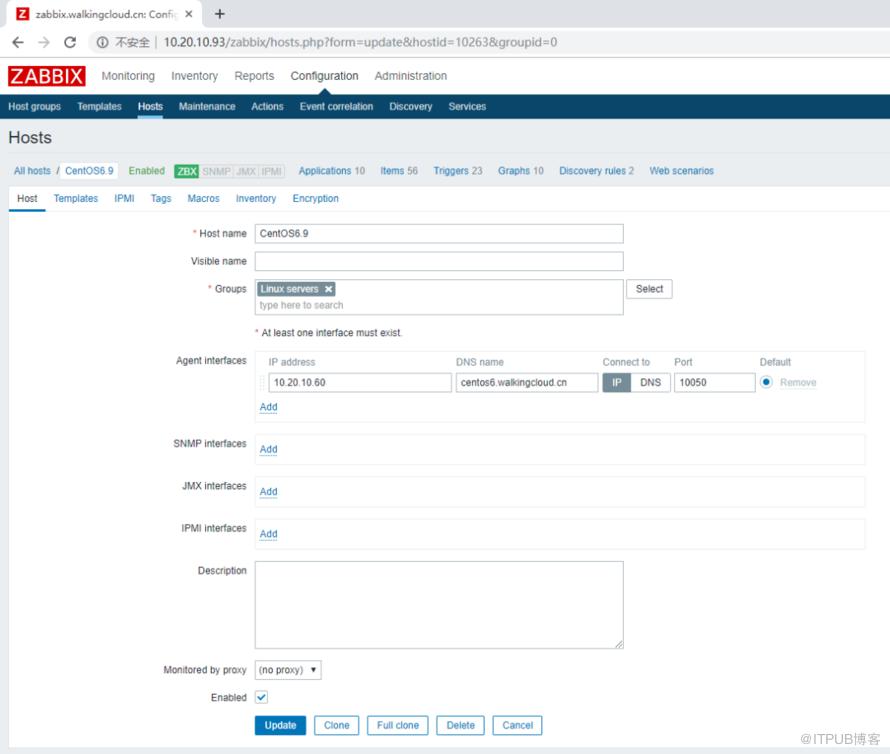
yum -y install centos-release-scl-rh centos-release-sclyum --enablerepo=centos-sclo-rh -y install rh-mariadb102-mariadb-server[root@zabbix ~]# scl enable rh-mariadb102 bash[root@zabbix ~]# mysql -Vmysql Ver 15.1 Distrib 10.2.22-MariaDB, for Linux (x86_64) using EditLine wrapper[root@zabbix ~]# which mysql/opt/rh/rh-mariadb102/root/usr/bin/mysql[root@zabbix ~]# vi /etc/profile.d/rh-mariadb102.shsource /opt/rh/rh-mariadb102/enableexport X_SCLS="`scl enable rh-mariadb102 'echo $X_SCLS'`"vi /etc/opt/rh/rh-mariadb102/my.cnf.d/mariadb-server.cnf添加character-set-server=utf8[root@zabbix ~]# systemctl start rh-mariadb102-mariadb[root@zabbix ~]# systemctl enable rh-mariadb102-mariadb[root@zabbix ~]# mysql_secure_installation[root@zabbix ~]# firewall-cmd --add-service=mysql --permanent [root@zabbix ~]# firewall-cmd --reload1)安装zabbix-release-4.2-2.el7.noarch.rpmrpm -Uvh https://repo.zabbix.com/zabbix/4.2/rhel/7/x86_64/zabbix-release-4.2-2.el7.noarch.rpm2)yum -y install zabbix-server-mysql zabbix-web-mysql zabbix-agent3)初始化数据库,创建zabbix用户以及zabbix数据库[root@zabbix ~]# mysql -uroot -pWelcome to the MariaDB monitor. Commands end with ; or \g.Your MariaDB connection id is 15Server version: 10.2.22-MariaDB MariaDB ServerCopyright (c) 2000, 2018, Oracle, MariaDB Corporation Ab and others.Type 'help;' or '\h' for help. Type '\c' to clear the current input statement.MariaDB [(none)]> create database zabbix character set utf8 collate utf8_bin;Query OK, 1 row affected (0.00 sec)MariaDB [(none)]> grant all privileges on zabbix.* to zabbix@localhost identified by 'Admin@123';Query OK, 0 rows affected (0.00 sec)MariaDB [(none)]> flush privileges;Query OK, 0 rows affected (0.00 sec)cd /usr/share/doc/zabbix-server-mysql-4.2.5/mysql -uzabbix -p zabbix < create.sql 5)修改配置zabbix_server.conf 文件及/etc/httpd/conf.d/zabbix.conf配置文件vi /etc/zabbix/zabbix_server.conf DBPassword=Admin@123(数据库的密码)vi /etc/httpd/conf.d/zabbix.conf,修改时区6)启动zabbix-server zabbix-agent httpd服务,并设为开机自启动[root@zabbix ~]# systemctl restart zabbix-server zabbix-agent httpd[root@zabbix ~]# systemctl enable zabbix-server zabbix-agent httpdrpm -ivh zabbix-agent-4.2.5-1.el6.x86_64.rpmvi /etc/zabbix/zabbix_agentd.conf[root@localhost ~]# service zabbix-agent startStarting Zabbix agent: [ OK ][root@localhost ~]# chkconfig zabbix-agent on [root@localhost ~]# chkconfig zabbix-agent --listzabbix-agent 0:off 1:off 2:on 3:on 4:on 5:on 6:off4)Zabbix Web管理界面上添加主机,设置模板
原文作者:WalkingCloud;如有侵权,请联系管理员删除。