Inventory-> Setup-> Organizations->Organizations
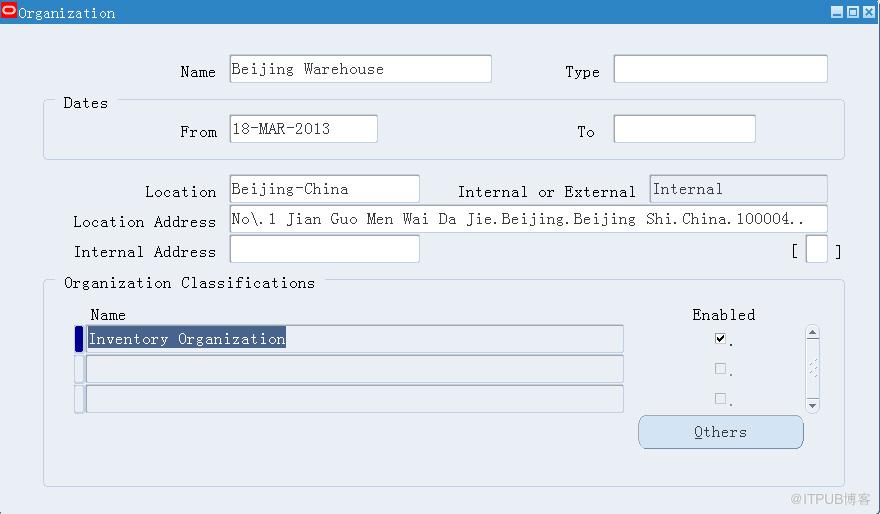
Focus on Inventory Organization,And Click \'Others\'
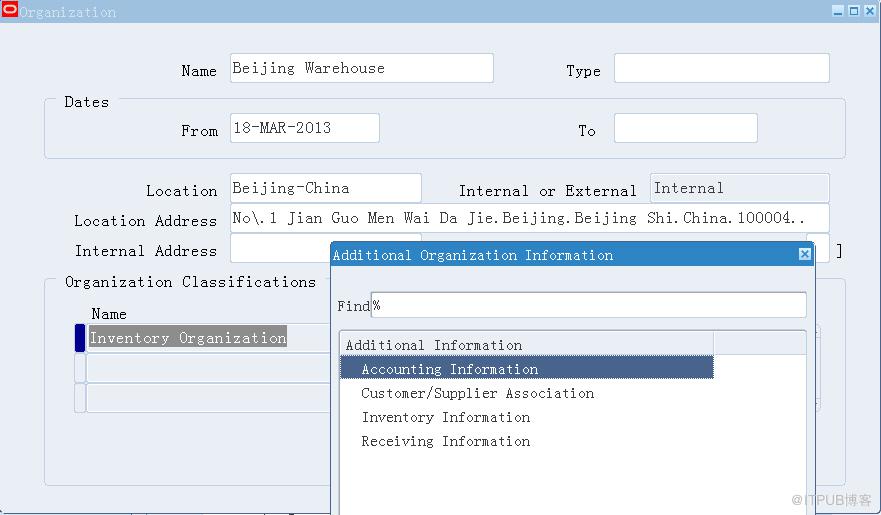
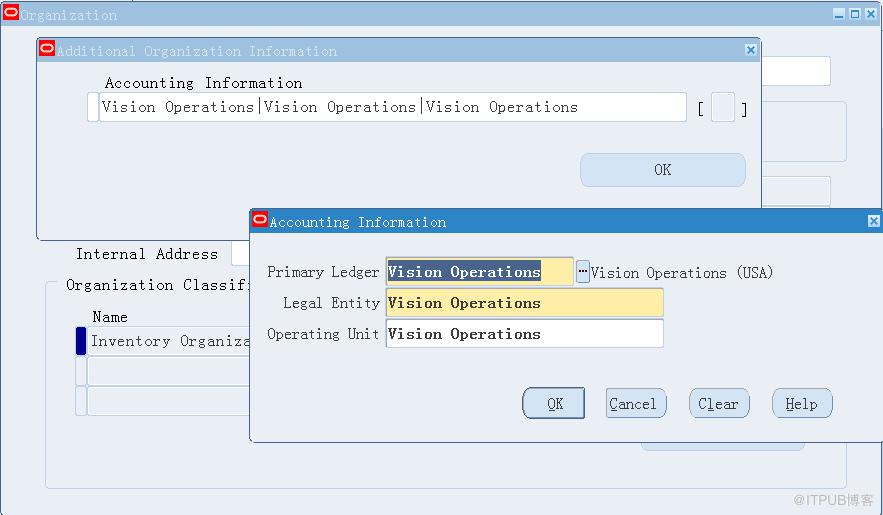
Accounting Information,Enter Account Information.
Enter Inventory Information. 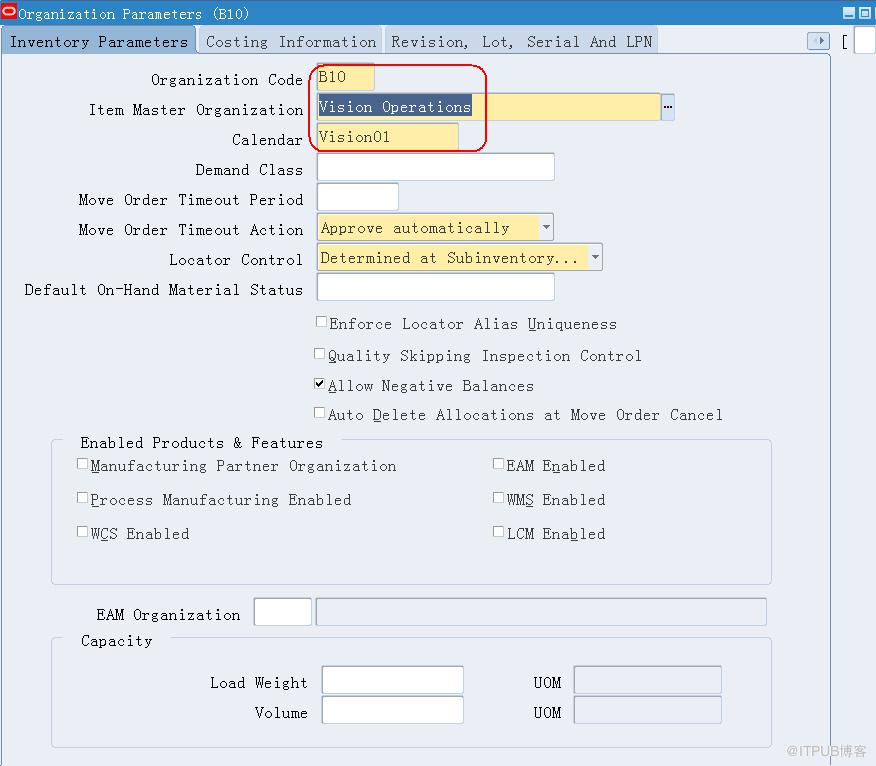
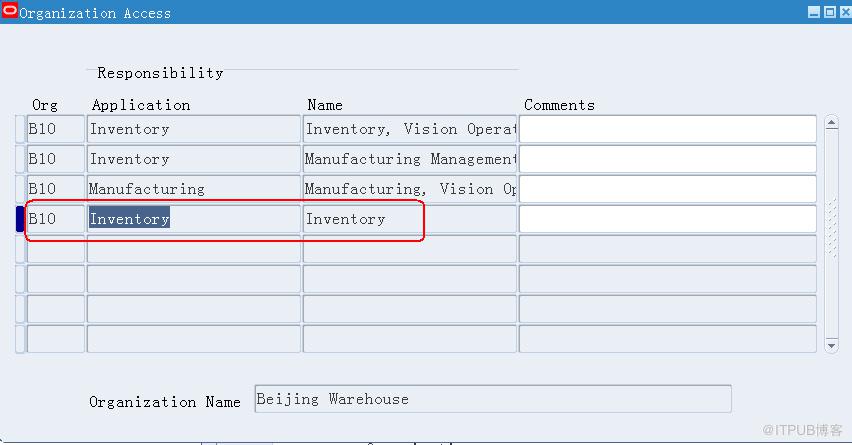
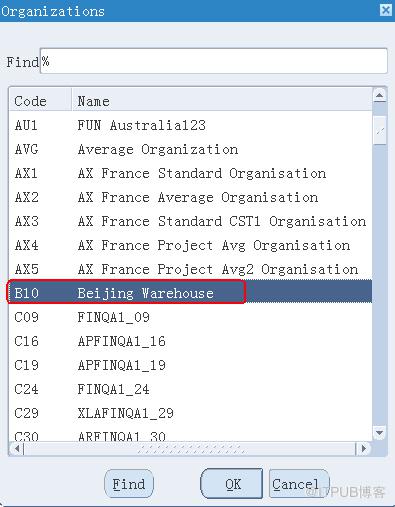
Associate this new org to a responsibility. Inventory-> Setup-> Organizations-> Organization Access
来自 “ ITPUB博客 ” ,链接:https://blog.itpub.net/26687597/viewspace-1204949/ ,如需转载,请注明出处,否则将追究法律责任。

