1.职责:Desktop Integration,WEBADI所有的功能都在“Desktop Integration”下,默认用户都是没有这个职责的,需要在管理员里添加。首先创建一个Document,这个Document相当于一个模板文件。
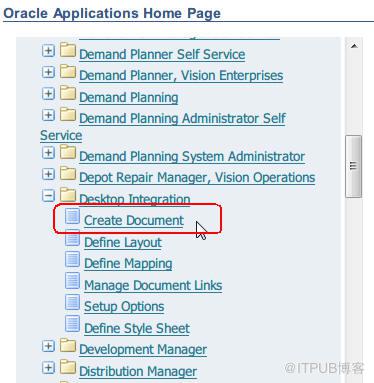
2.Integrator中选择"General Ledger - Journals",然后Next

3.View中选择Excel的版本

4.Layout

Layout option:
- Budgets - Multiple
- Budgets - Single
- Foreign Actual - Multiple
- Foreign Actual - Single
- Functional Actual - Multiple
- Functional Actual - Single
- The options are therefore:
- Functional or Foreign currency
- Actual or Budget Balances
- Multiple or Single spreadsheet
5.Content

6.Review,然后Create Document
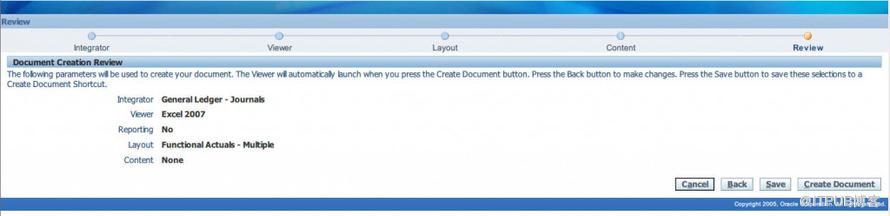
7.系统会生成一个WebADI.xls
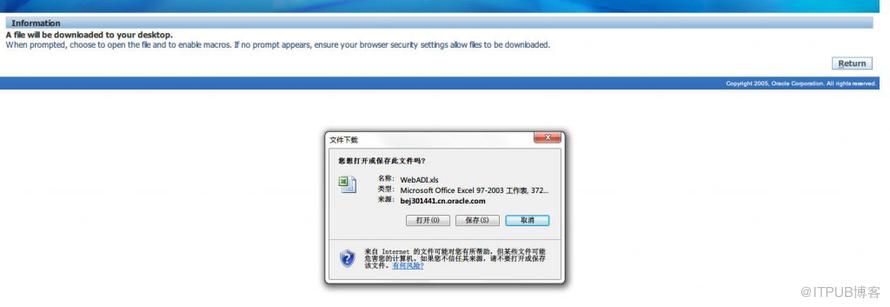
8.这样一个General Ledger - Journals模板就生成了
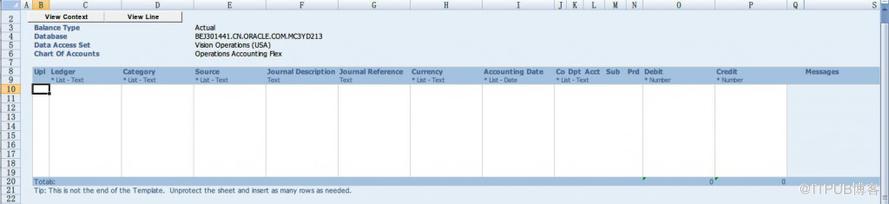
9.填写相应的总账信息
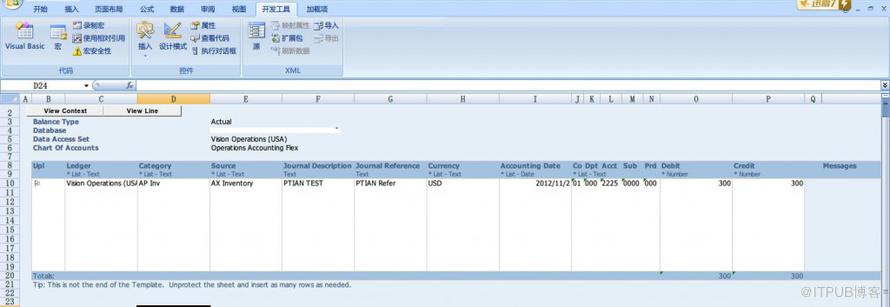
10.在加载项中,可以Upload你的模板
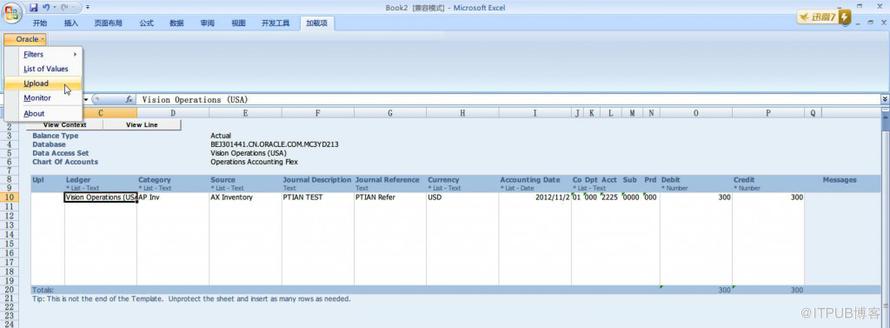
上传后,就能在Journals Form中查到刚刚上传的数据了
来自 “ ITPUB博客 ” ,链接:https://blog.itpub.net/26687597/viewspace-1204330/ ,如需转载,请注明出处,否则将追究法律责任。

