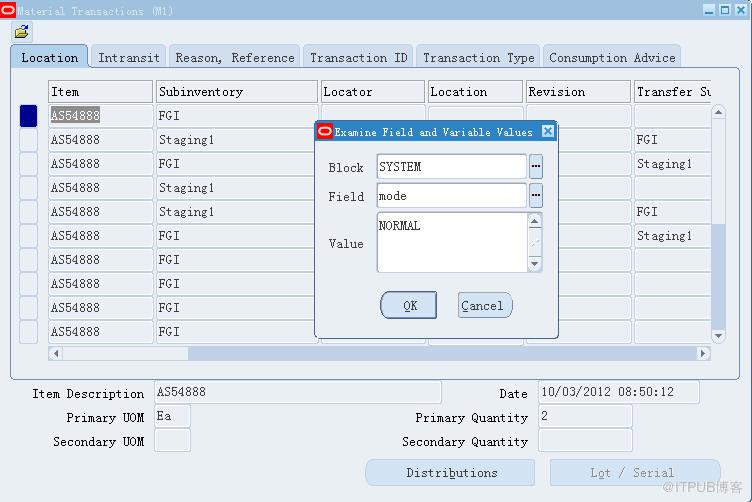
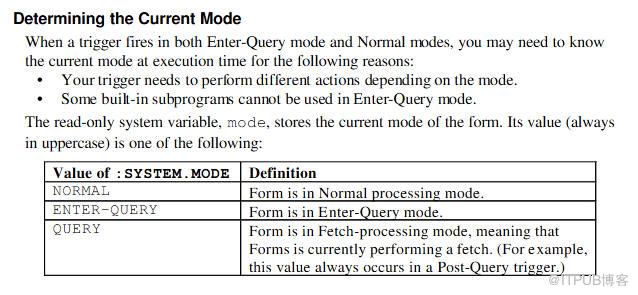
* NORMAL - Indicates that the form is currently in normal processing mode.
* ENTER-QUERY - Indicates that the form is currently in Enter Query mode.
* QUERY - Indicates that the form is currently in fetch processing mode, meaning th
1.After pressing F11, Then system will switch to ENTER-QUERY mode.

2.If you hit Ctrl+F11, system will execute query,and retrieve records to you,system mode will turn back to \'NORMAL\'
Sample Code for enter query:
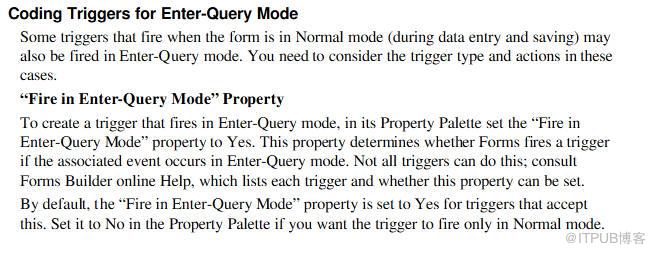
Consider the following When-Button-Pressed trigger for the Query button.If the operator clicks the button in Normal mode, the trigger places the form in Enter-Query mode (using the ENTER_QUERY built-in). Otherwise, if already in Enter-Query mode, the button
executes the query (using the EXECUTE_QUERY built-in).
IF :SYSTEM.MODE = \'NORMAL\' THEN
ENTER_QUERY;
ELSE
EXECUTE_QUERY;
END IF;
来自 “ ITPUB博客 ” ,链接:https://blog.itpub.net/26687597/viewspace-1204283/ ,如需转载,请注明出处,否则将追究法律责任。

