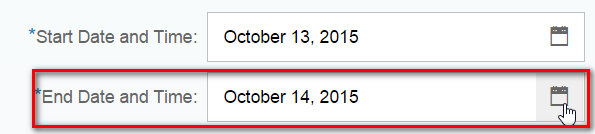
This blog contains my research about the date format determination for DatePicker control.
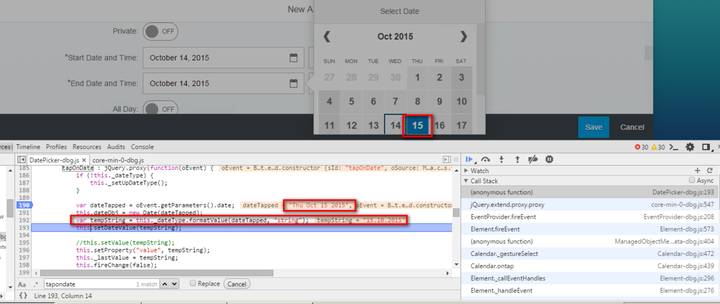
Suppose I have select a new date ( 2015-10-15 ) from DatePicker control, my aim is to figure out the logic how the line 192 has translated dateTapped, “Thu Oct 15 2015” to tempString, “15.10 2015”.
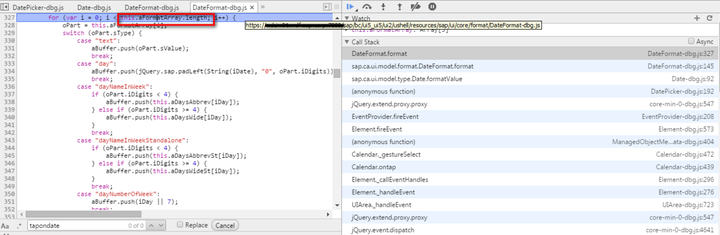
aFormatArray
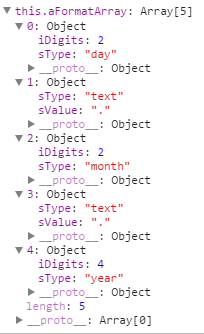
When I debug into this method, I find an array this.aFormatArray.
It contains the date format placeholder as below: “day.month.year”. This is the reason why I get 15.10.2015 as conversion result.
So the question now is, when, where and how is this.aFormatArray populated? Do a text search and I find out it is determined by variable this.oFormatOptions.pattern. In my laptop it has value “dd.MM.yyyy”. Where does this pattern come from?
this.oFormatOptions.pattern
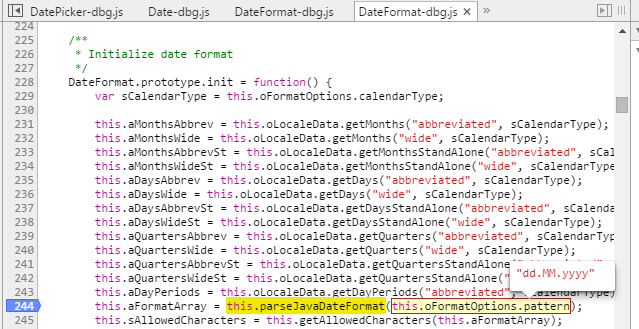
Through debugging we can know the pattern is determined by these three factors:

The pattern is stored in this.mCustomData in LocaleData.js:
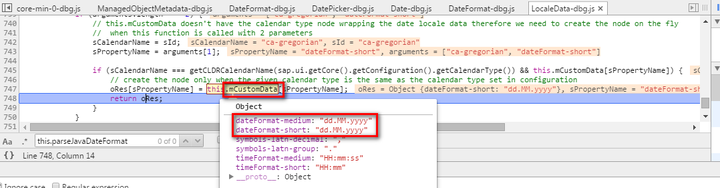
this.mCustomData
And this.mCustomData is filled in LocalData.js ‘ constructor function:

getCustomLocaleData function just simply returns mSettings in Configuration.js:

mSettings
Now I will look into when the data in this.mSettings will be populated. I find an array M_ABAP_DATE_FORMAT_PATTERN which contains lots of date format options. For my current testing, the format option with key sFormatId = 1 is chosen. Why “1”?
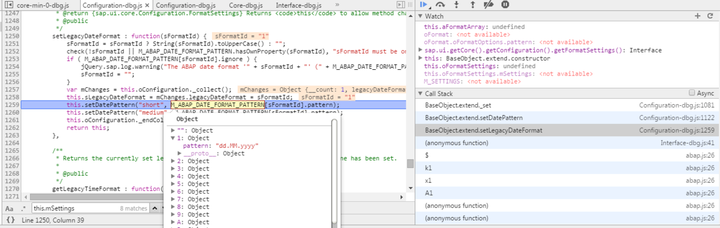
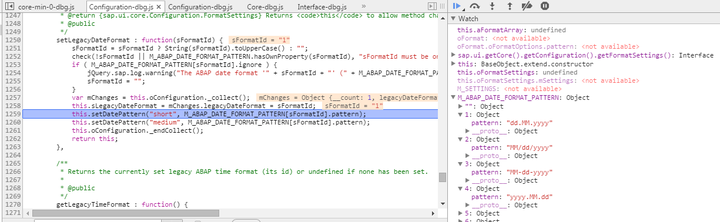
This “1” is configured in my user settings for corresponding ABAP backend system and retrieved via an OData request:

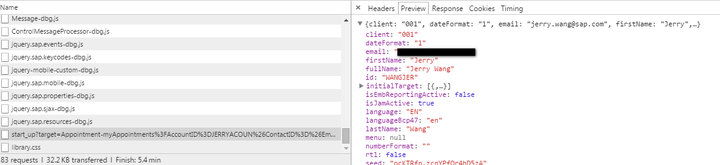
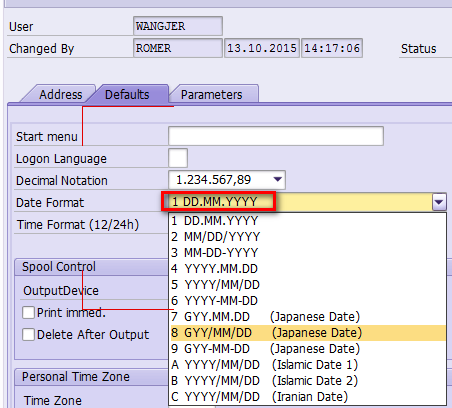
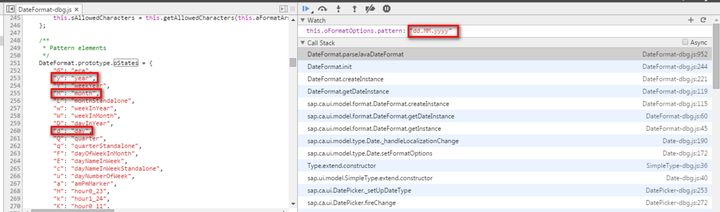
Now we are ready to go back for checking how is aFormatArray filled by the Date Format DD.MM.YYYY. The logic is, to simply replace each character in this.oFormatOptions.pattern with corresponding hard code value in DateFormat.prototype.oStates:
要获取更多Jerry的原创文章,请关注公众号"汪子熙":

来自 “ ITPUB博客 ” ,链接:https://blog.itpub.net/24475491/viewspace-2718378/ ,如需转载,请注明出处,否则将追究法律责任。

