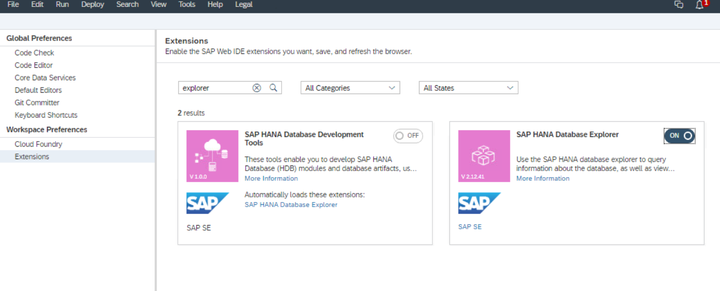
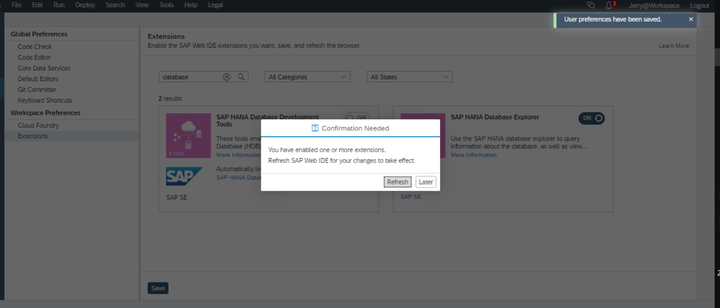
在WebIDE里将SAP HANA Database Explorer启用:
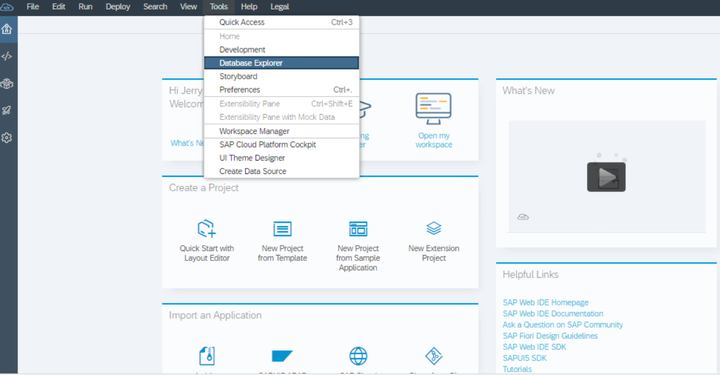
打开database Explorer视图:
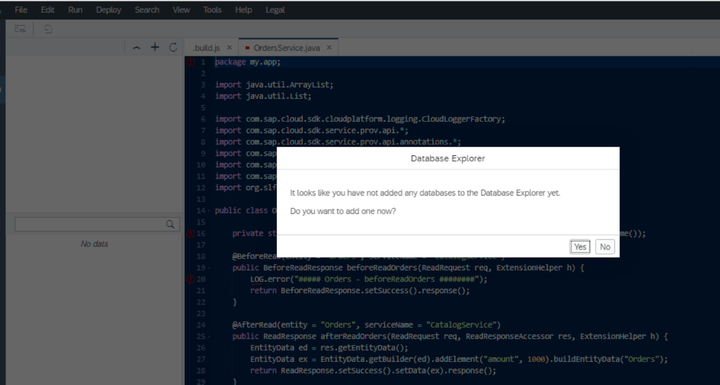
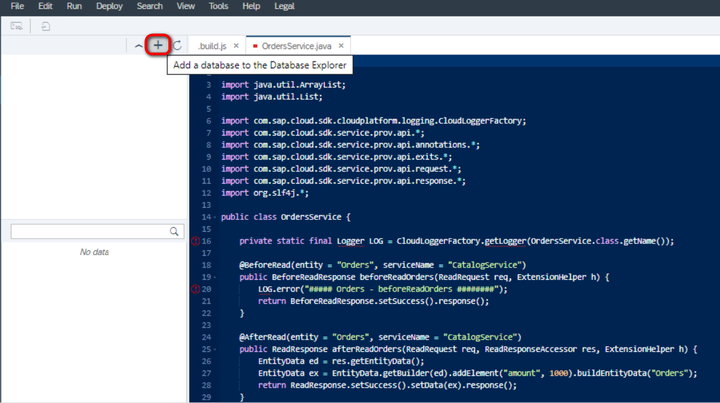
添加一个数据库:
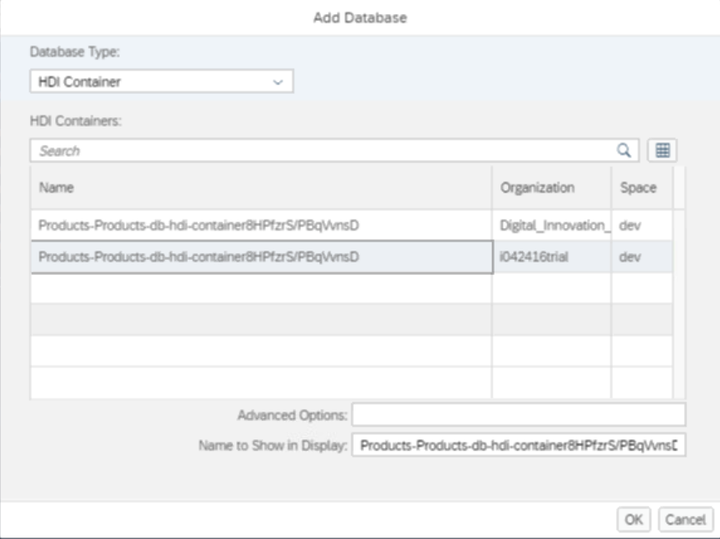
数据库实例作为HDI容器被添加:
> When the database was created for you in your trial subaccount, it was created as an HANA Deployment Infrastructure (HDI) container, within the context of the hdi-shared plan for the HANA trial service in the SAP Cloud Platform’s Cloud Foundry (CF) environment.
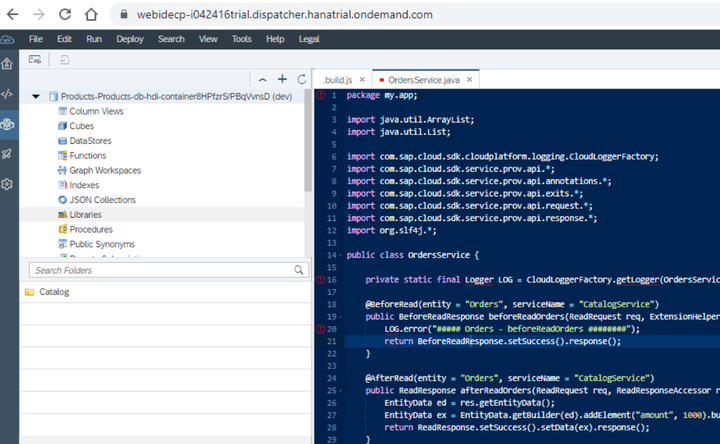
在Database Explorer里,双击Table,查看数据库表:
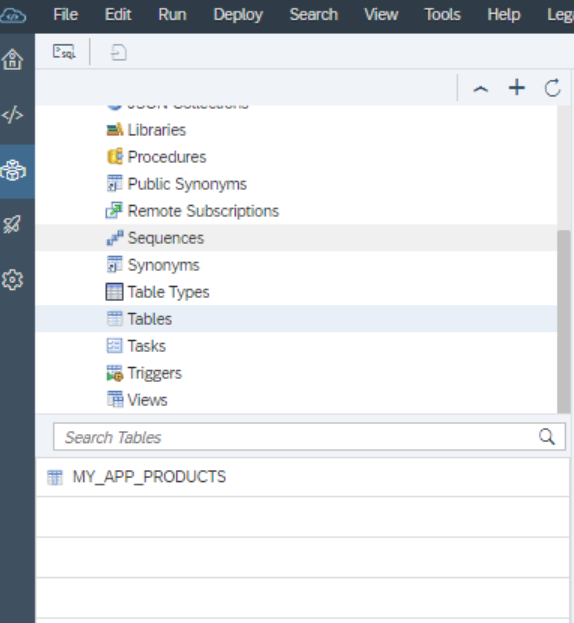
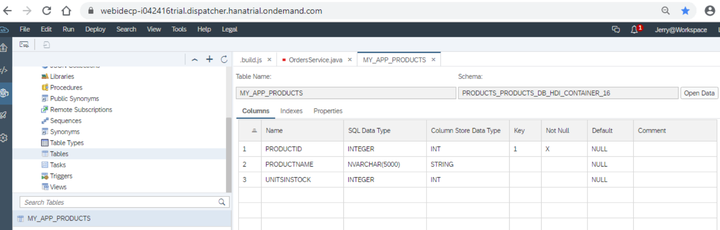
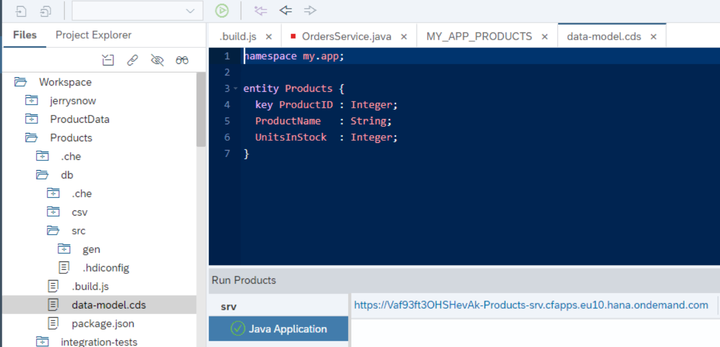
上图看到的数据库表MY_APP_PRODUCTS的结构,和CAP项目里db module里data-model.cds定义的结构一致:
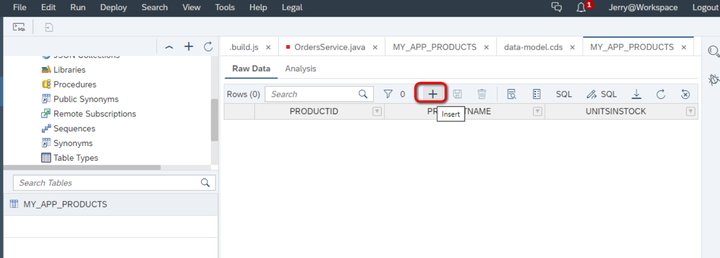
这里可以给数据库表里添加新的记录:
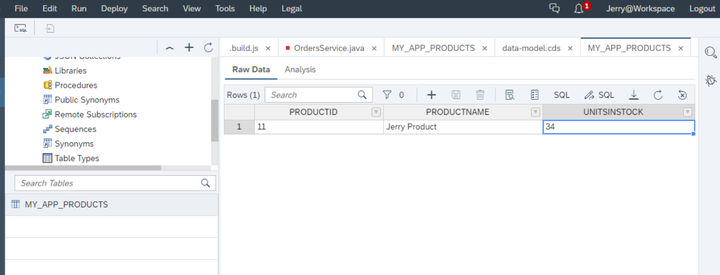
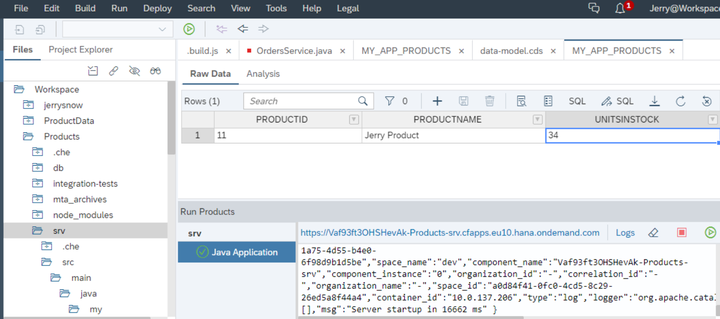
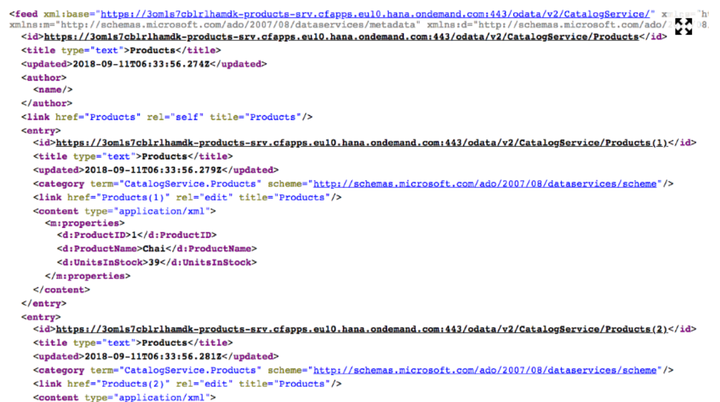
然后使用OData将刚刚插入的数据取出:
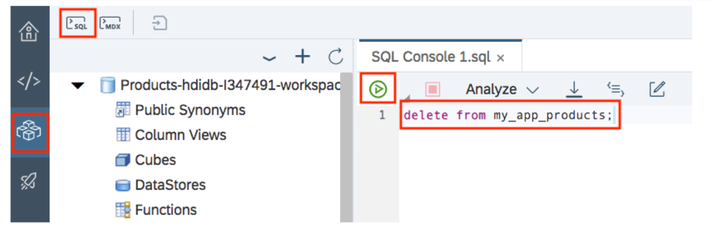
也可以使用SQL语句,批量删除表里的数据:

来自 “ ITPUB博客 ” ,链接:https://blog.itpub.net/24475491/viewspace-2677581/ ,如需转载,请注明出处,否则将追究法律责任。

请登录后发表评论
登录
全部评论
