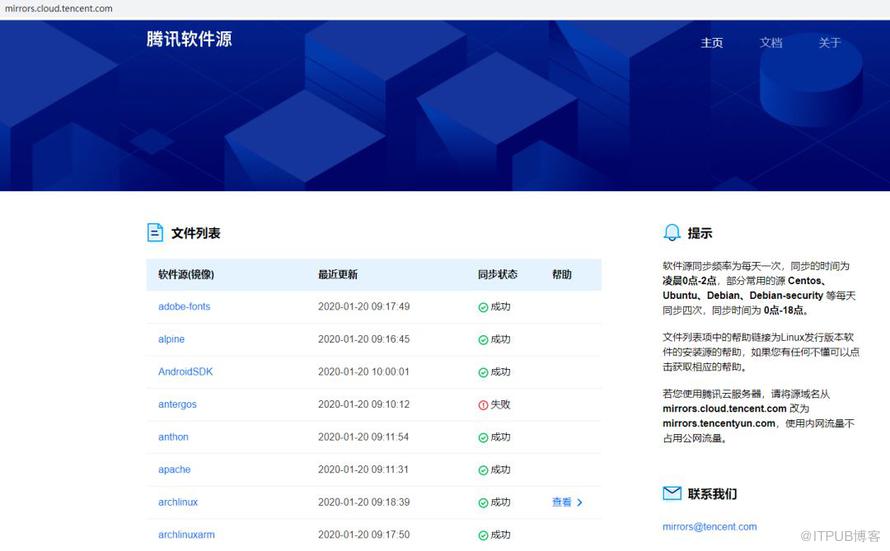
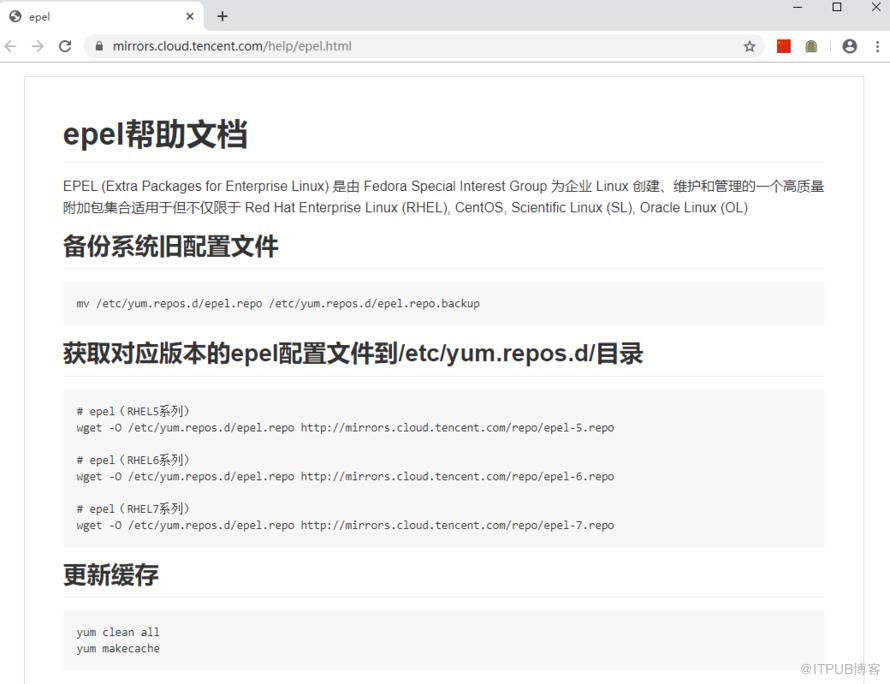
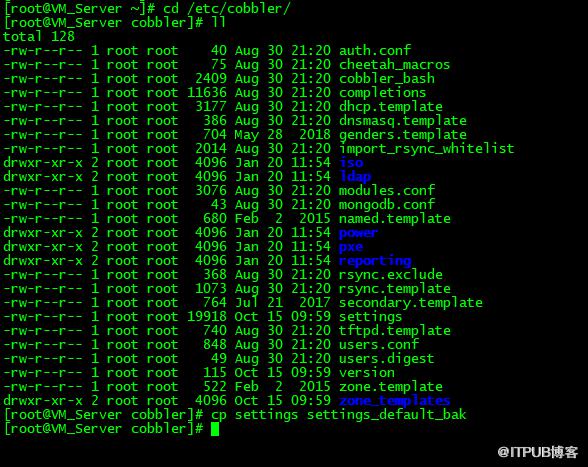
CentOS7下部署Cobbler实现PXE+Kickstart自动化安装的操作步骤1、使用腾讯软件源站点https://mirrors.cloud.tencent.com/wget -O /etc/yum.repos.d/epel.repo http://mirrors.cloud.tencent.com/repo/epel-7.repo2、 yum install cobbler cobbler-webyum install dhcp tftp-server pykickstart httpd rsync xinetdsystemctl start cobblerd.servicesystemctl start httpd.service 5、根据上面cobbler check检查配置给出的提示,一一进行配置cp settings settings_default_bak2)278行net_server:127.0.0.1改成192.168.31.200390行server: 127.0.0.1改成192.168.31.200然后systemctl enable xinetd
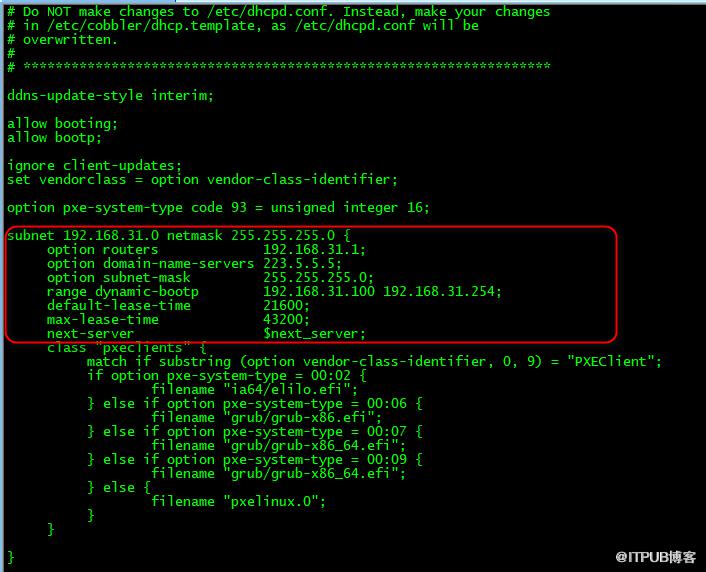
6)vi /etc/cobbler/dhcp.template7)vi /etc/cobbler/settings
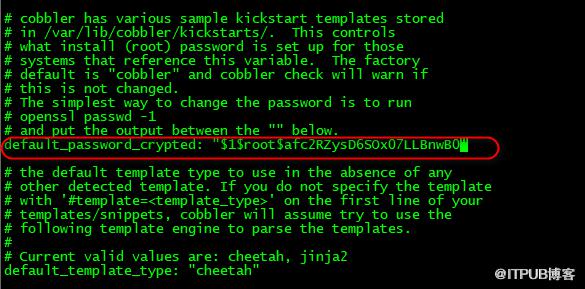
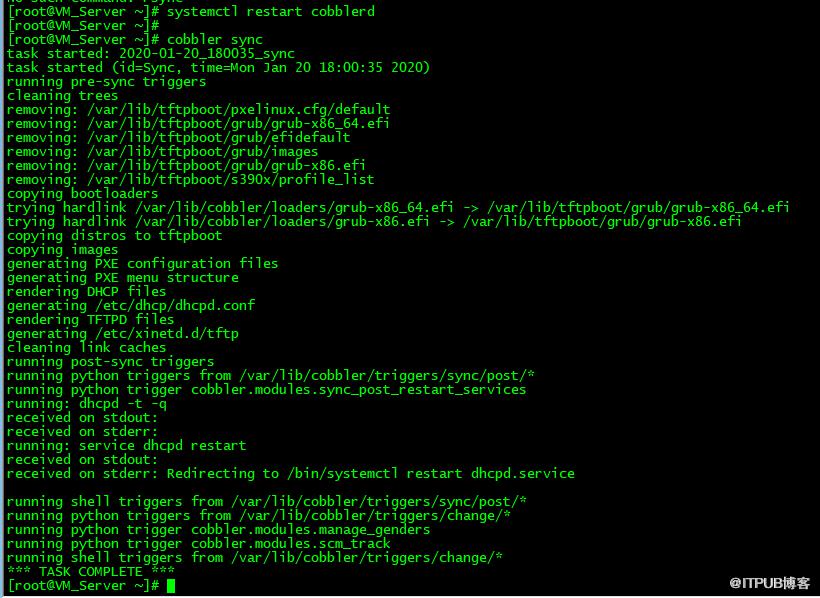
manage_dhcp: 0改为manage_dhcp: 1systemctl restart cobblerd10)openssl passwd -1 -salt 'root' 'admin@2020'default_password_crypted: "$1$root$afc2RZysD6SOx07LLBnwB0"systemctl restart cobblerdcobbler check 这时只有一个无关紧要的提示项6、配置基本完成后,挂载CentOS7.7.1908版本的官方ISO镜像包
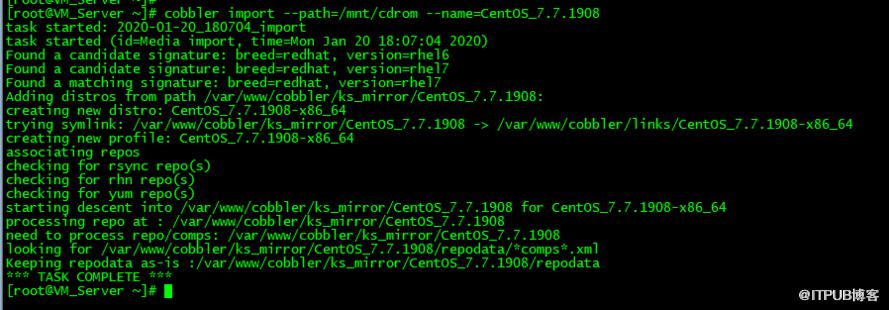
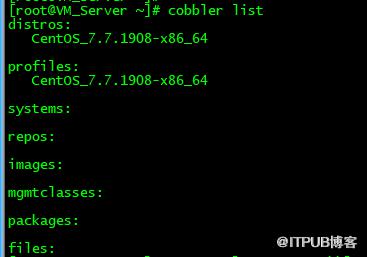
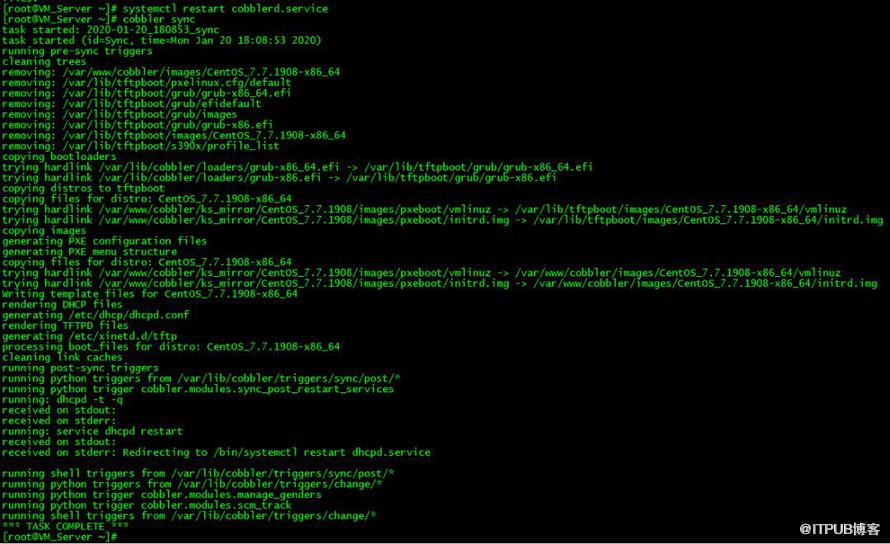
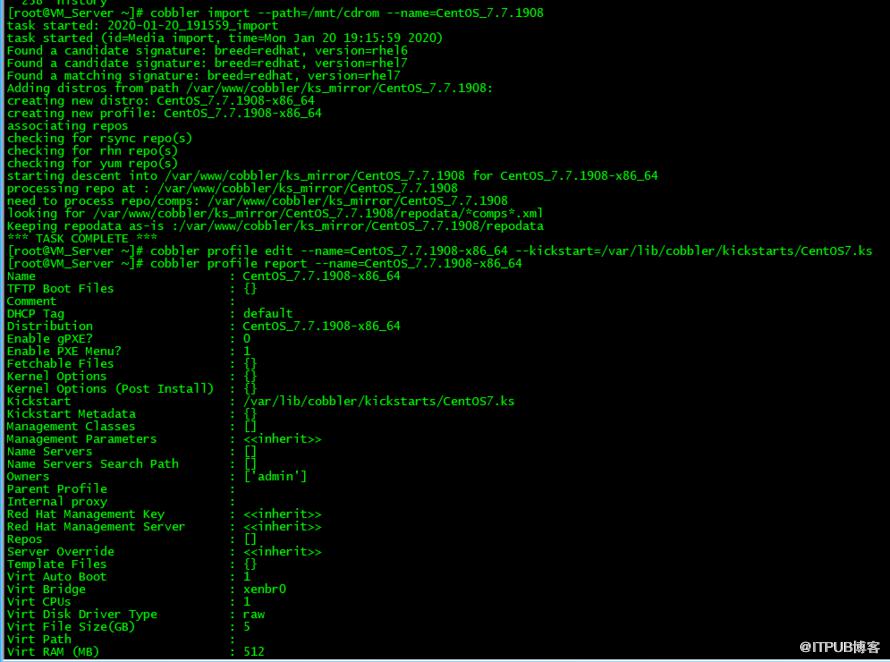
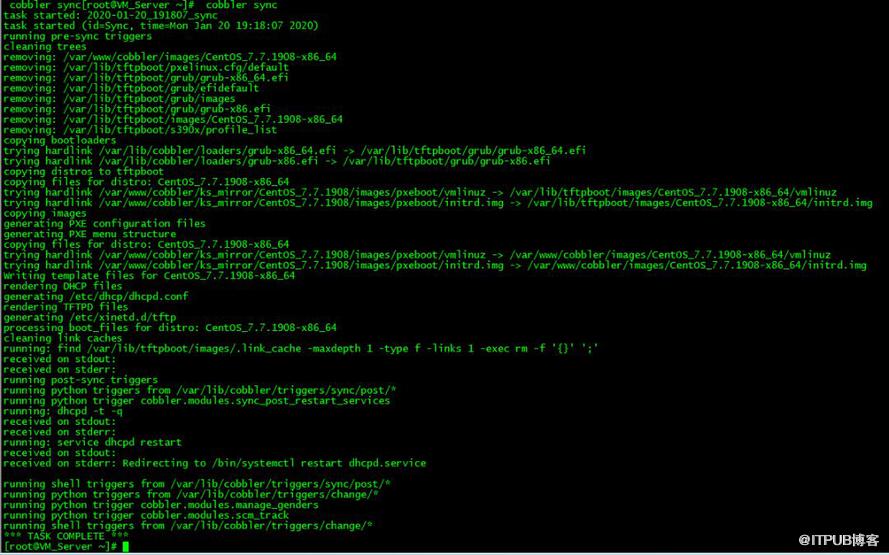
1)cobbler import --path=/mnt/cdrom --name=CentOS_7.7.19083)systemctl restart cobblerd.service http://192.168.31.200/cobbler/ks_mirror/10、关于定制Kickstart实现一键安装的操作步骤
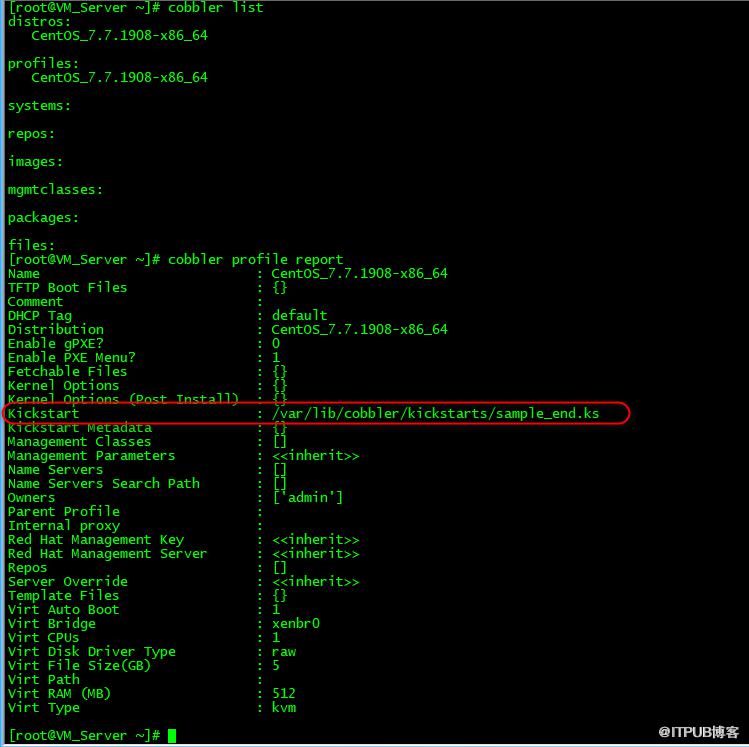
1)cd /var/lib/cobbler/kickstarts/ #platform=x86, AMD64, or Intel EM64T# Install OS instead of upgraderootpw --iscrypted $1$.V2f7Wsz$0EdykaW/HEQoy./Zs3Tfu.# System authorization informationauth --useshadow --passalgo=sha512# Use network installation url --url="http://192.168.31.200/cobbler/ks_mirror/CentOS_7.7.1908"# Do not configure the X Window Systemnetwork --bootproto=dhcp --device=ens33 --onboot=on# Reboot after installationtimezone Asia/Shanghai --isUtc# System bootloader configurationbootloader --location=mbr# Clear the Master Boot Record# Partition clearing informationclearpart --all --initlabel# Disk partitioning informationpart /boot --fstype=ext4 --asprimary --size=1024part / --fstype=ext4 --asprimary --size=20480part swap --asprimary --size=16384part pv.008006 --grow --size=200volgroup vg_centos --pesize=4096 pv.008006logvol /opt --fstype=ext4 --name=lv_opt --vgname=vg_centos --grow --size=200@^infrastructure-server-environment关于profile默认使用的ks是/var/lib/cobbler/kickstarts/sample_end.ks使用cobbler profile edit 进行编辑cobbler profile edit --name=CentOS_7.7.1908-x86_64 --kickstart=/var/lib/cobbler/kickstarts/CentOS7.ks3) mount -t iso9660 /CentOS_ISO/CentOS-7-x86_64-DVD-1908.iso /temp_cdrom/
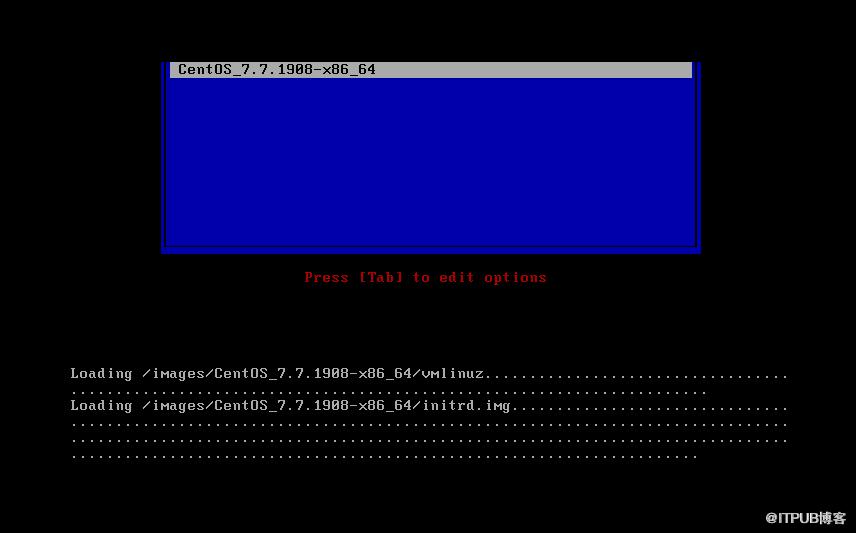
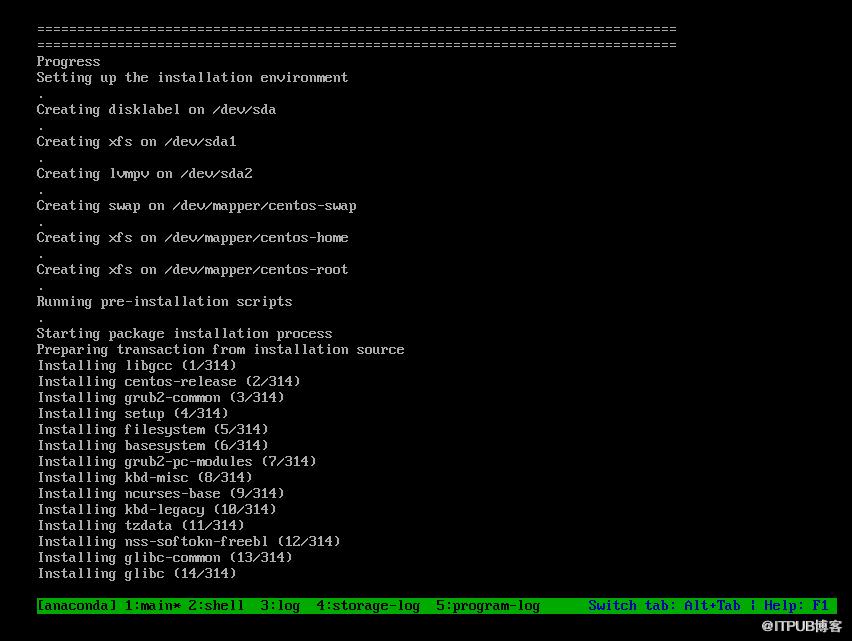
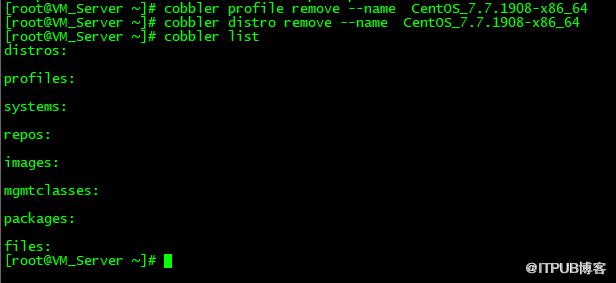
4)先删除前面的cobbler profile 和distro5)cobbler import --path=/mnt/cdrom --name=CentOS_7.7.1908systemctl restart cobblerd.service7)测试一键PXE+Kickstart自动安装,如下图所示全程无需操作可以直接实现一键安装
2)https://www.cnblogs.com/zhangxingeng/p/9702625.html
原文作者:WalkingCloud;如有侵权,请联系管理员删除。