CentOS7下升级GLIBC2.31

1、当前系统版本及GLIBC版本信息
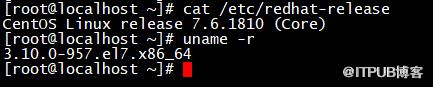
[root@localhost ~]# cat /etc/redhat-release
CentOS Linux release 7.6.1810 (Core)
[root@localhost ~]# uname -r
3.10.0-957.el7.x86_64
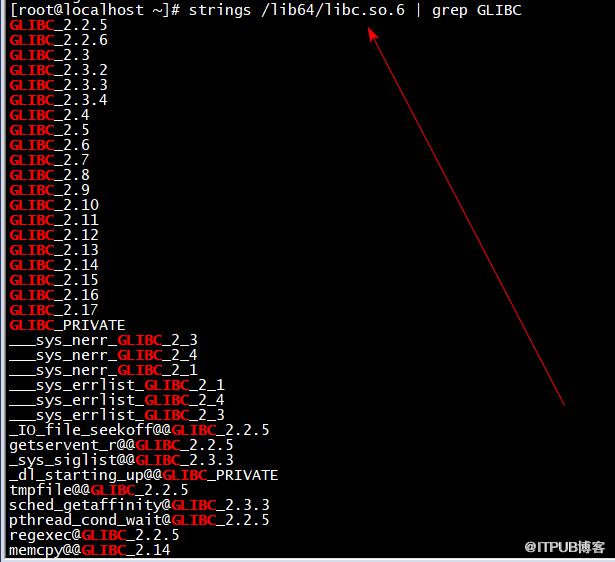
[root@localhost ~]#  strings /lib64/libc.so.6 | grep GLIBC
[root@localhost ~]# ll /lib64/libc.so*

2、源码编译升级gcc9.3.0
1)编译升级gcc
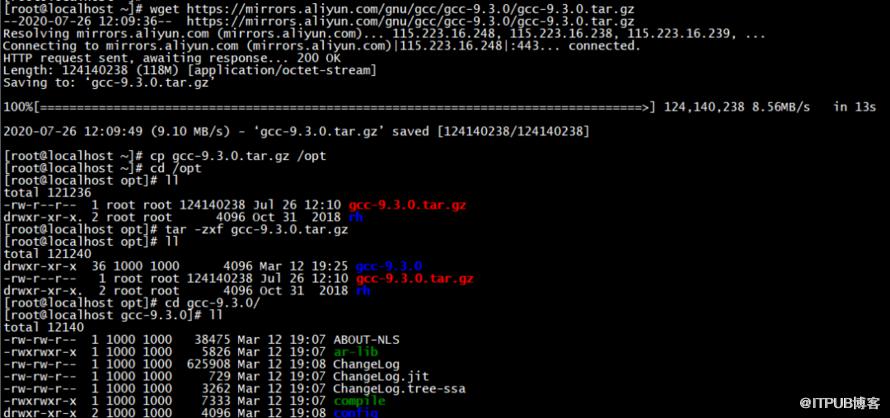
wget https://mirrors.aliyun.com/gnu/gcc/gcc-9.3.0/gcc-9.3.0.tar.gz
cp gcc-9.3.0.tar.gz /opt
cd /opt
tar -zxf gcc-9.3.0.tar.gz
cd gcc-9.3.0/

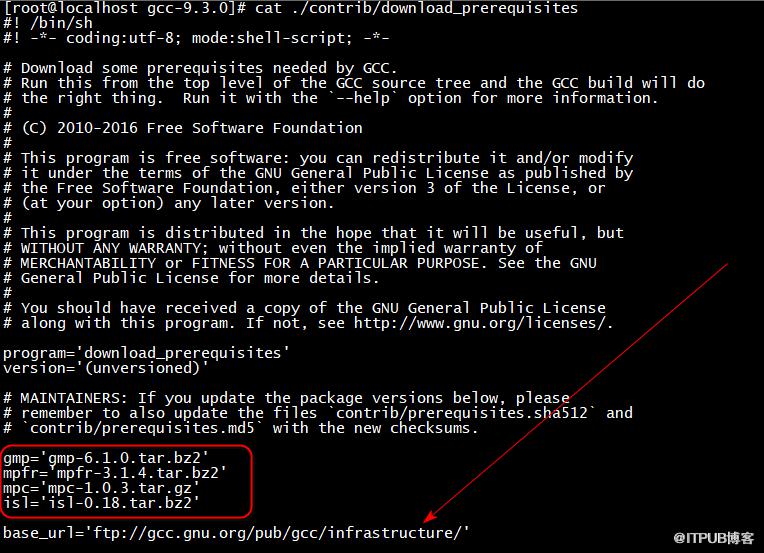
 ./contrib/download_prerequisites
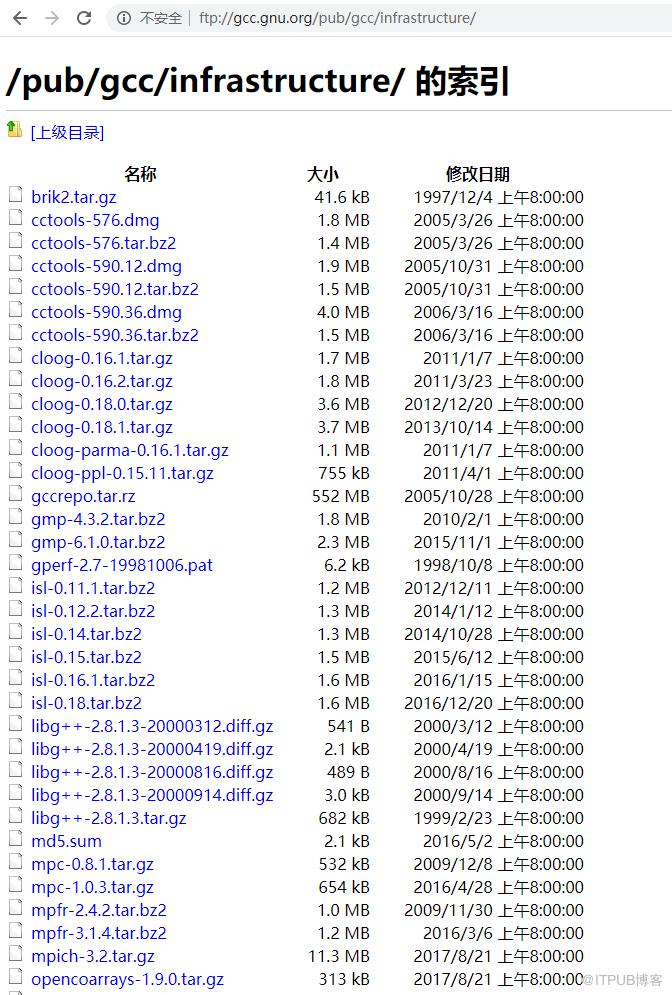
建议先手动下载依赖的这四个包,下载地址ftp://gcc.gnu.org/pub/gcc/infrastructure/
cat /proc/cpuinfo| grep "processor"| wc -l

mkdir build
cd build
../configure --enable-checking=release --enable-language=c,c++ --disable-multilib --prefix=/usr

make -j6
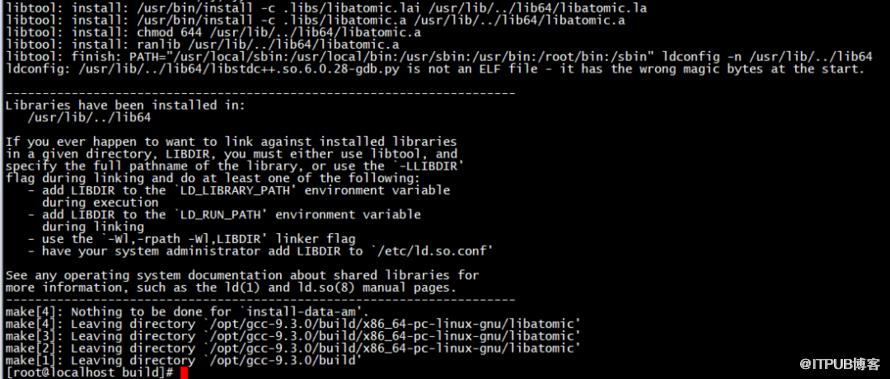
make install

2)升级成功后gcc版本检查
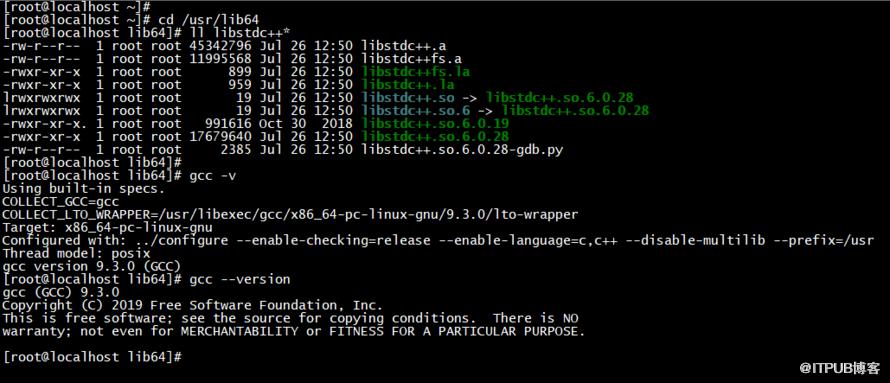
cd /usr/lib64
ll libstdc++*
gcc -v
gcc --version
3、源码编译升级make
1)编译升级make
wget https://mirrors.aliyun.com/gnu/make/make-4.3.tar.gz
cp make-4.3.tar.gz /opt
cd /opt/
tar -zxf make-4.3.tar.gz
cd make-4.3/
mkdir build
cd build
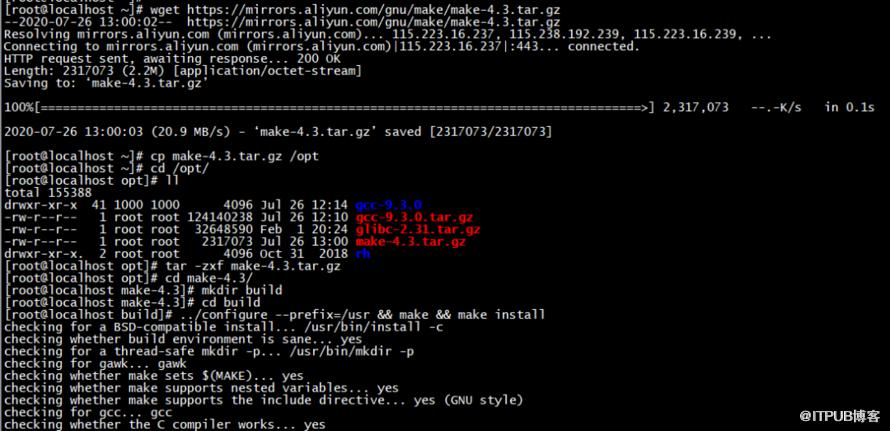
../configure --prefix=/usr && make && make install
2)检查升级后的make版本信息
make -v

4、升级glibc-2.31
cd /opt
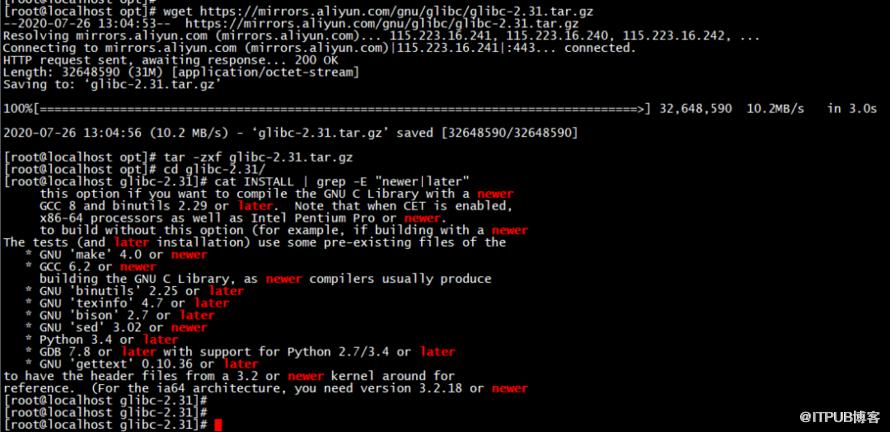
wget https://mirrors.aliyun.com/gnu/glibc/glibc-2.31.tar.gz
tar -zxf glibc-2.31.tar.gz
cd glibc-2.31/
cat INSTALL | grep -E "newer|later"
mkdir build
cd build
../configure  --prefix=/usr --disable-profile --enable-add-ons --with-headers=/usr/include --with-binutils=/usr/bin --disable-sanity-checks --disable-werror
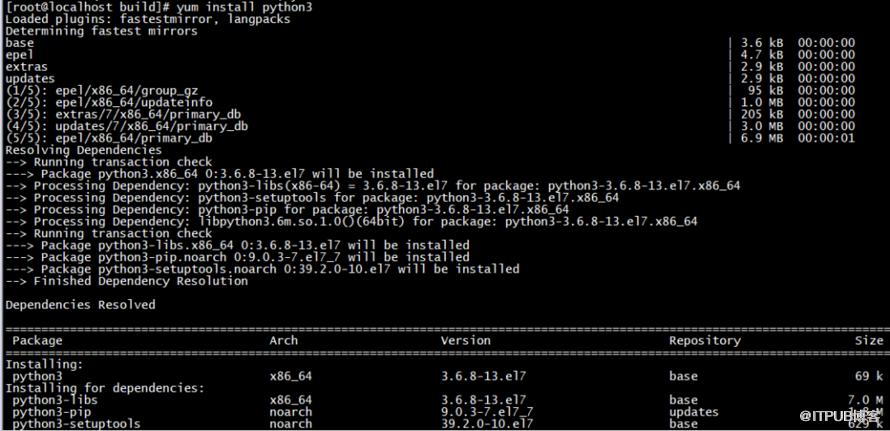
yum install python3
make -j6
make install
make localedata/install-locales
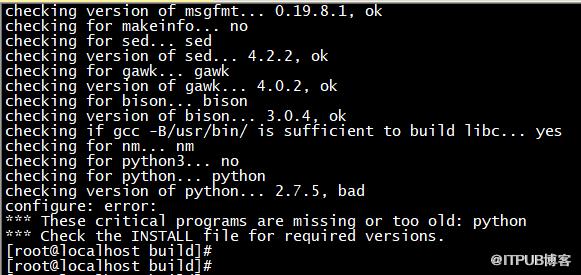
报错是由于python版本较低
下面yum install python3解决后重新配置并make编译安装
../configure --prefix=/usr --disable-profile --enable-add-ons --with-headers=/usr/include --with-binutils=/usr/bin --disable-sanity-checks --disable-werror
make -j6
make install
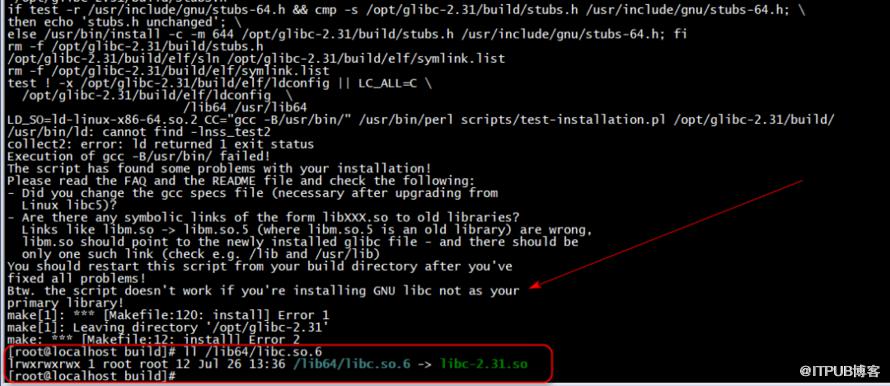
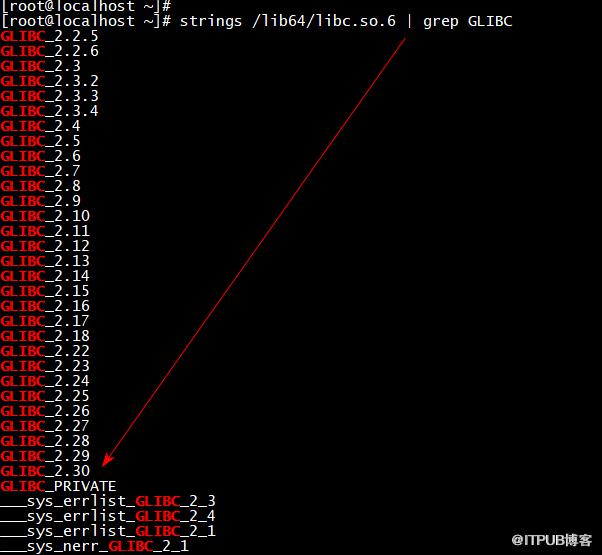
最后验证升级后的glibc版本
strings /lib64/libc.so.6 | grep GLIBC
ll /lib64/libc.so*

原文作者:WalkingCloud;如有侵权,请联系管理员删除。

请登录后发表评论
登录
全部评论
最新文章
- GrayLog常见问题收录-FAQ篇
- 使用GraylogDataNode作为内置OpenSearch日志存储的GrayLog6.1.2一键安装脚本
- 开源日志平台GrayLog最新版本6.1.0的一键安装脚本
- GrayLog6.0.X通过yum方式升级到最新版本
- 专业强大好用的SSH终端/SFTP客户端工具-Xshell8+XFTP8免费版
- GrayLog对接DLP并实现数据安全告警单独发送给员工主管
- 国产免费NAS系统-飞牛私有云fnOS安装初体验
- 使用RR(Redpill Recovery)引导安装最新群晖NAS系统DSM7.2.1
- 开源日志平台GrayLog最新稳定版本6.0.5的一键安装脚本
- shell脚本+webhook实现联动一键联动删除异常大小的文件
