Created by Jerry Wang, last modified on Oct 15, 2015
- use tcode LPD_CUST, double click role UICRM001:

You can refer to existing configuration for My Note configuration:

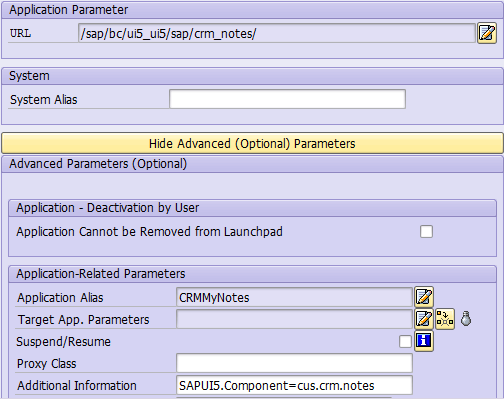
Create a new application and specify url as /sap/bc/ui5_ui5/sap/znote_ext
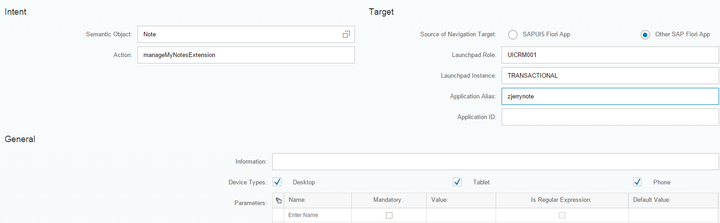
application alias: zjerrynote
- launch Fiori launchpad designer, search catalog SAP_CRM_BC_SALESREP and create a new tile:
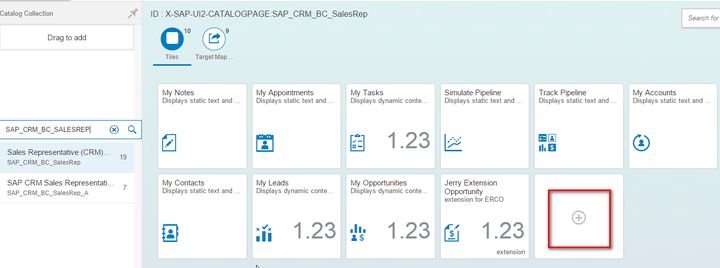
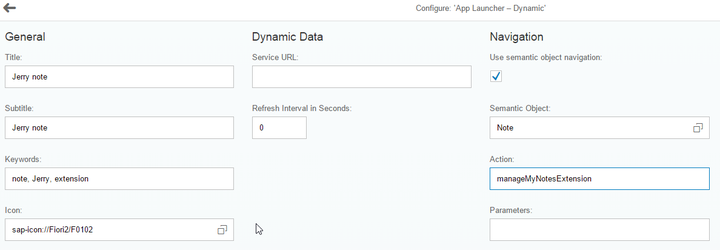
specify Semantic object and Action:
and create new target mapping:
3. add the new created tile to catalog in the runtime via personalization:
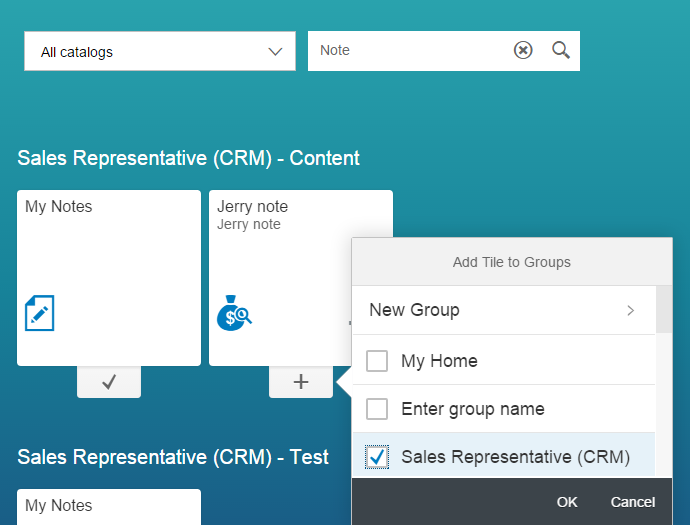
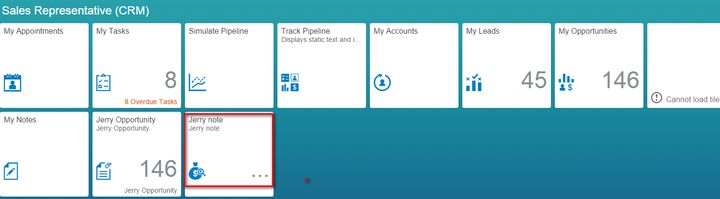
and now you can test it in UI:
要获取更多Jerry的原创文章,请关注公众号"汪子熙":
来自 “ ITPUB博客 ” ,链接:https://blog.itpub.net/24475491/viewspace-2747825/ ,如需转载,请注明出处,否则将追究法律责任。

请登录后发表评论
登录
全部评论
