In Service order detail page some fields are by default hidden in standard UI configuration, for example fields belonging to pricing set ( backend storage table: CRMD_SHIPPING ).
Here below is step by step how to create a new UI configuration and make those hidden fields visible there.
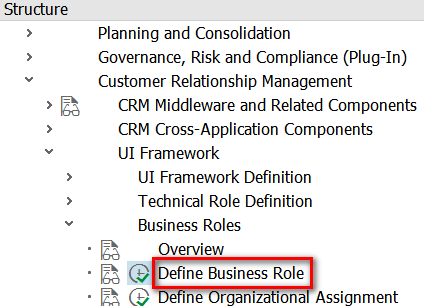
(1) Create a new business role by copying from existing one:

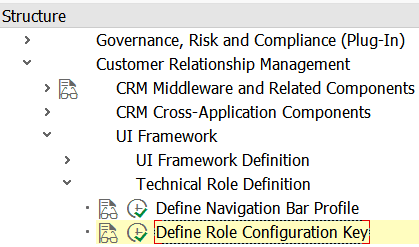
(2) Create a new Role Configuration Key:
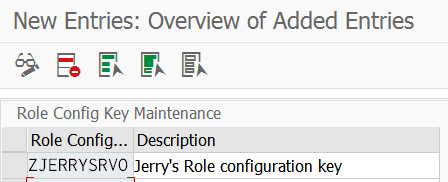
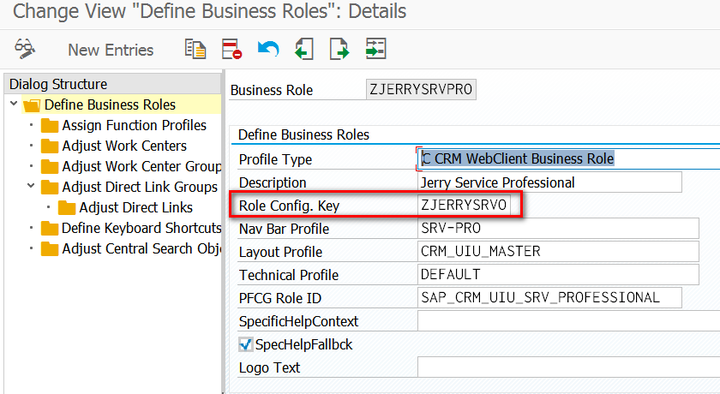
Once done, assign this key into new business role created in step one.
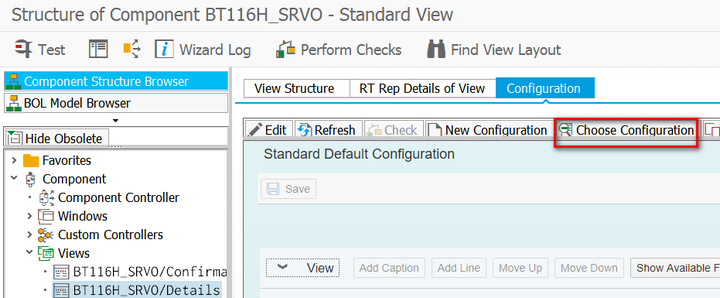
(3) Go to UI component workbench, choose one configuration which you want to copy from:
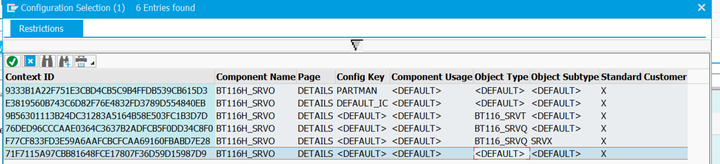
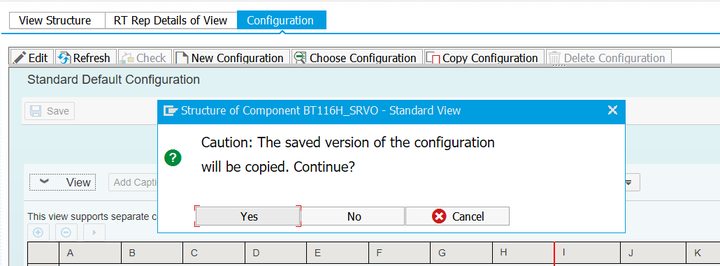
Click Copy Configuration button:
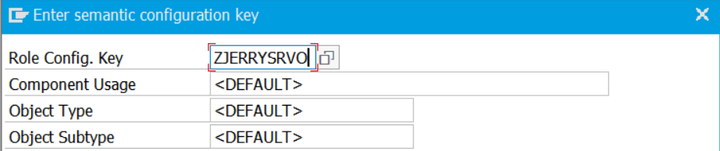
In popup, maintain the new Role Configuration Key created in step 2:
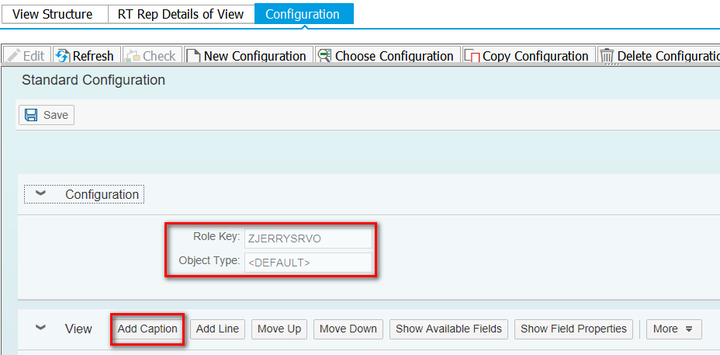
Now you can work on your own configuration. Click “Add Caption” to create a new block which will holds all pricing fields:
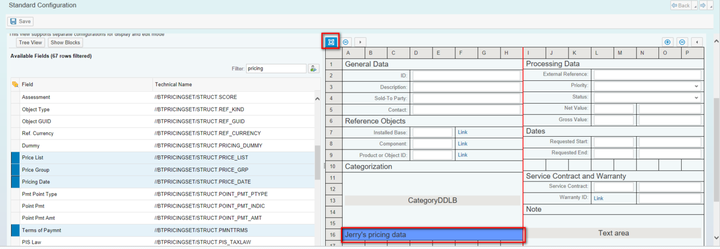
Select the hidden pricing fields from left pattern and click “+” icon to make them visible:
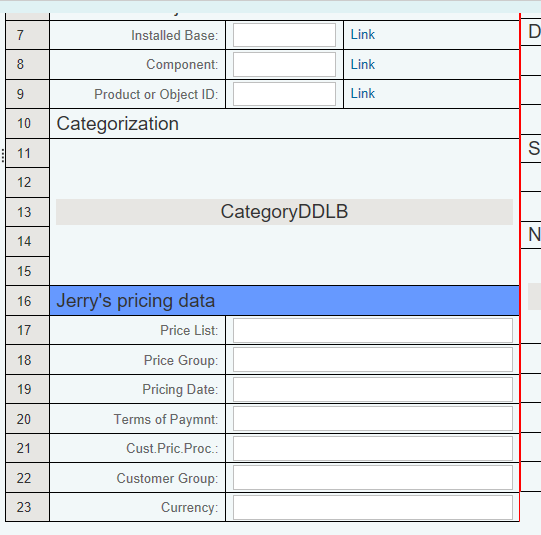
This is the preview in UI component workbench where the pricing fields are made visible now in Service Order detail page:
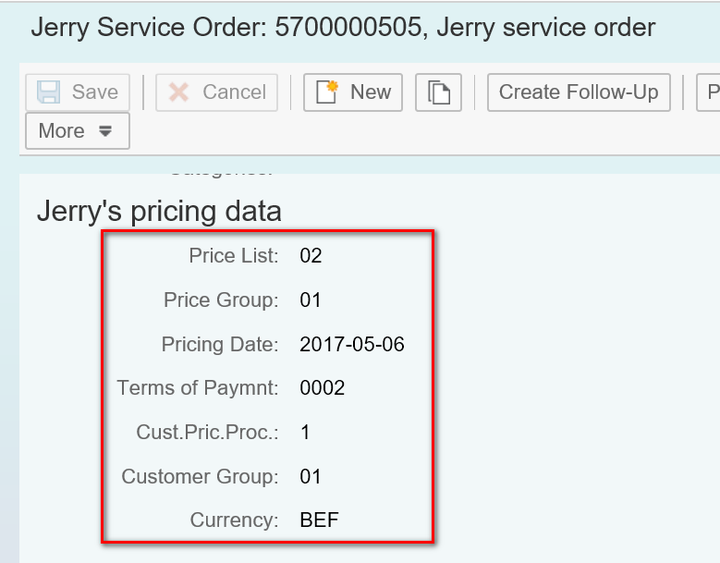
And this is the final rendered page in the runtime:
要获取更多Jerry的原创文章,请关注公众号"汪子熙":

来自 “ ITPUB博客 ” ,链接:https://blog.itpub.net/24475491/viewspace-2723715/ ,如需转载,请注明出处,否则将追究法律责任。

