(1) Install WAMPServer:

Change Apache server default port 80 to another port:
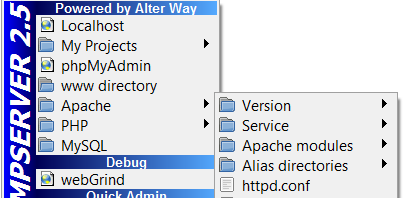
configuration: \bin\apache\apache2.4.9\conf\httpd.conf
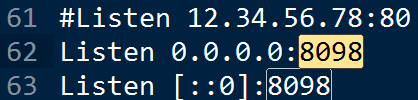
(2) In Eclipse, specify PHP Executable:
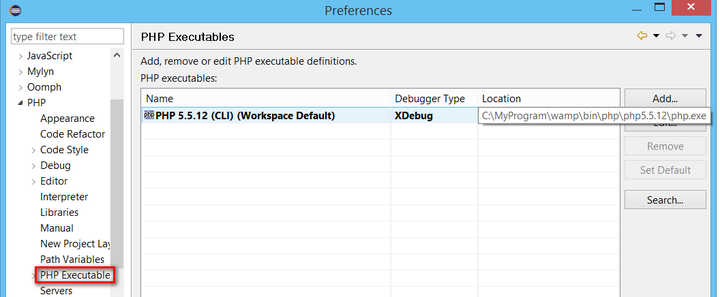
debug setting:
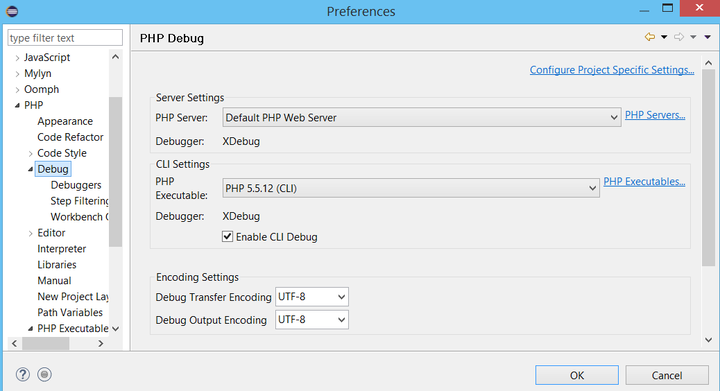
Create a new debug configuration:
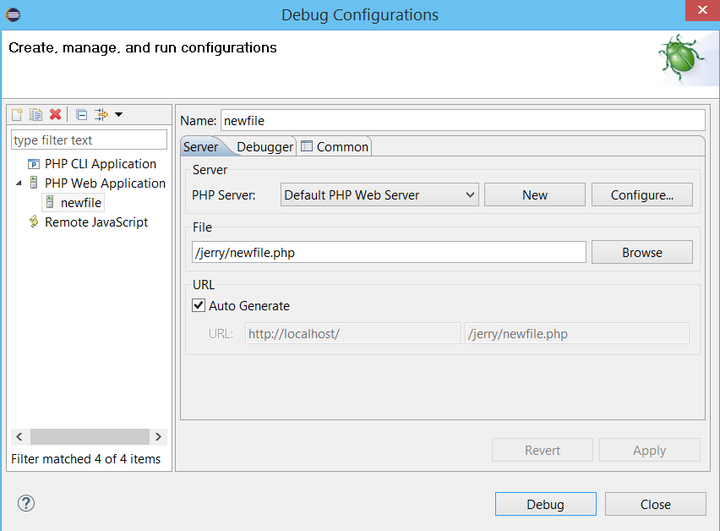
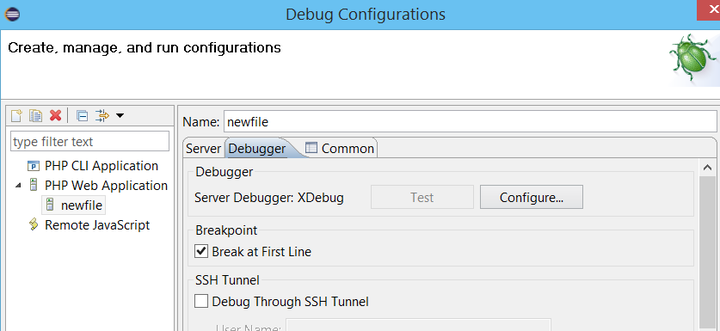
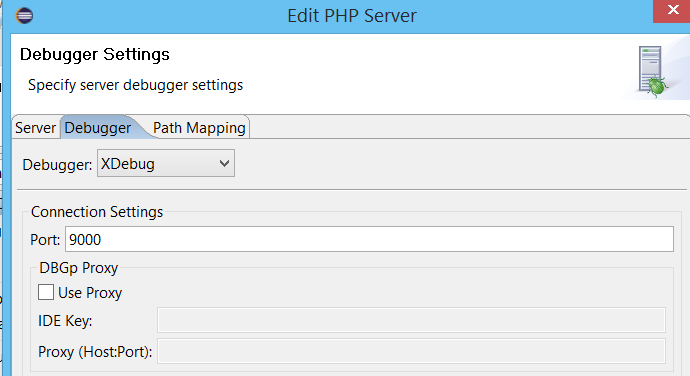
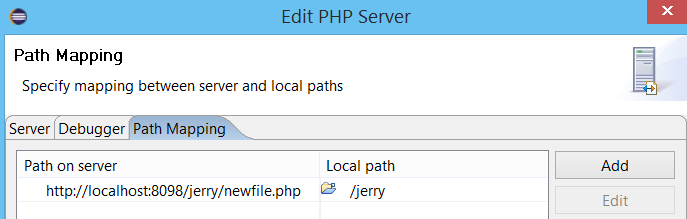
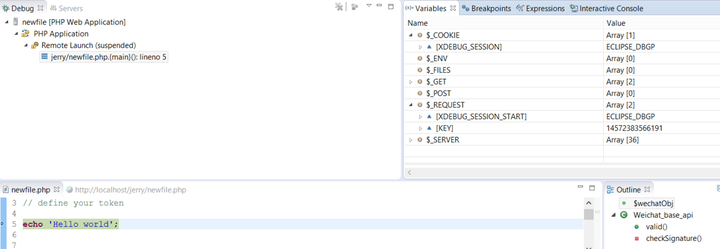
(3) Then launch the application via url: http://localhost:8098/jerry/newfile.php?XDEBUG_SESSION_START=ECLIPSE_DBGP&KEY=14572383566191 Then debugger is launched automatically:
要获取更多Jerry的原创文章,请关注公众号"汪子熙":

来自 “ ITPUB博客 ” ,链接:https://blog.itpub.net/24475491/viewspace-2719300/ ,如需转载,请注明出处,否则将追究法律责任。

请登录后发表评论
登录
全部评论
