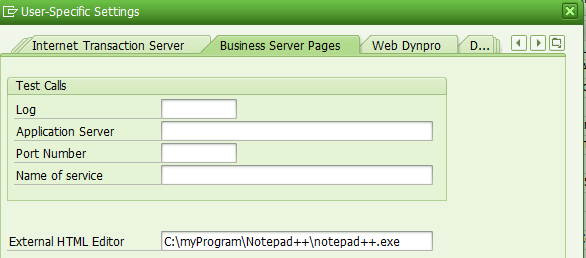
It is possible to use your favorite html editor ( for example, Notepad++ ) to edit the html source code of your UI component view or BSP application by simple configuration: Just specify the absolute path of your local html source code editor ( .exe file ) in SE80 settings below:
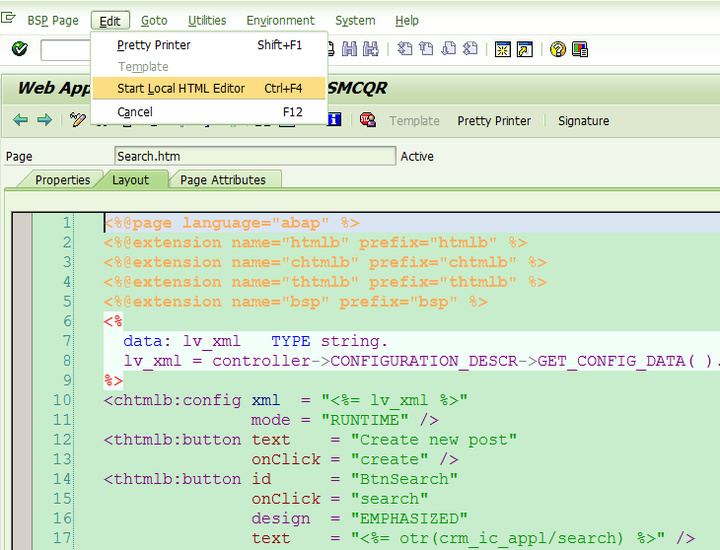
Then in BSP_WD_CMPWB or SE80, use menu Edit->Start Local HTML Editor:
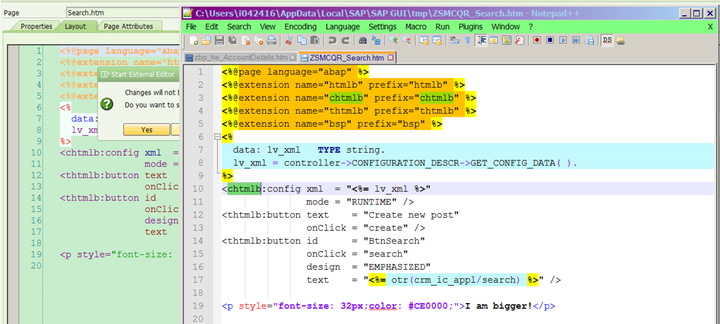
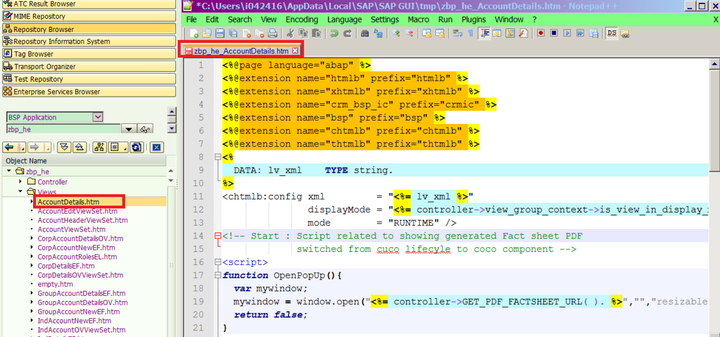
And then your local html editor is automatically opened with the given view source code loaded.
How is local html editor launched with source code
There is no magic behind the scene. (1) Once Edit-local menu is selected, first the path of local editor exe file is retrieved:
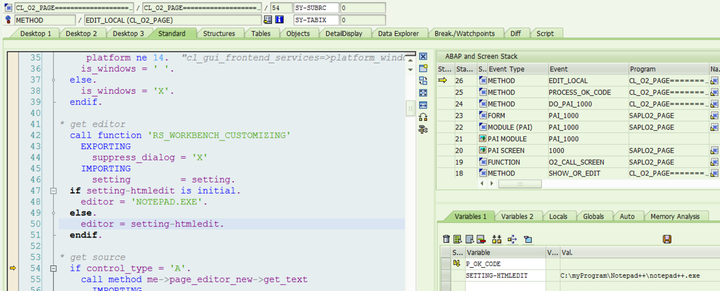
(2) The source code of current html view is fetched and stored in internal table source:
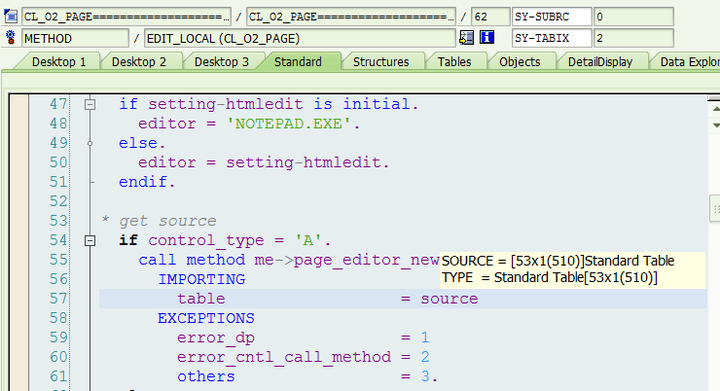
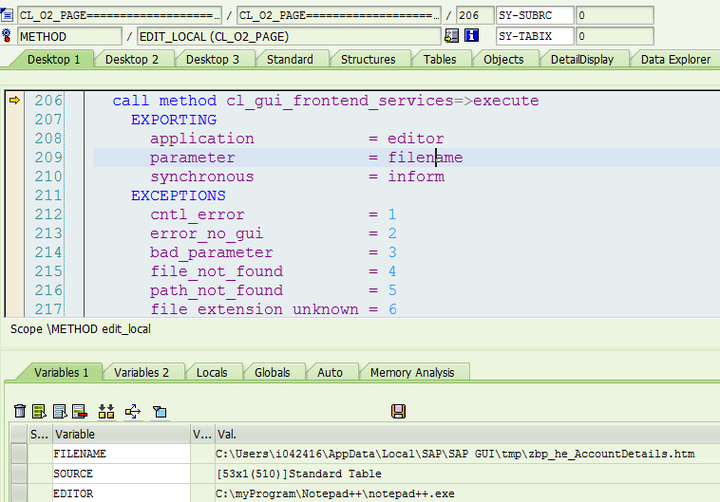
(3) The source code of html view is downloaded and stored in a temporary file in your local machine:

(4) local editor is launched to open that temporary file generated in step 3, and that’s all.
要获取更多Jerry的原创文章,请关注公众号"汪子熙":

来自 “ ITPUB博客 ” ,链接:https://blog.itpub.net/24475491/viewspace-2718732/ ,如需转载,请注明出处,否则将追究法律责任。

