In our JAVA development if there is no source code attached for a class like below,

We have no chance to view its source code.
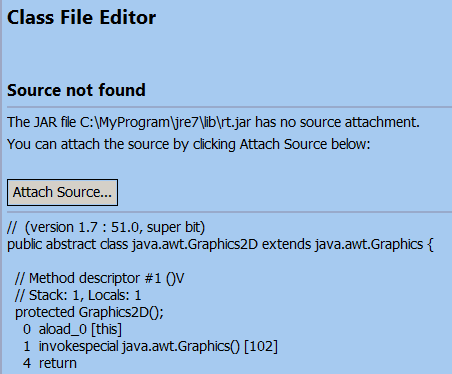
However you can use an open source tool, JAD, to decompile the class file so that you can view its source code.
There is also an available plugin for eclipse which you can download from this link.
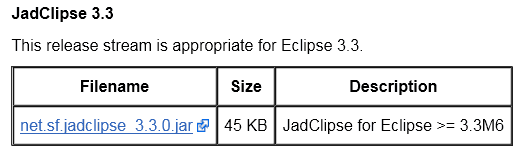
(1) Download the proper Jad Eclipse plugin according to the version of your Eclipse:
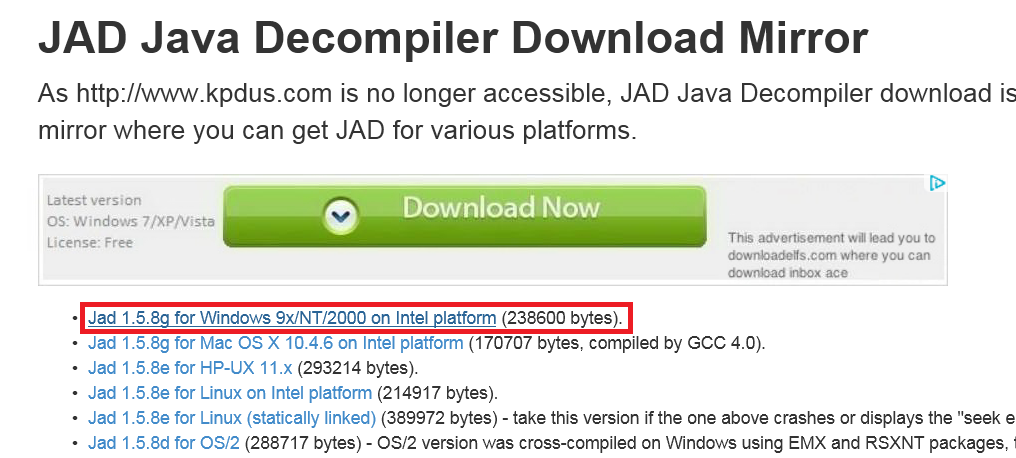
(2) Download the proper JAD.exe file according to your OS type:

(3) put the JAD plugin to your Eclipse plugin folder:

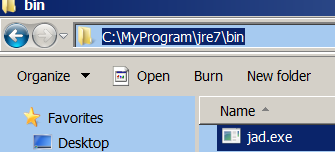
(4) Put the JAD.exe to the bin folder of your JRE installation:
(5) Restart your Eclipse, in menu Windows->Preference->Java, you can find there is a new option JadClipse, maintain the path of your JAD.exe to “Path to decompiler”:
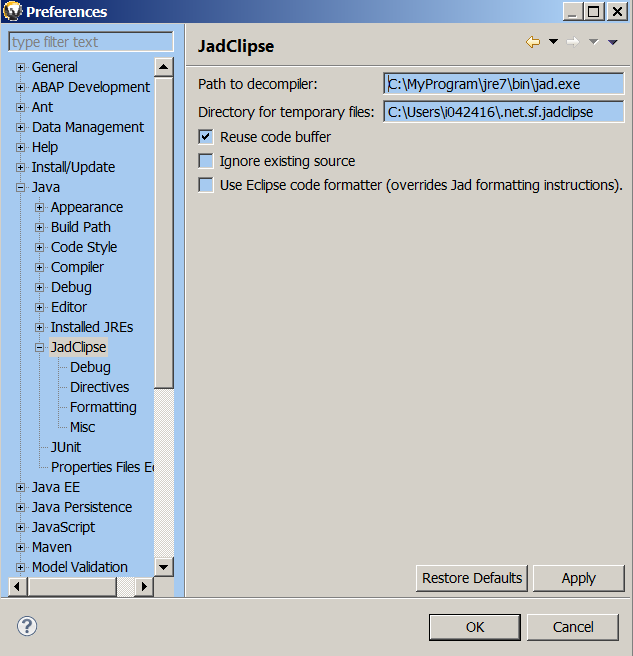
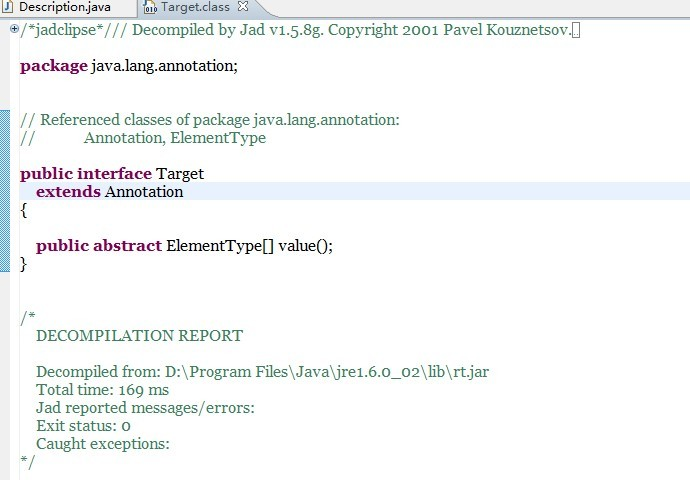
(6) Now click F3 on the class which you would like to view its source code, the JAD will decompile it for you:
要获取更多Jerry的原创文章,请关注公众号"汪子熙":

来自 “ ITPUB博客 ” ,链接:https://blog.itpub.net/24475491/viewspace-2717554/ ,如需转载,请注明出处,否则将追究法律责任。

