(1) start Jetty server under debug mode via mvn jetty:run

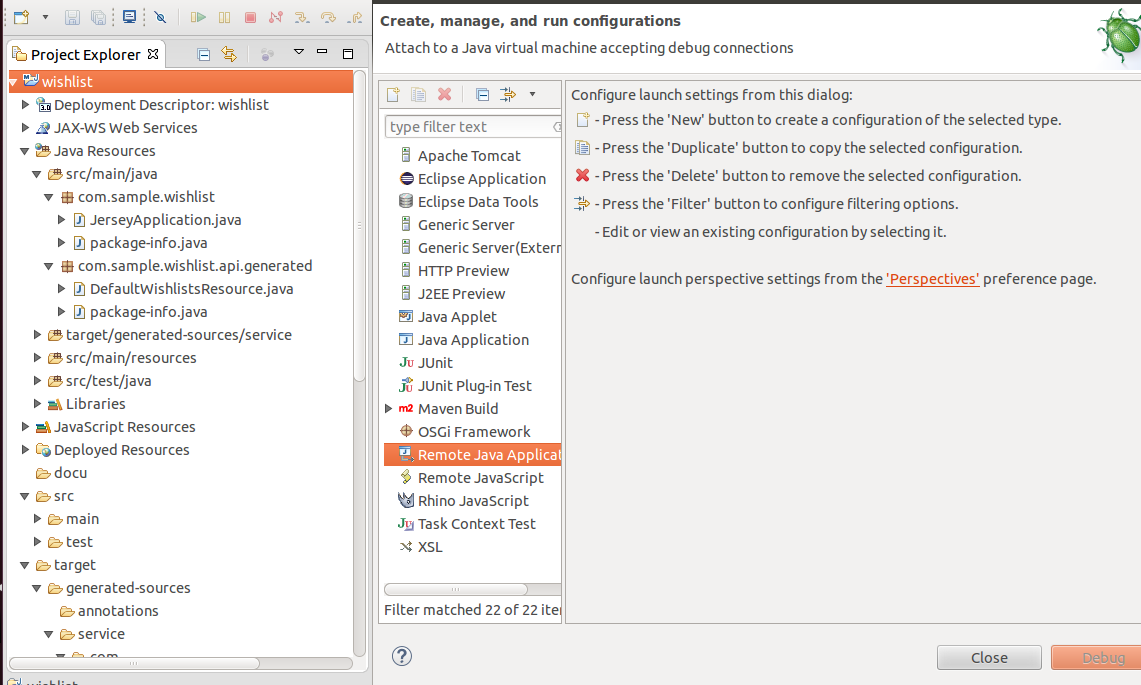
(2) In Eclipse, create a new Debug configuration->Remote Java Application
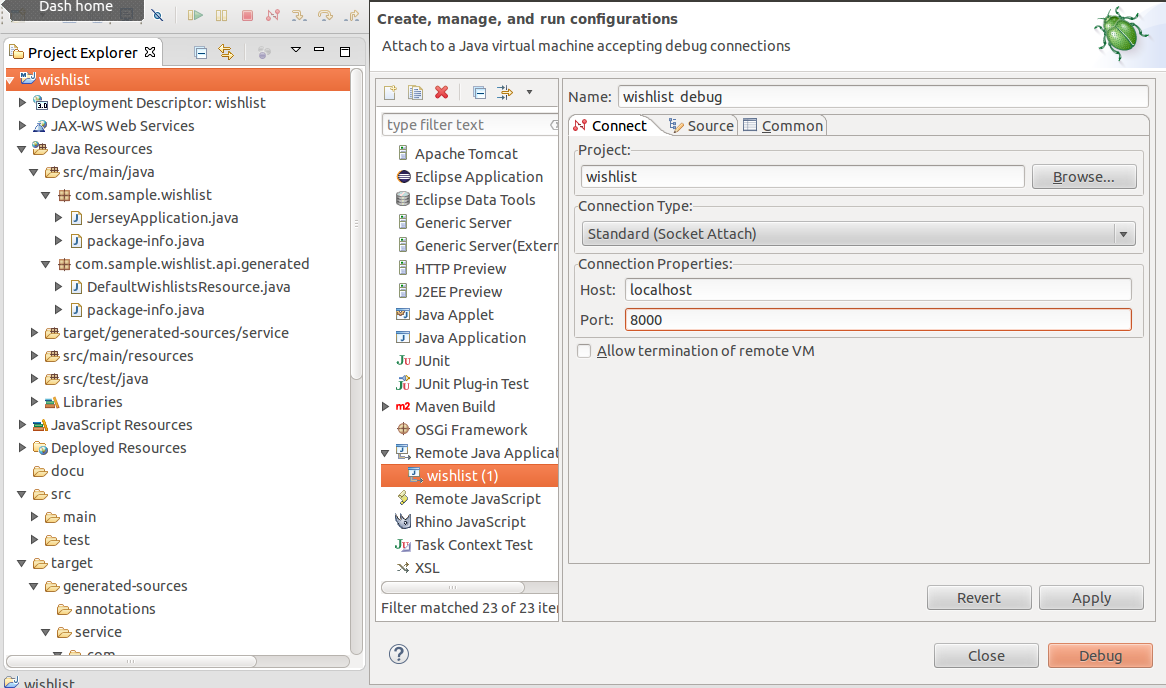
Specify Host as localhost and port 8000:
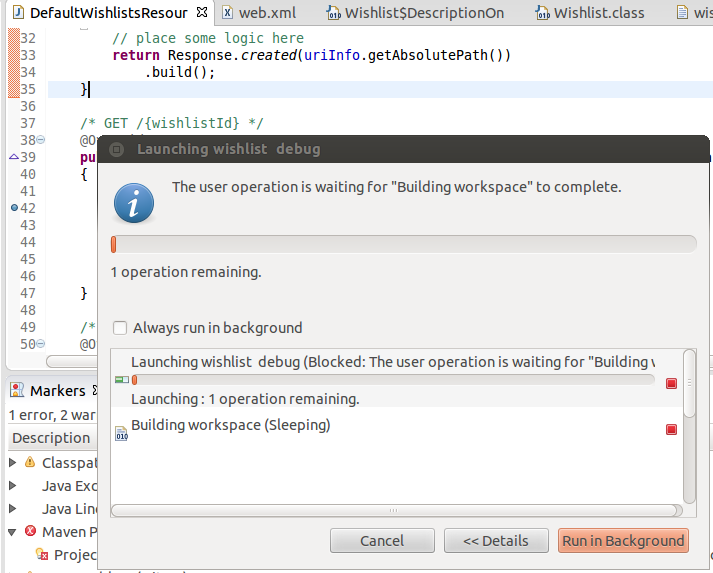
Click debug button:
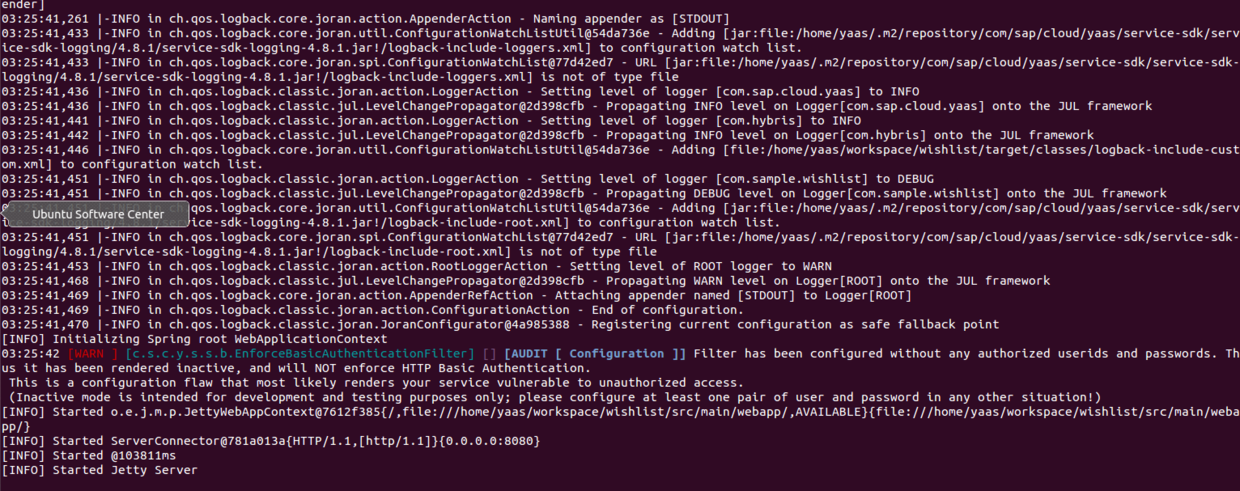
You should observe that the Jetty server listening to port 8000 has accepted this debug request and start application via localhost:8080 now:
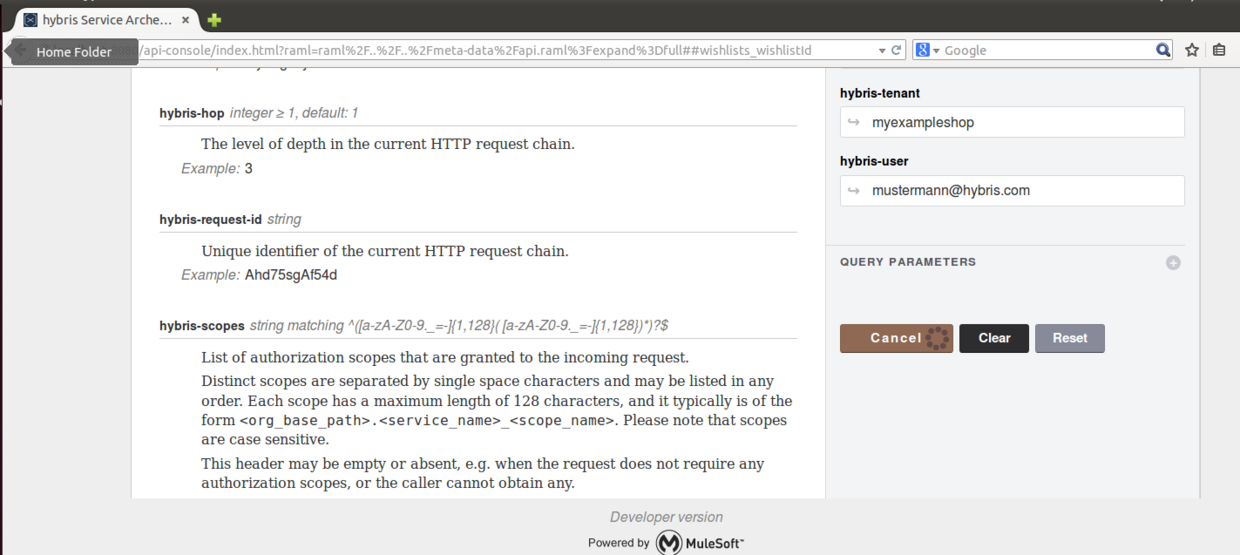
(3) go to localhost:8080, perform action to trigger the breakpoint:
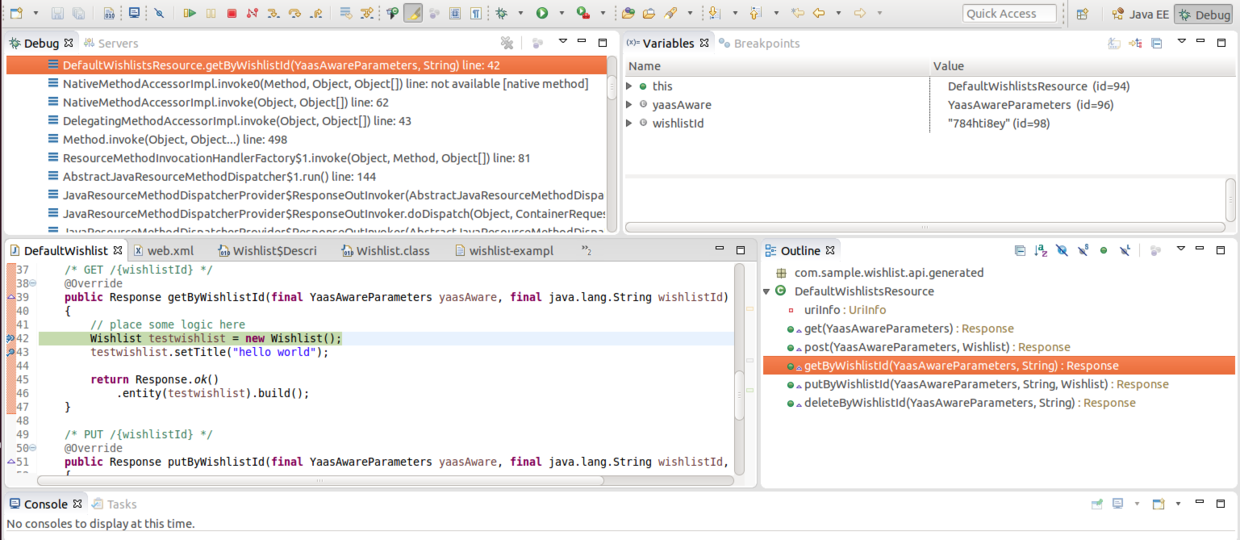
And now in Eclipse, breakpoint is triggered!
Note: if you meet with error message “bind error, address already in use”, please first use “netstat -lp” to find the process id which occupies the address and kill that process by kill -9 .


If still does not work, restart the virtual machine instance.
要获取更多Jerry的原创文章,请关注公众号"汪子熙":

来自 “ ITPUB博客 ” ,链接:https://blog.itpub.net/24475491/viewspace-2716711/ ,如需转载,请注明出处,否则将追究法律责任。

