(1) Switch on business function CRM_SEARCH_1, which controls the business switch CRM_BP_SFWS_BP_SEARCH_2 which will be evaluated in the related code.
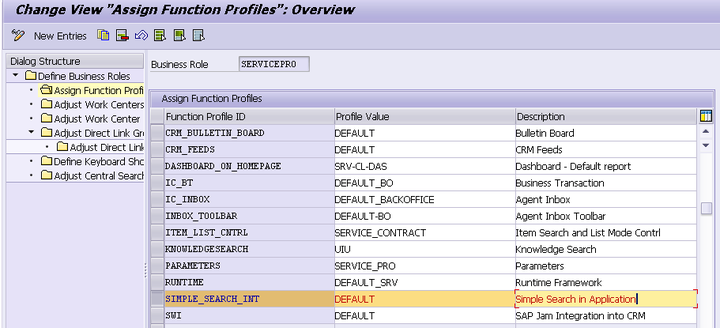
(2) Assign the function profile SIMPLE_SEARCH_INT with value DEFAULT to your business role:
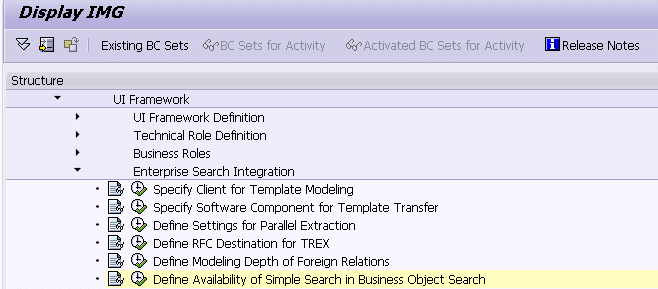
(3) enable your BSP component support via the customizing below:
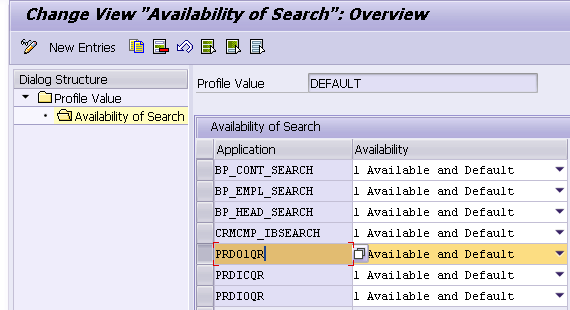
Add your Product application name here:
After that you could see the button to switch to the simple search for the product/Object:
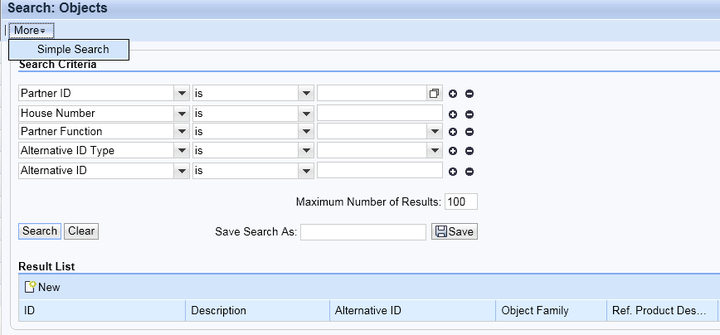
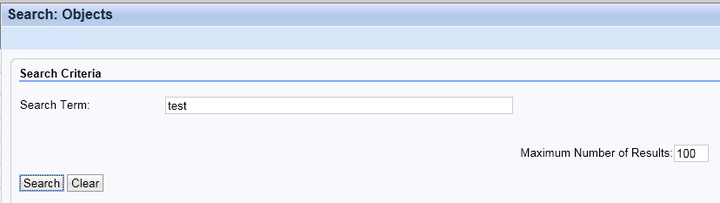
The below screenshot is for simple search:
来自 “ ITPUB博客 ” ,链接:https://blog.itpub.net/24475491/viewspace-2713225/ ,如需转载,请注明出处,否则将追究法律责任。

请登录后发表评论
登录
全部评论
