Created by Jerry Wang on Oct 03, 2016
By default this search parameter is not visible in search view.
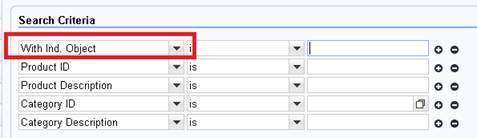
You have to configure it as visible explicitly in UI component workbench, configuration tab:
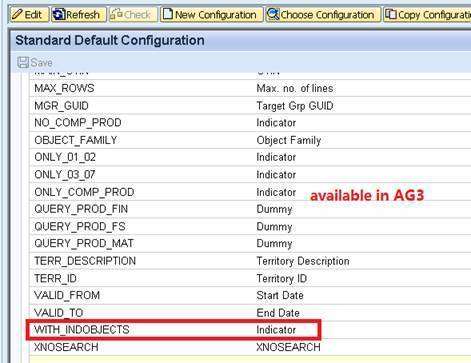
However, you can probably find that in some other systems, the fields listed in "Available Search Criteria" are far fewer than some other systems:
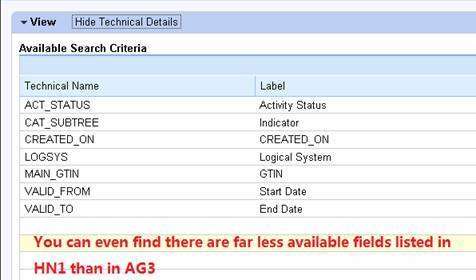
The reason is before all fields in search structure CRMT_PRIL_QUERY_ADVSEARCH_PROD is rendered in configuration, they will be filtered via design layer settings:
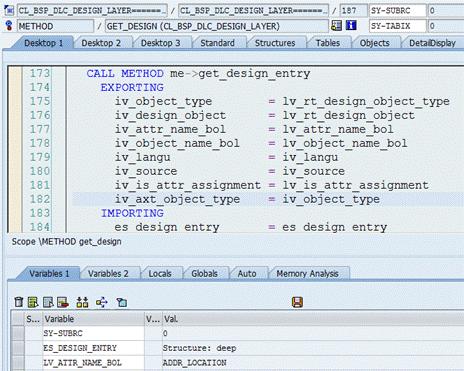
Those fields which are marked as hidden or do not have an entry maintained will be filtered out.
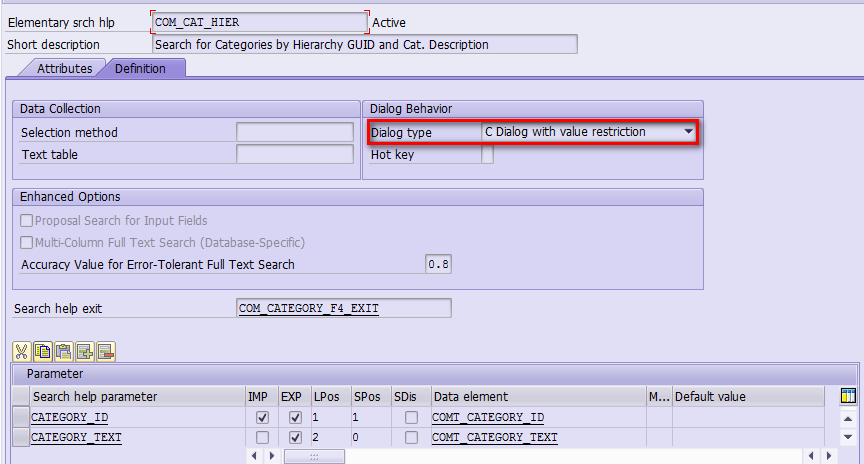
Finally there is a global switch which can revert this behavior. If no hidden is switched on, all hidden fields will also be rendered – this is current behavior in AG3.
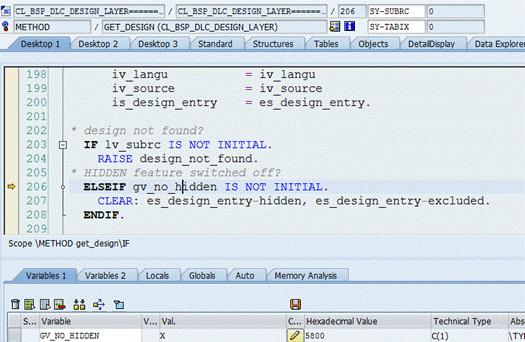
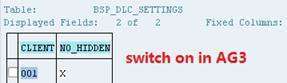
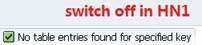
After I switch on in HN1/504 this parameter can be configured in UI now.
要获取更多Jerry的原创文章,请关注公众号"汪子熙":

来自 “ ITPUB博客 ” ,链接:https://blog.itpub.net/24475491/viewspace-2704041/ ,如需转载,请注明出处,否则将追究法律责任。

