既然是安卓开发,首先我们要下载Android Studio.

接着是从SAP官网下载SAP Cloud Platform的Android开发SDK:
https:// developers.sap.com/tria ls-downloads.html
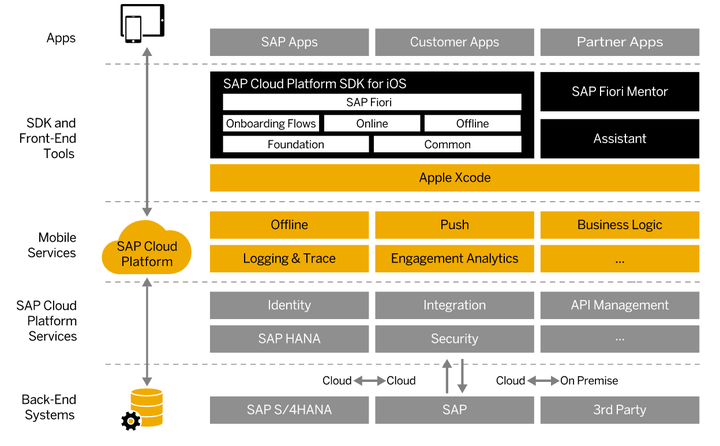
https:// developers.sap.com/topi cs/cloud-platform-sdk-for-android.html

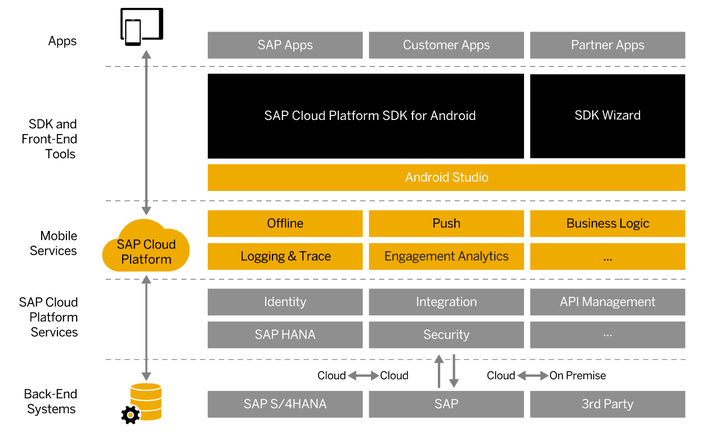
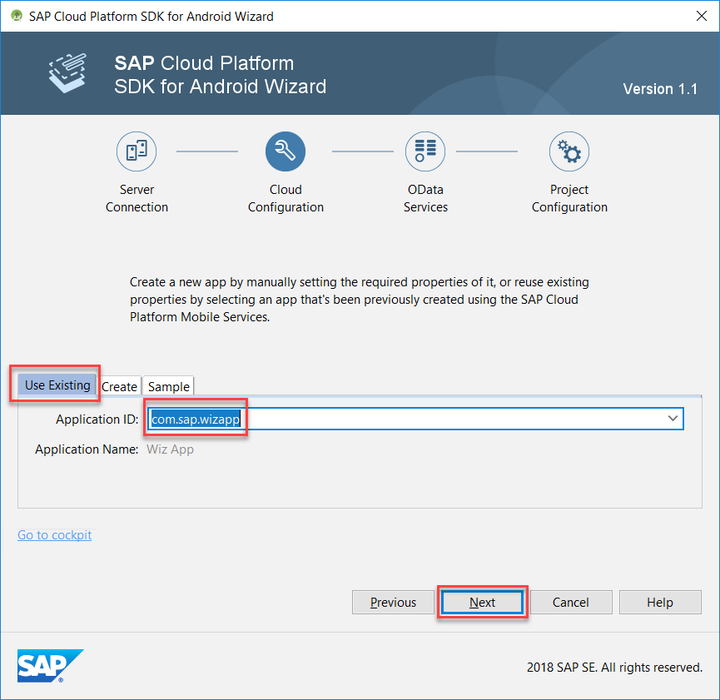
Android SDK安装完毕后,使用项目创建向导新建一个项目:

使用SAP Cloud Platform mobile service上已经创建好的应用:com.sap.wizapp:
这个com.sap.wizapp的配置在SAP Cloud Platform的mobile services页面里打开如下:
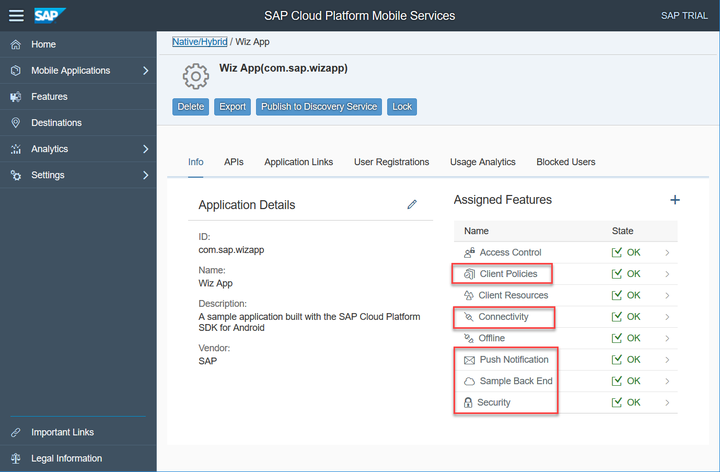
com.sap.edm.sampleservice.v2这个Destination提供了测试数据,包含product categories, product, supplier, customer和sales order等等。
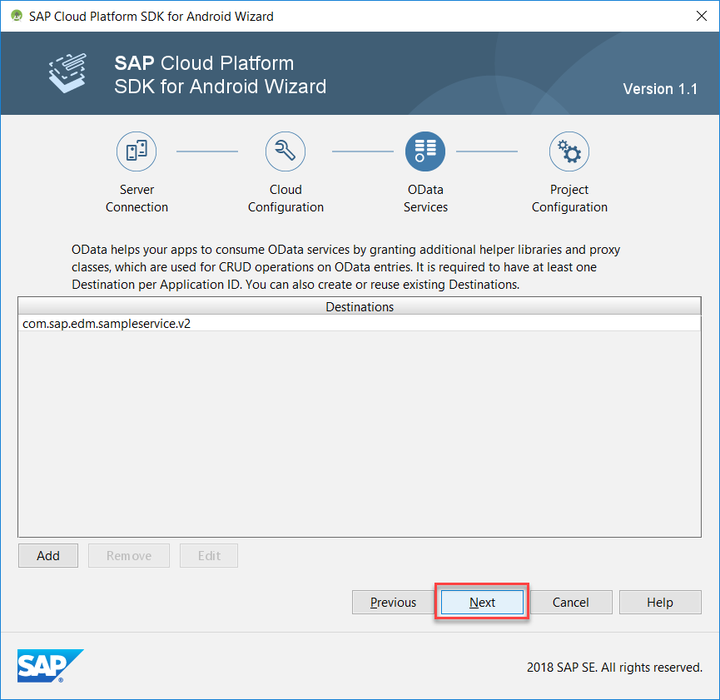
完成项目创建向导。
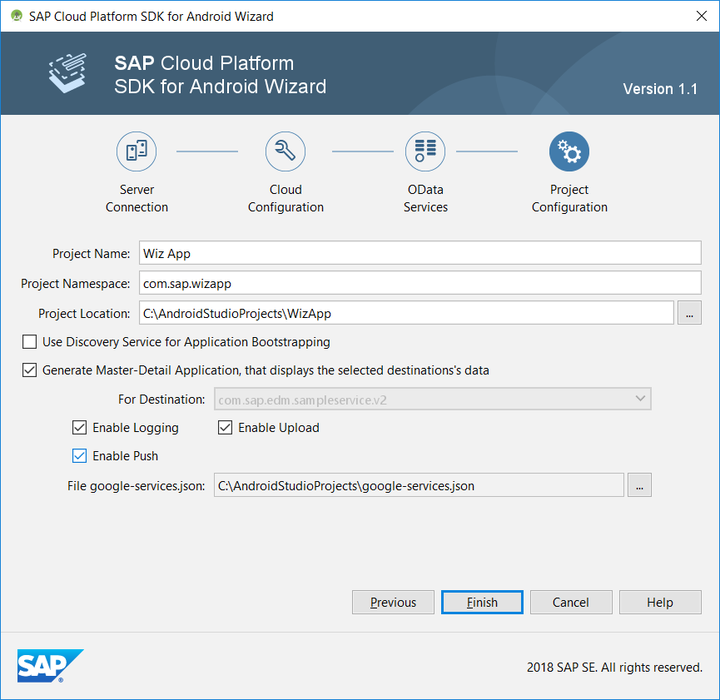
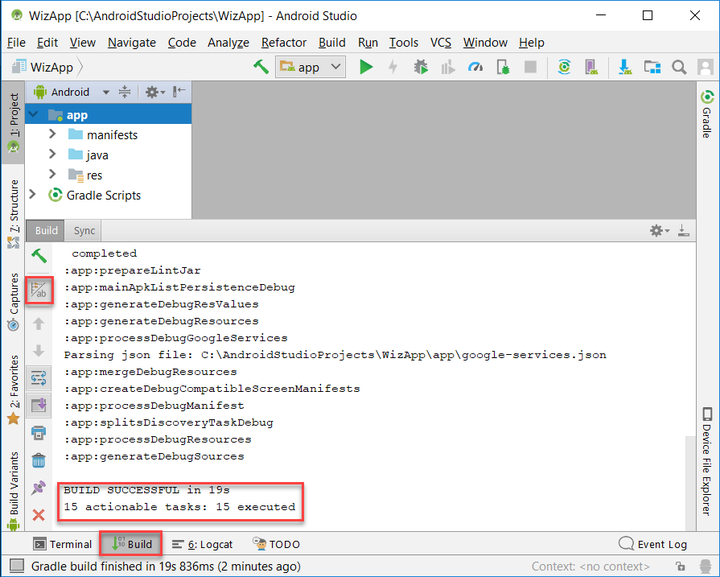
SAP Cloud Platform Android SDK会自动给我们创建一个模板应用:
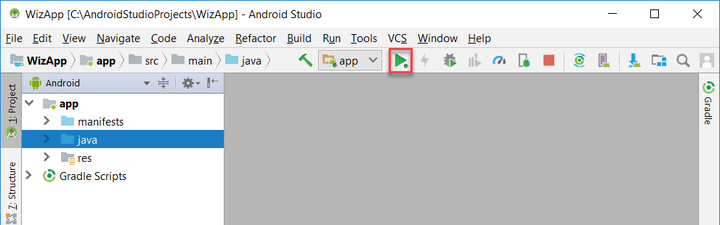
点击Run按钮启动应用:
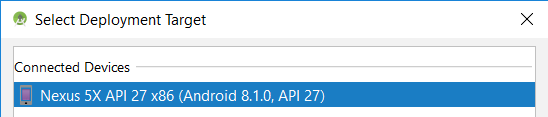
选择在模拟器上运行:
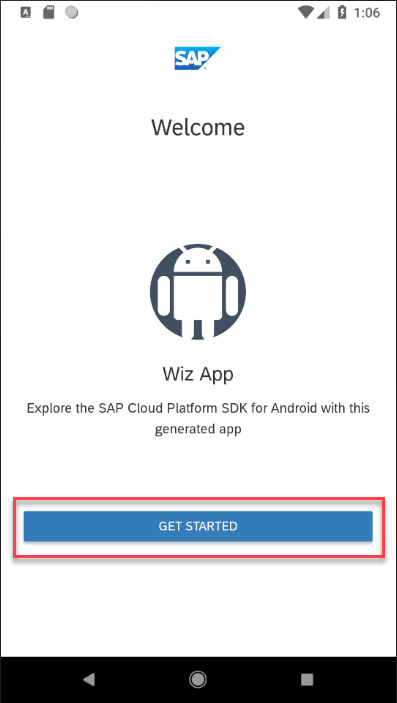
点击Get Started,进入用户登录页面:
输入SAP Cloud Platform的用户名和密码:

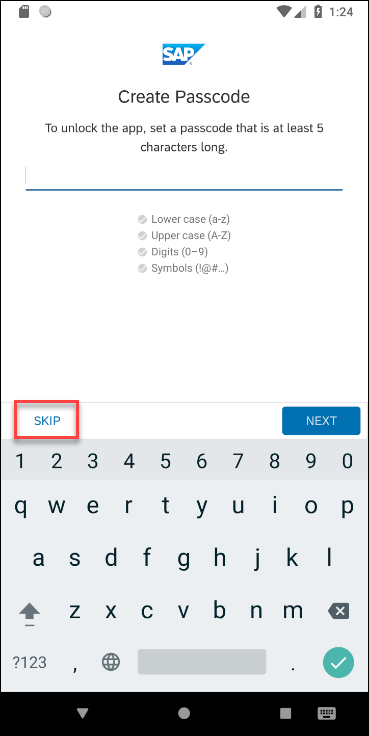
创建本地Passcode:
之后看到destination指向的OData服务的entity:

选择Products,能看到产品列表:

选中某个产品,进入其明细页面。

来自 “ ITPUB博客 ” ,链接:https://blog.itpub.net/24475491/viewspace-2681035/ ,如需转载,请注明出处,否则将追究法律责任。

