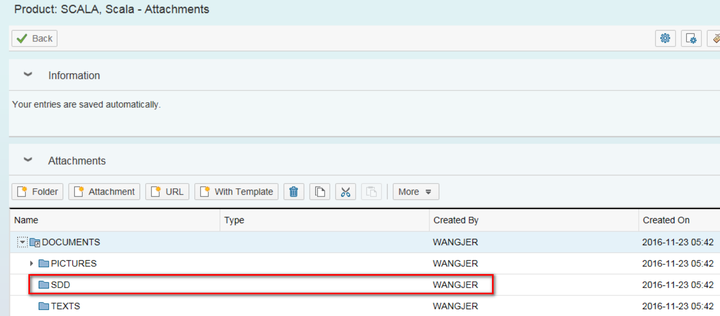
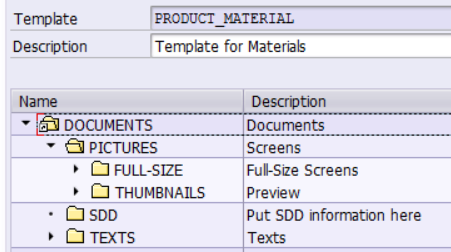
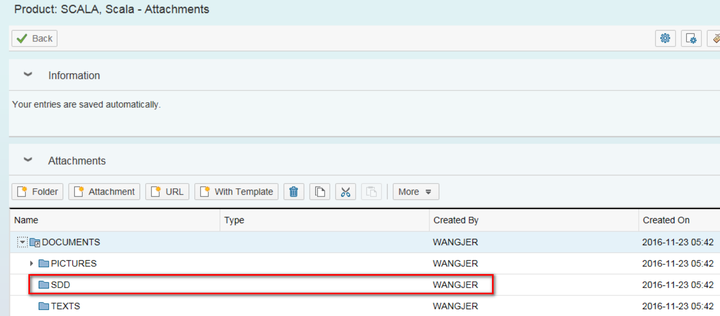
Customer would like to have the following folder structures available automatically for product with type 01. For each folder, various attachment could be put in.
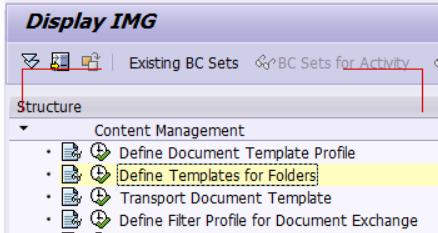
First define a template for folders in customizing below:
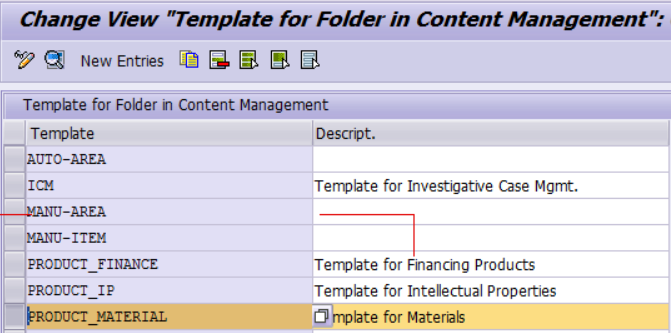
In this example, template name: PRODUCT_TEMPLATE
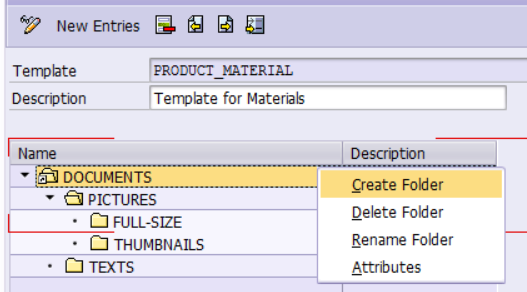
Double click template, create a new folder:
Save the template.
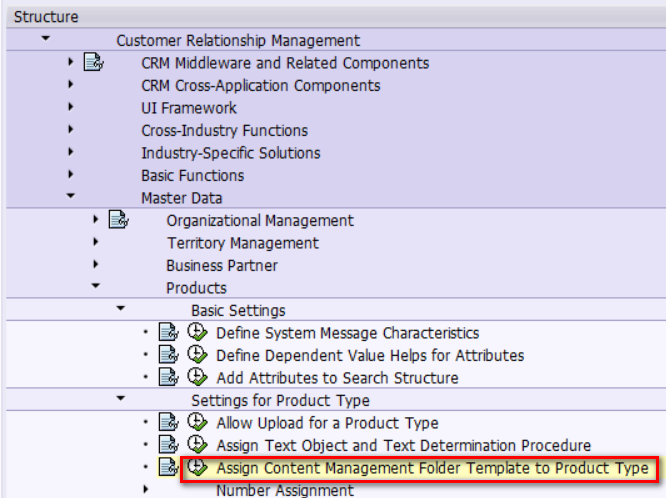
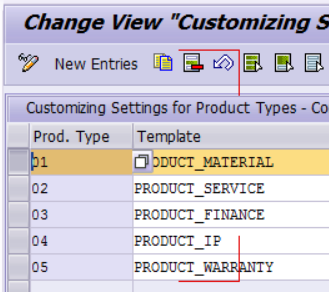
Assign this template to product type 01:
Finally, this template will take effect in product Attachment assignment block
来自 “ ITPUB博客 ” ,链接:https://blog.itpub.net/24475491/viewspace-2680359/ ,如需转载,请注明出处,否则将追究法律责任。

请登录后发表评论
登录
全部评论
