CRM
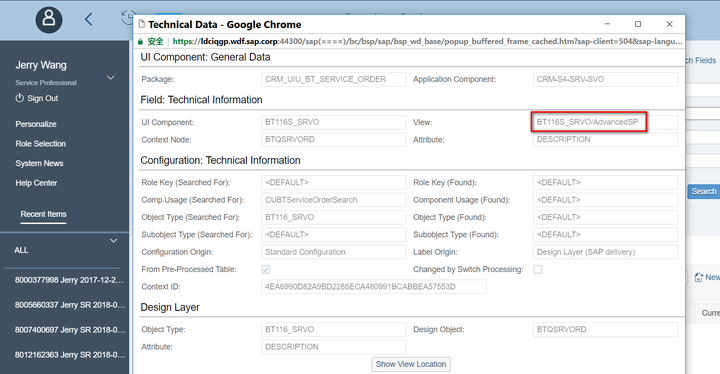
按F2就能看到页面的technical data, 就能找到当前页面是哪一个BSP component实现的:
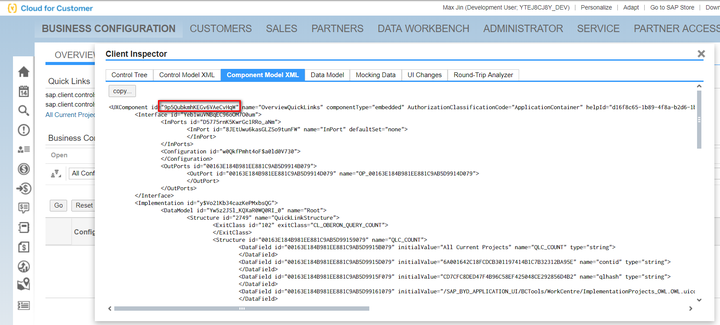
C4C
也能看见technical data
Hybris
比如这个product detail page,我想知道是哪个JSP文件实现的?
问了成都Hybris开发同事,答案是没有,得自己找。 囧
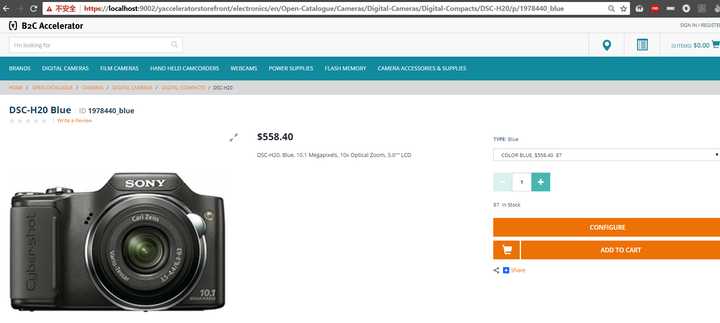
找到product detail page:
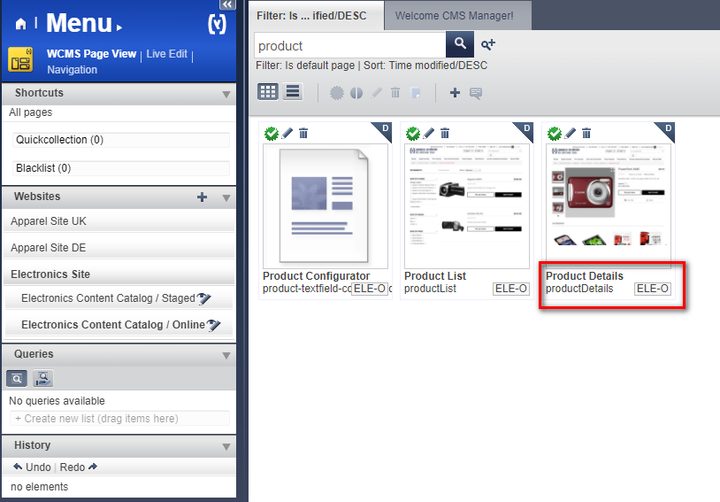
双击进去:
找到这个product detail page的明细:
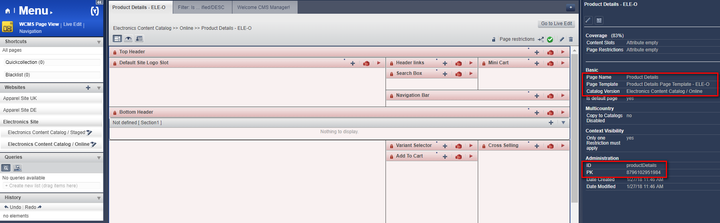
用类似ABAP的思路:SE16查表:
select * from {PageTemplate} where {name} = 'Product Details Page Template'

查出来6条记录,根据last modify判断出是最后一条:
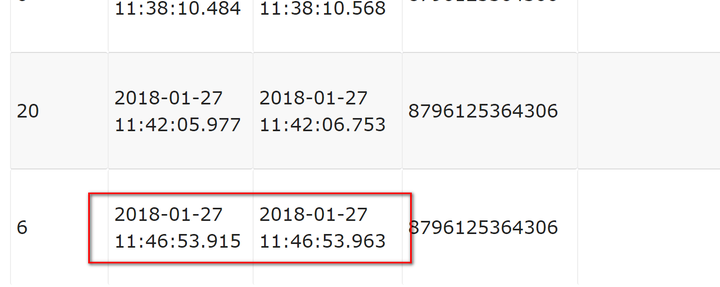
路径如下:
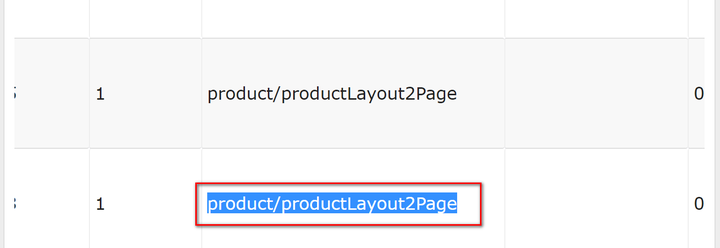
完整路径如下:C:\Hybris\6.5.0.0.23546\hybris\bin\ext-template\yacceleratorstorefront\web\webroot\WEB-INF\views\responsive\pages\product
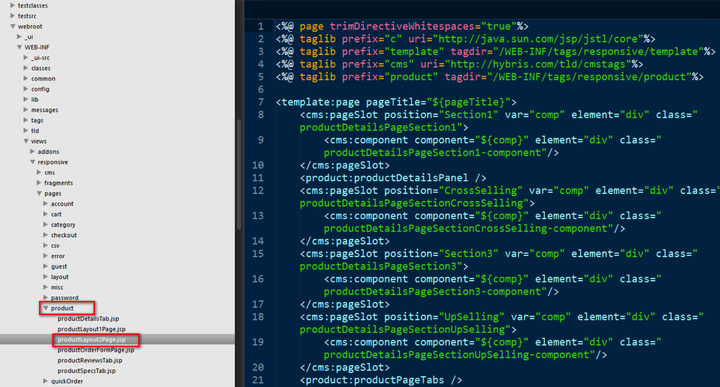
另一种方法是打开这个文件:

里面一样有jsp文件的名称。
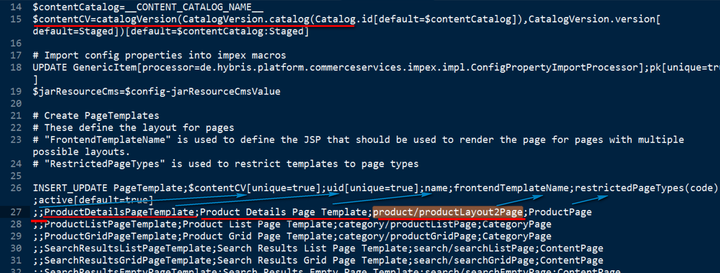
两种方式都非常不直观,没有WebUI的F2方便。
来自 “ ITPUB博客 ” ,链接:https://blog.itpub.net/24475491/viewspace-2679097/ ,如需转载,请注明出处,否则将追究法律责任。

请登录后发表评论
登录
全部评论
