# Sent: Monday, June 7, 2010 4:40 PM
Subject: How to add button like "Print proforma invoice" in OWL
I have gain KT from Darren about how to add button in OWL , the effort to achieve such requirement is about 30 minutes.
Step1: Copy the standard owl page into a local folder:
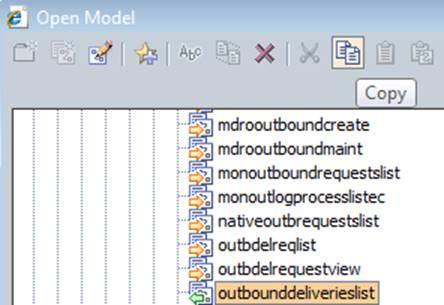
-- Copy
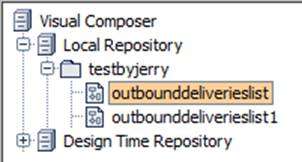
-- Paste
Step2: Add new button in VC composer
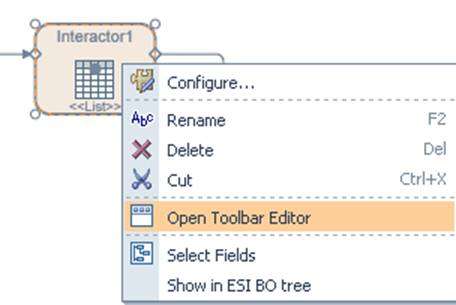
It means if Outbound delivery’s status is not “3” ( released ), the new button will be disabled.

Assign template group code to button here
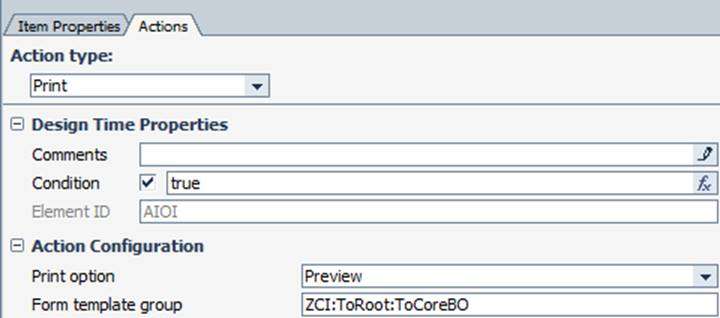
After button is created, click “Generate” to generate a new entry in PCD
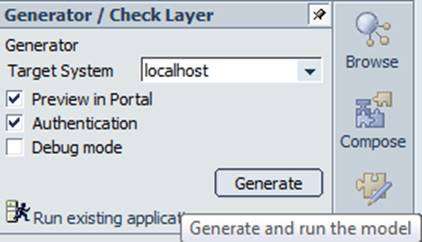
Step3: configure the new page to be visible in portal.
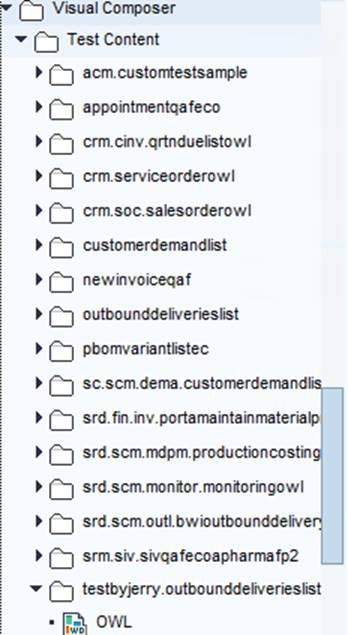
If step2 is finished successfully, you will find your new page is visible under folder Visual Composer->Test Composer.
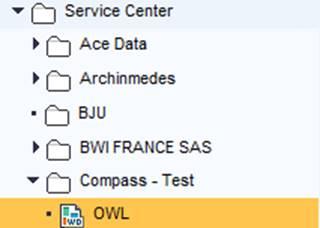
Create a new folder under folder “Content provided by SAP->Service Center”,
For example here I copy it to “Compass – Test”.
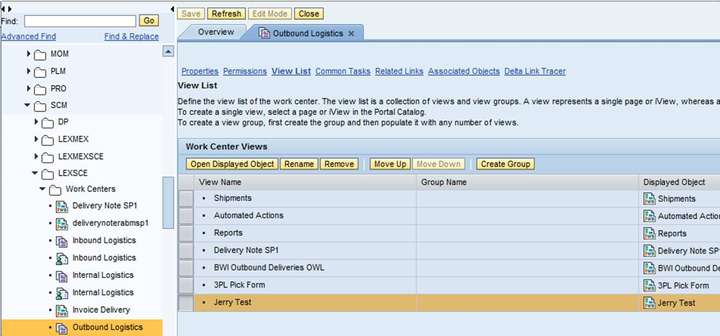
Open standard work center under folder “Managed Content”, add your own page into standard OWL’s view list and association objects as below. Repeat the same steps for standard role again.
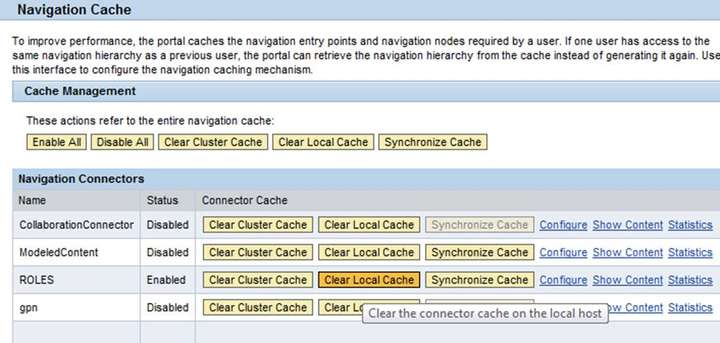
Step4: go to work center “system admin” to clear the role cache, or else you may not see the latest change in the portal.
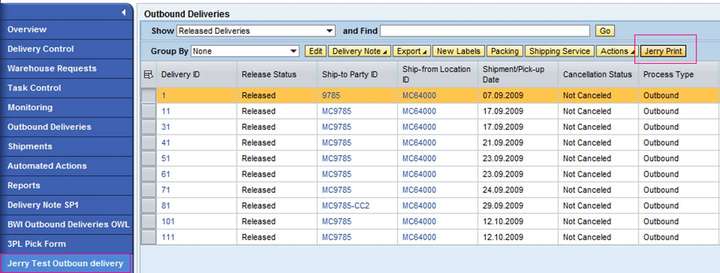
Step5: log on portal, you will see your new button there.
来自 “ ITPUB博客 ” ,链接:https://blog.itpub.net/24475491/viewspace-2677870/ ,如需转载,请注明出处,否则将追究法律责任。

