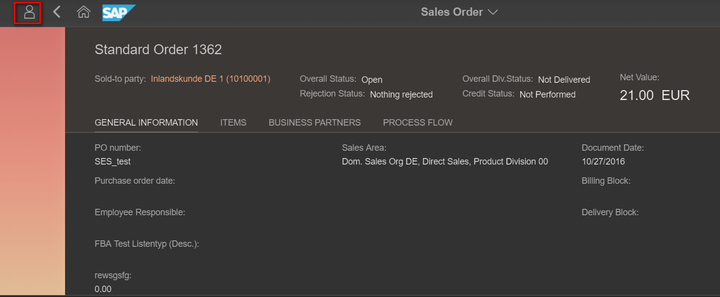
(1) Go to the Fiori UI where you would like to enhance, and enter adaptation mode by clicking this icon:
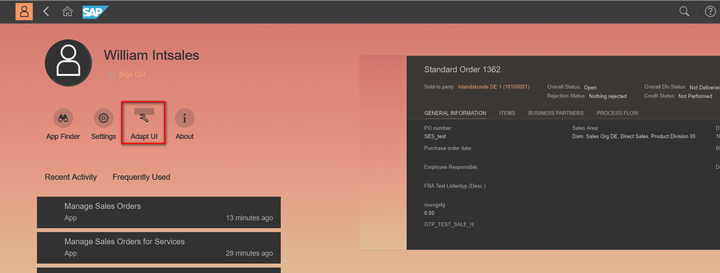
(2) Click "Adapt UI":
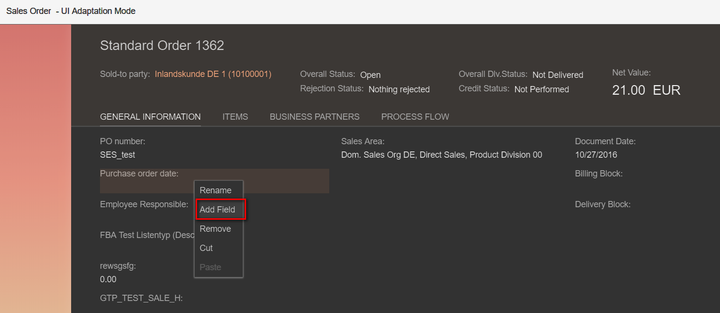
(3) Choose "Add Field" in context menu:
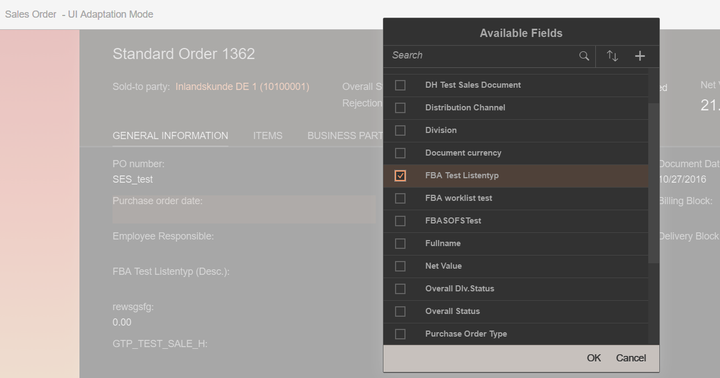
(4) Choose the extension field you want to add in "Available field list":
Exit the adaptation mode, and the new field will be there.
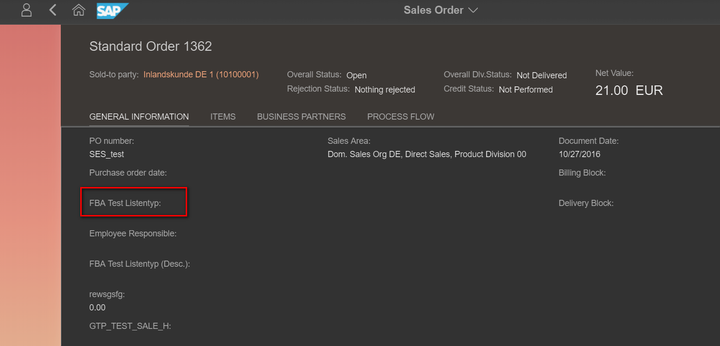
use GRE/210 as gateway system, and XT9/715 as backend system.
来自 “ ITPUB博客 ” ,链接:https://blog.itpub.net/24475491/viewspace-2674326/ ,如需转载,请注明出处,否则将追究法律责任。

请登录后发表评论
登录
全部评论
