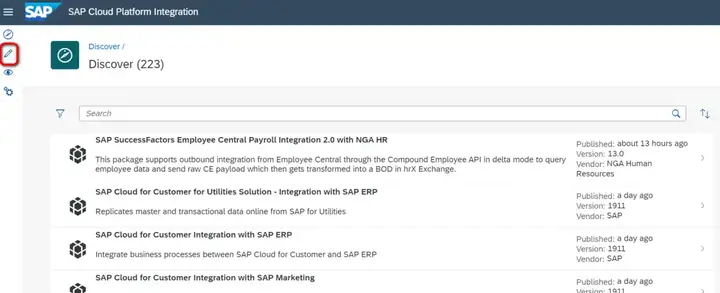
登录SAP Cloud Platform integration tenant,点击Edit图标:
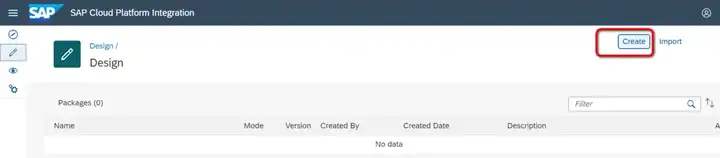
创建一个新的Content package:
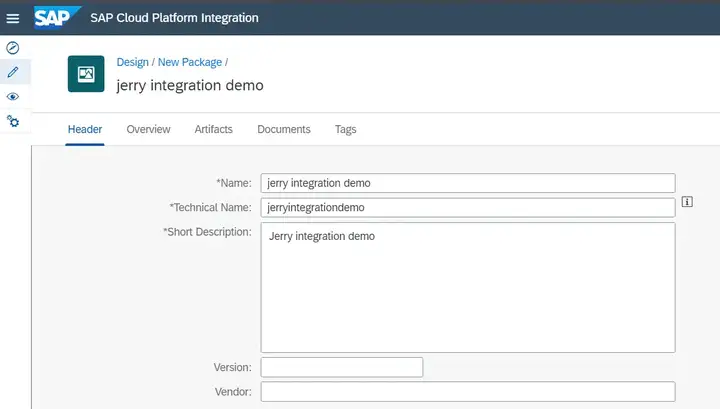
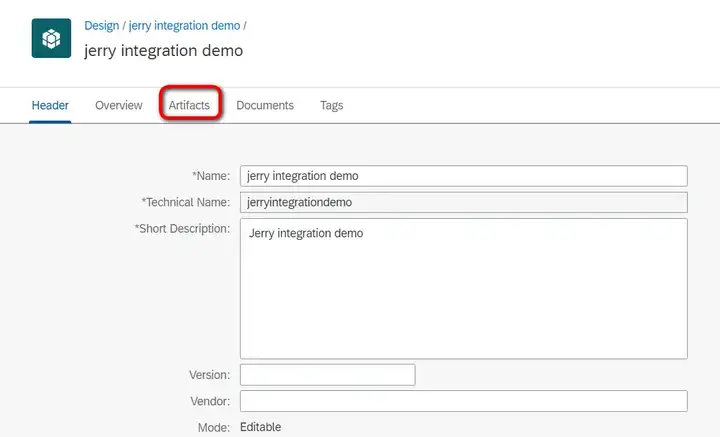
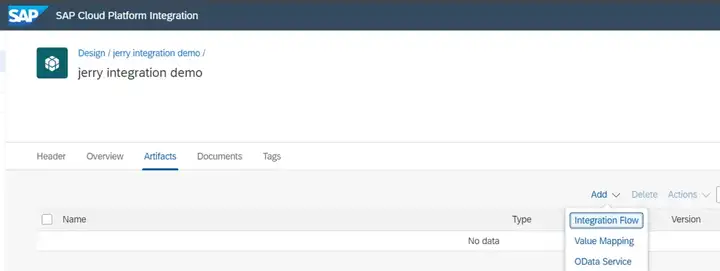
保存content package后,点击artifacts标签页,此处创建integration flow:
点击Add,选择integration flow:
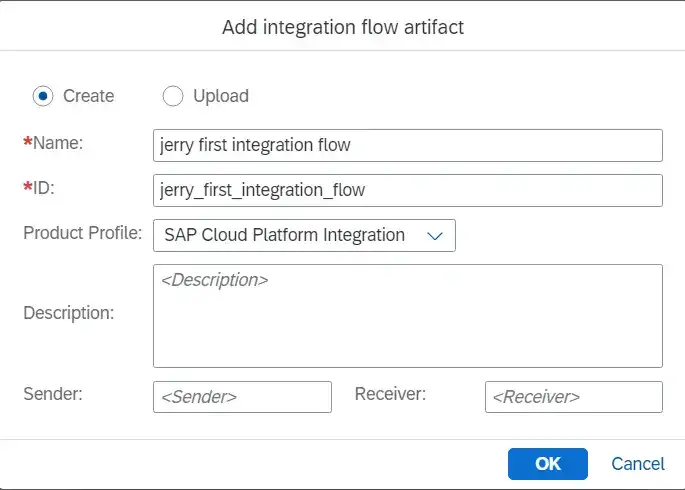
保存:
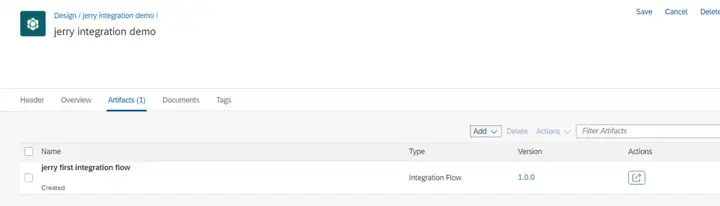
然后就可以进行iFlow的编辑了:
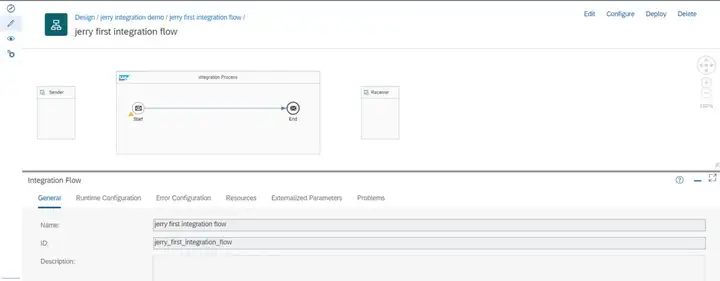
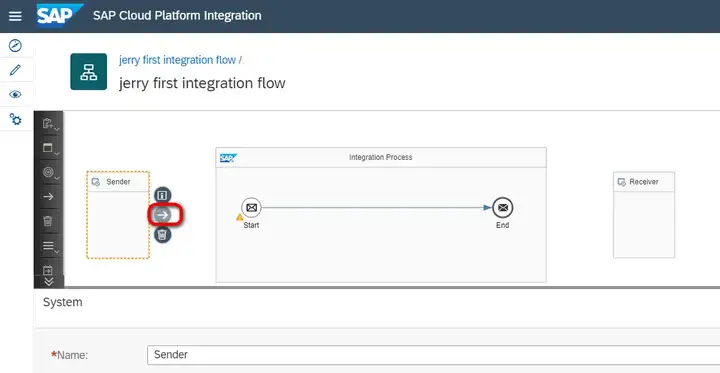
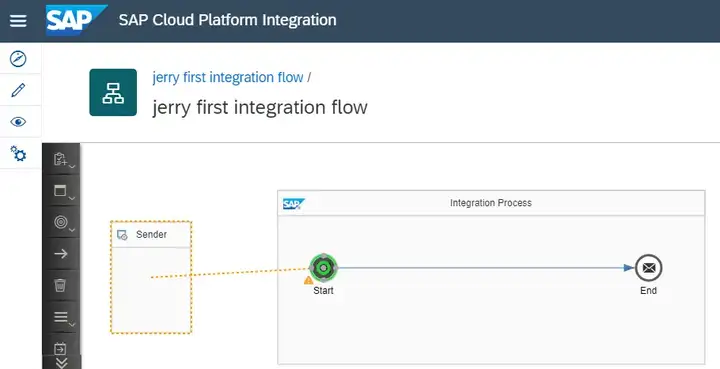
创建sender channel:把integration flow切换成编辑模式,点击这个箭头,把它拖到Start图片位置:
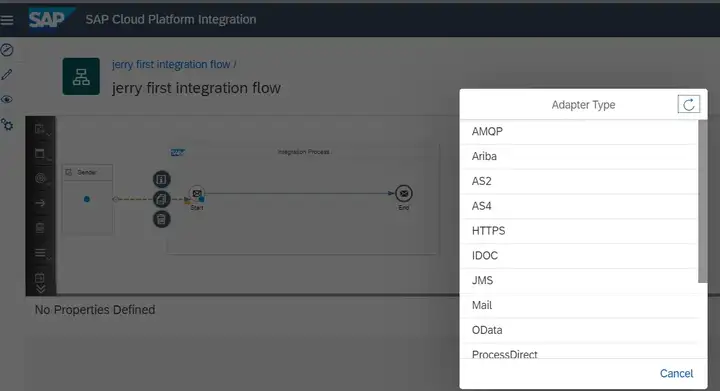
Adapter类型选择HTTPS:
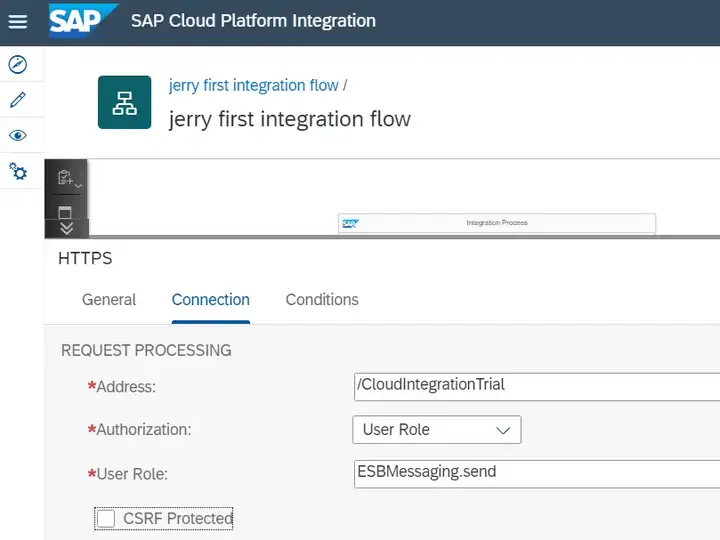
维护Address:
选择message converter:
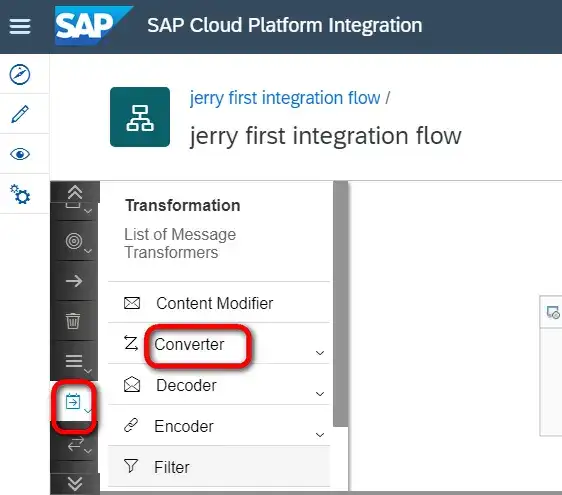
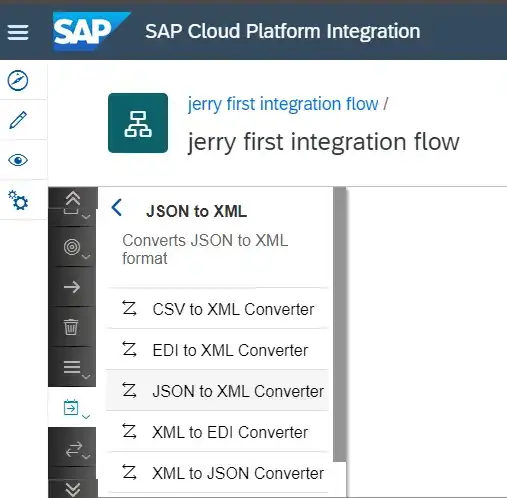
json to xml converter:
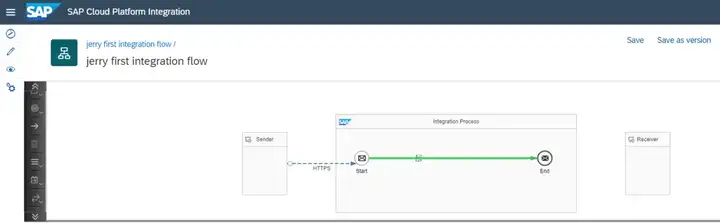
选中后放到integration process方框内,看到一条绿色的线:
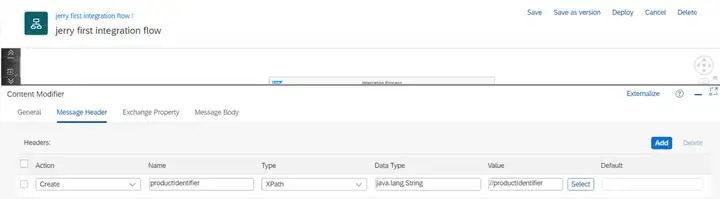
再选择Content Modifier:
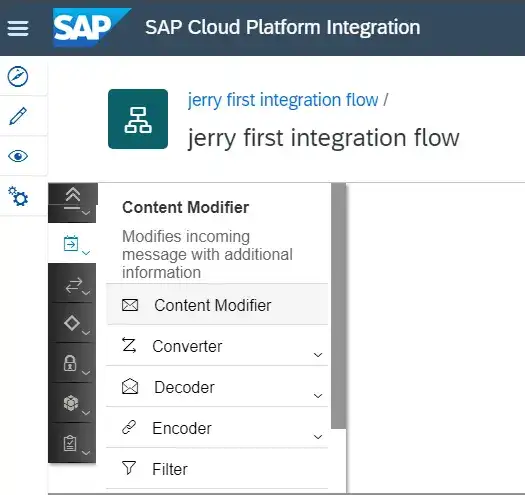
拖到integration process里:
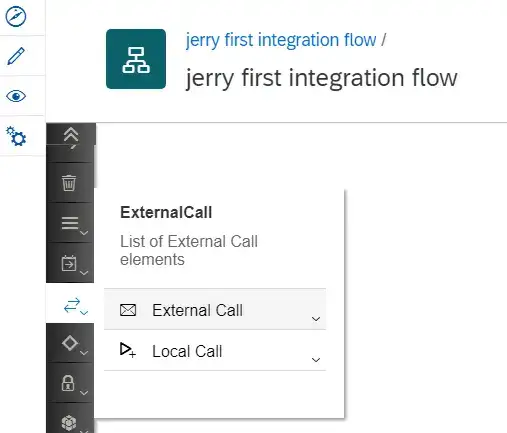
选择call->external call:
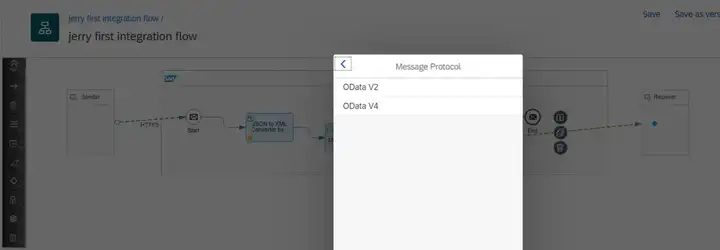
将External Call的request reply同Receiver建立连接,adapter类型选择OData V2:
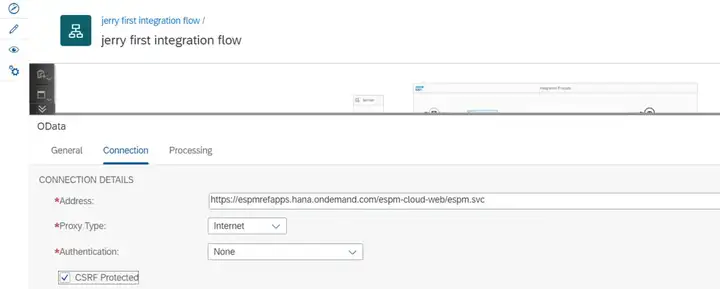
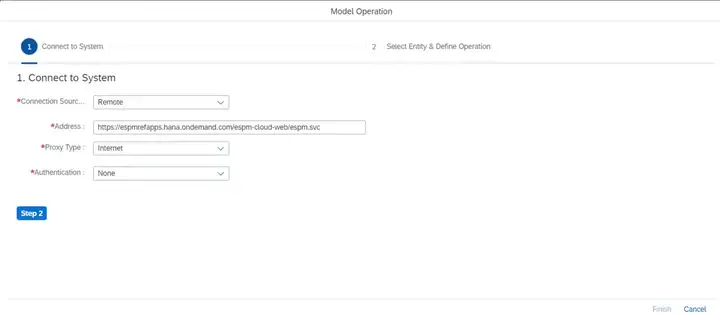
选择这个OData V2 adapter,在connection标签页的Address字段里,维护这个地址:
https://espmrefapps.hana.ondemand.com/espm-cloud-web/espm.svc
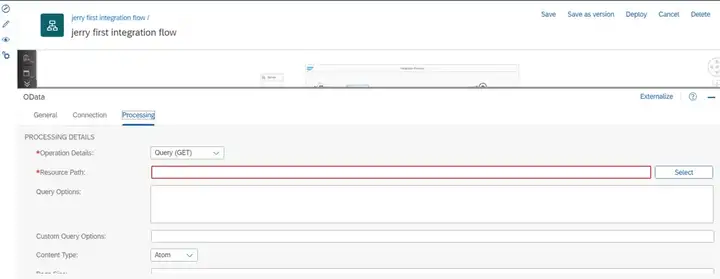
点击processing标签页,再点Select按钮:
选择Step2:
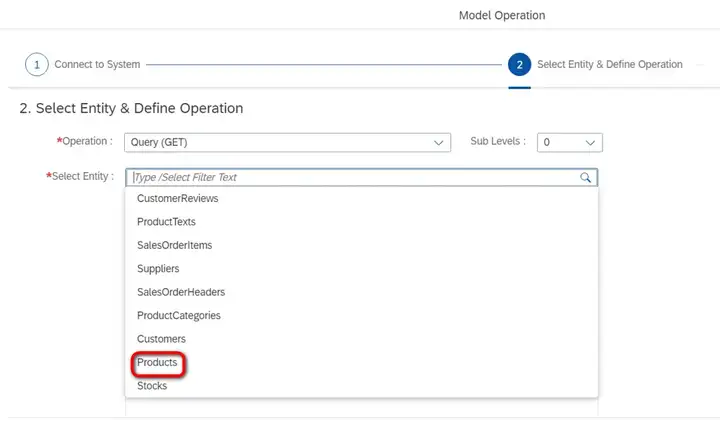
从Select Entity的下拉列表里选择Products:
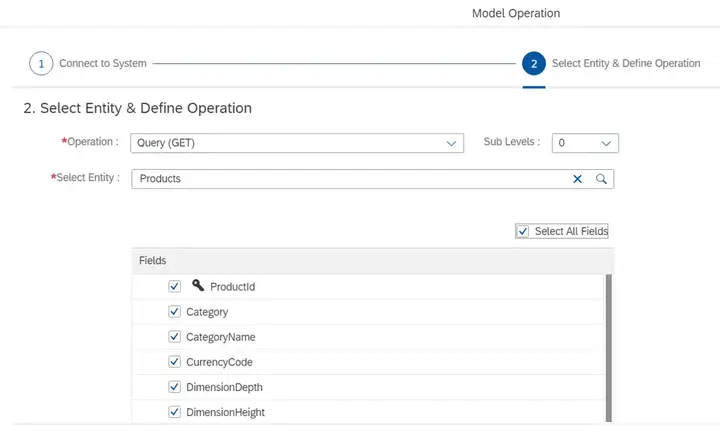
点击step3按钮:
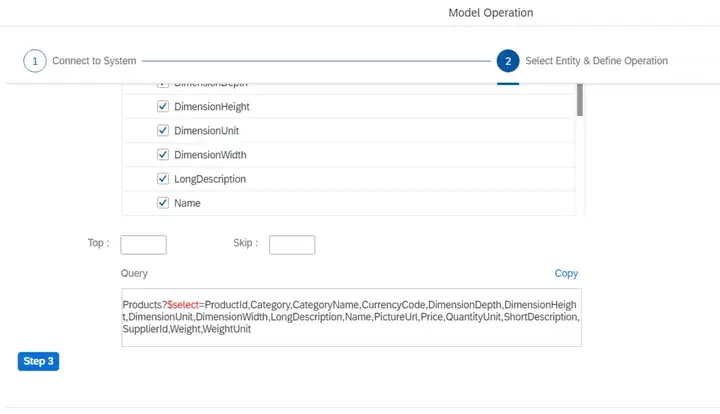
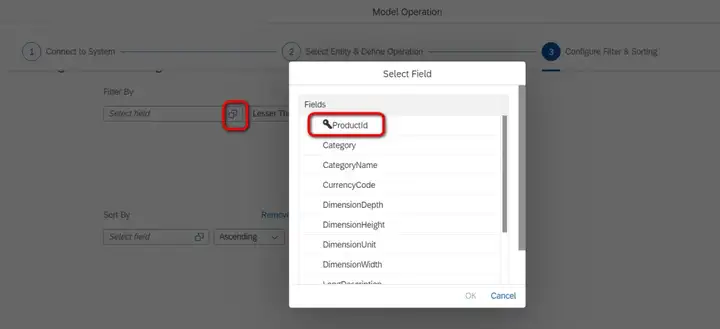
在step3的选择页面里,点击F4选择ProductId:
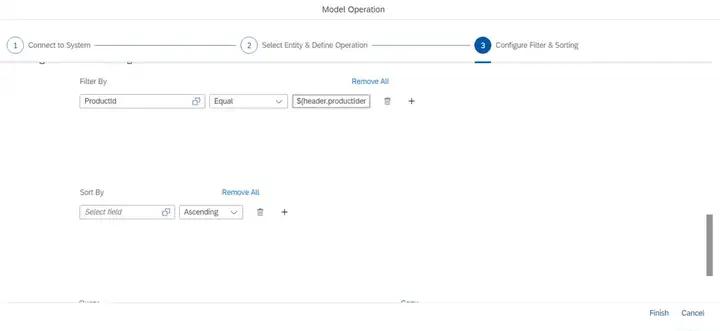
操作类型选择Equal,值维护成${header.productIdentifier}:
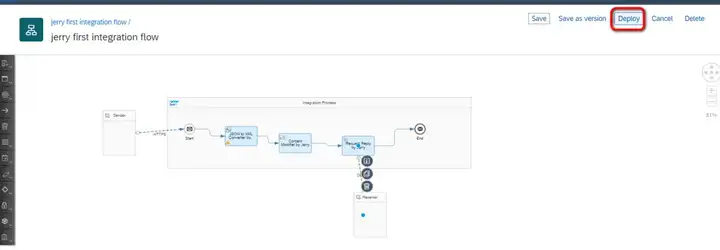
这样,当inbound HTTP请求里携带的product ID传入Odata adapter时,后者会调用odata取得product明细。点击Deploy进行部署。
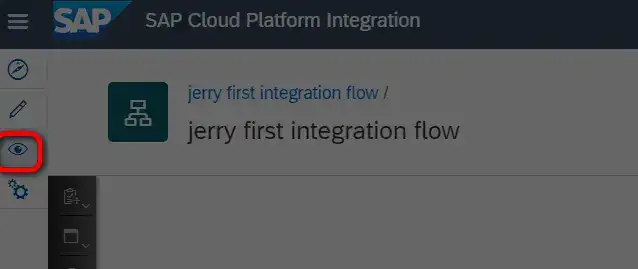
点这个图标查看部署情况:
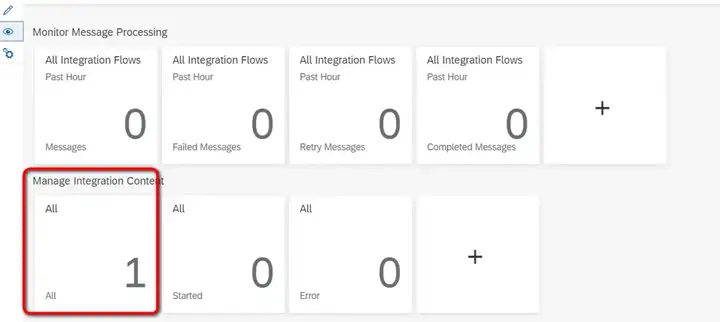
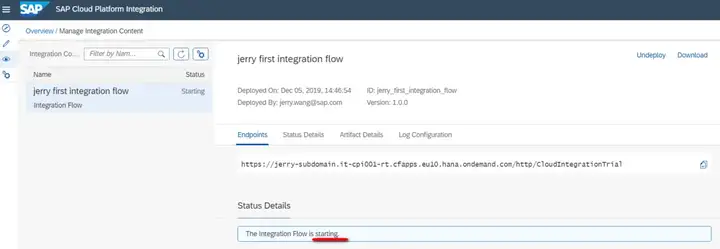
等到部署成功后,就可以测试了:
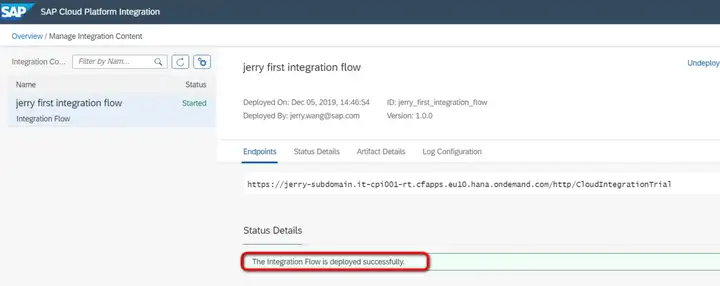
在postman里输入上图的endpoints:
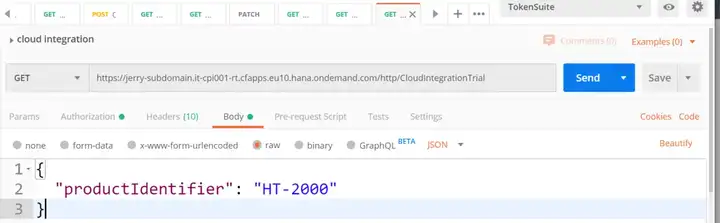
通过执行odata adapter,得到结果:
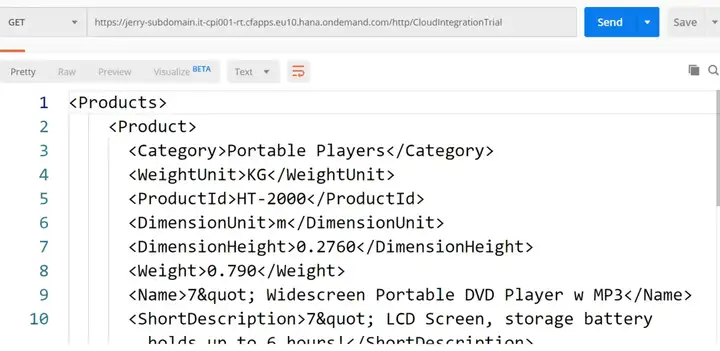
测试成功。
要获取更多Jerry的原创文章,请关注公众号"汪子熙":
来自 “ ITPUB博客 ” ,链接:https://blog.itpub.net/24475491/viewspace-2667668/ ,如需转载,请注明出处,否则将追究法律责任。

