SSMS 显示行号
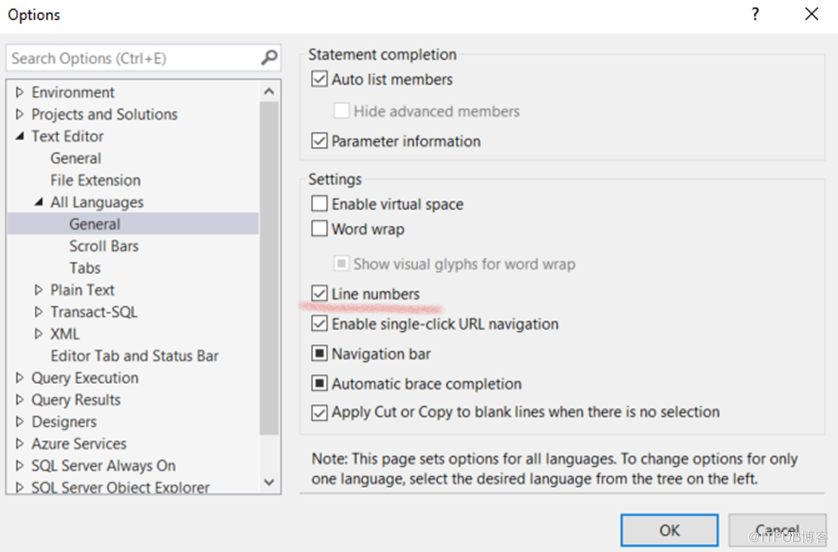
Step1: Go to Tools > Options
Step2: In the Options dialog box navigate to Text Editor > All Languages> General
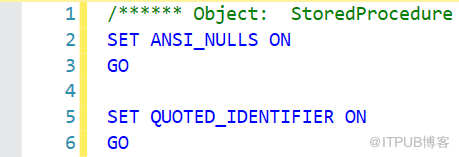
Step 3: Check “Line Numbers” and click on “OK”
来自 “ ITPUB博客 ” ,链接:https://blog.itpub.net/12707874/viewspace-2885327/ ,如需转载,请注明出处,否则将追究法律责任。
上一篇:
PLSQL Developer 行号
下一篇:
Word中更换指定文字颜色(红-黑)

请登录后发表评论
登录
全部评论
