TiDB部署环境
-
一台虚拟机
-
Centos7.9
-
x86_64
-
内存9g/8c
第 1 步:软硬件前置准备
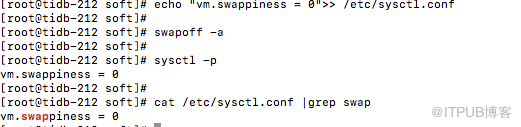
1.关闭系统swap
echo "vm.swappiness = 0">> /etc/sysctl.conf
swapoff -a
sysctl -p
cat /etc/sysctl.conf |grep swap
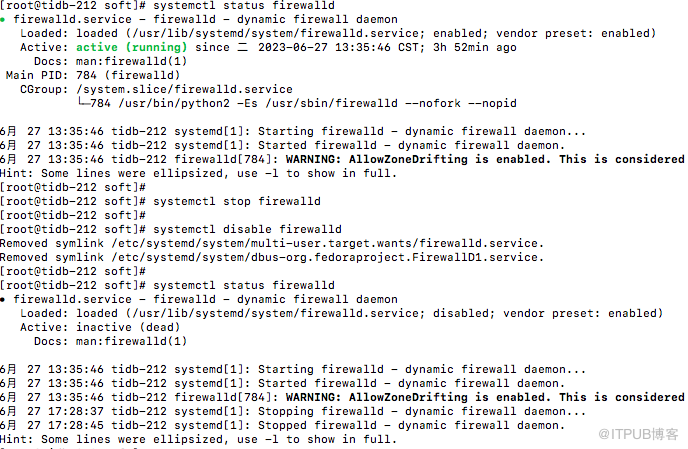
2.关闭防火墙
systemctl status firewalld
systemctl stop firewalld
systemctl disable firewalld
systemctl status firewalld
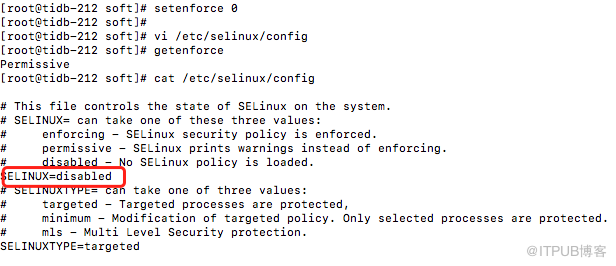
setenforce 0
vi /etc/selinux/config
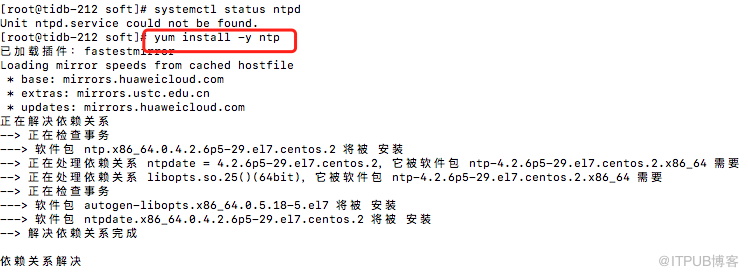
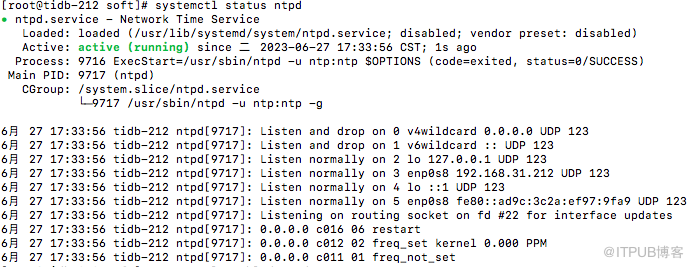
3.安装NTP时间同步组件
systemctl status ntpd
yum install -y ntp
4.ssh免密
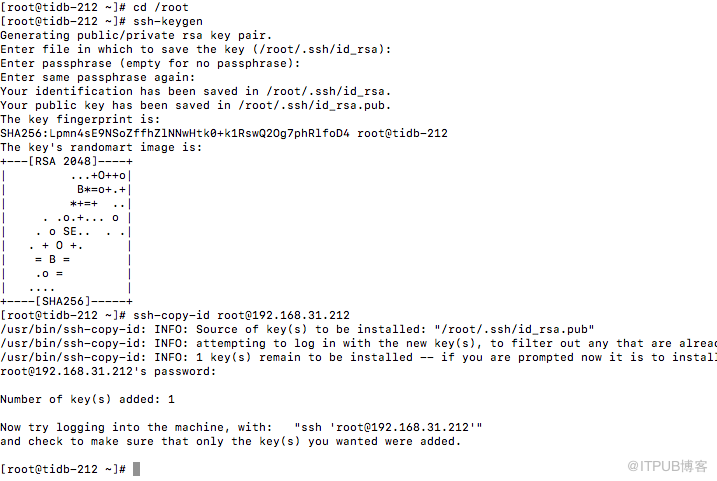
cd /root
ssh-keygen
ssh-copy-id root@ip
5.安装工具numctl
yum -y install numactl
6.系统优化参数
执行以下命令修改 sysctl 参数
执行以下命令配置用户的 limits.conf 文件
关闭透明大页,首先查看状态
cat /sys/kernel/mm/transparent_hugepage/enabled

修改配置文件 /etc/rc.local


第 2 步:部署 TiUP 组件
准备 TiUP 离线组件包
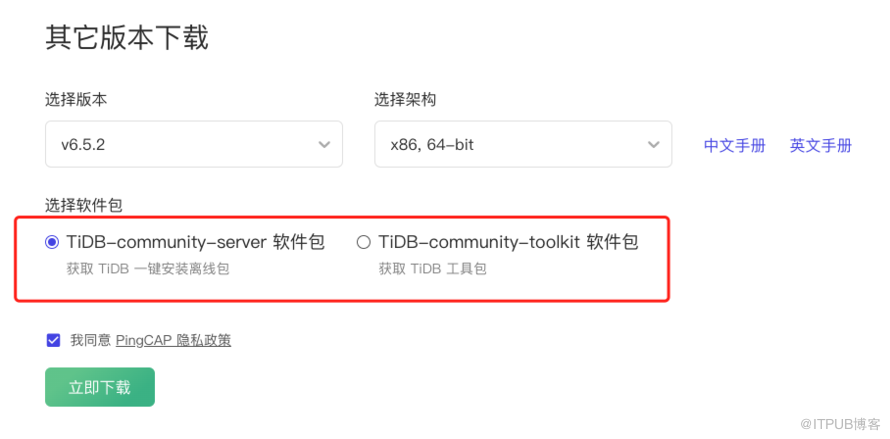
在选择对应版本的 TiDB server 离线镜像包(包含 TiUP 离线组件包)。需要同时下载 TiDB-community-server 软件包和 TiDB-community-toolkit 软件包。
部署离线环境 TiUP 组件
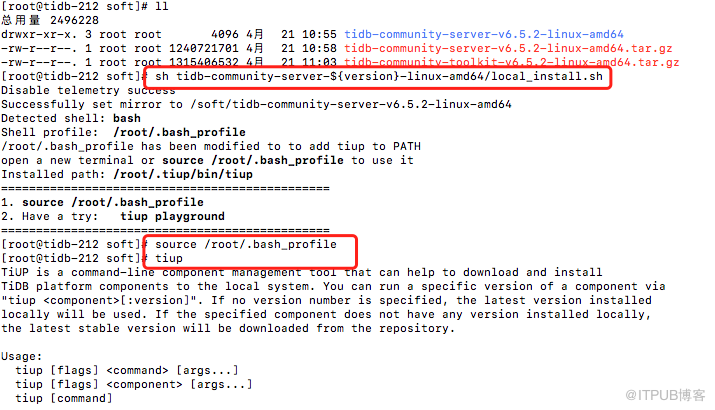
将离线包发送到目标集群的中控机后,执行以下命令安装 TiUP 组件:
version=v6.5.2
tar xzvf tidb-community-server-${version}-linux-amd64.tar.gz
sh tidb-community-server-${version}-linux-amd64/local_install.sh
source /root/.bash_profile
合并离线包
执行以下命令合并离线组件到 server 目录下。
version=v6.5.2
tar xf tidb-community-toolkit-${version}-linux-amd64.tar.gz
ls -ld tidb-community-server-${version}-linux-amd64 tidb-community-toolkit-${version}-linux-amd64
cd tidb-community-server-${version}-linux-amd64/
cp -rp keys ~/.tiup/
tiup mirror merge ../tidb-community-toolkit-${version}-linux-amd64

第 3 步:初始化集群拓扑文件
执行以下命令,生成集群配置文件:
tiup cluster template --full > /root/tidb.yaml
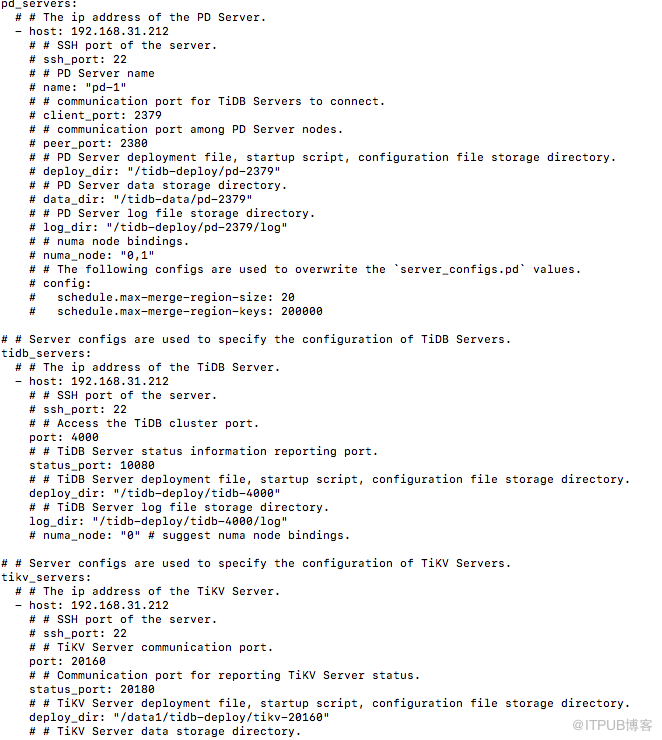
编辑配置文件/root/tidb.yaml
第 4 步:执行部署命令
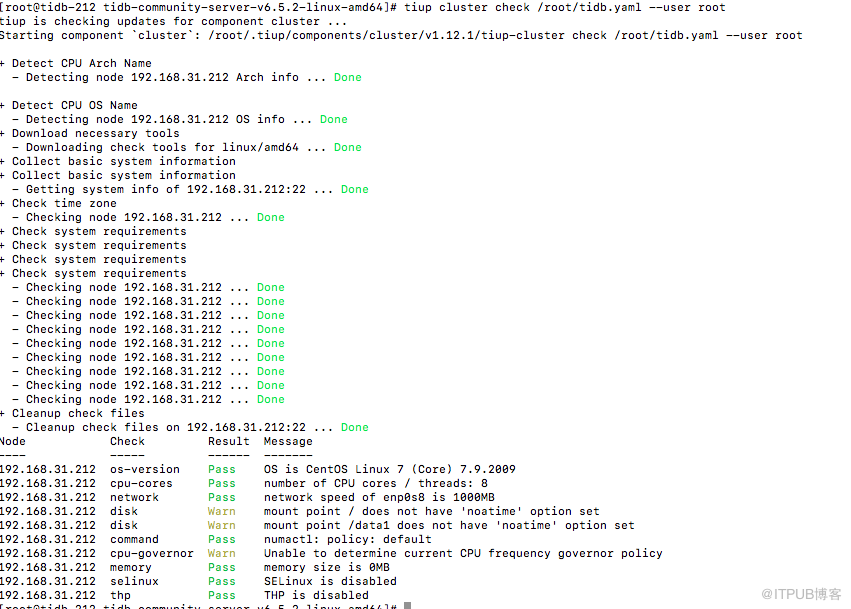
执行部署命令前,先使用 check 及 check --apply 命令检查和自动修复集群存在的潜在风险:
tiup cluster check /root/tidb.yaml --user root
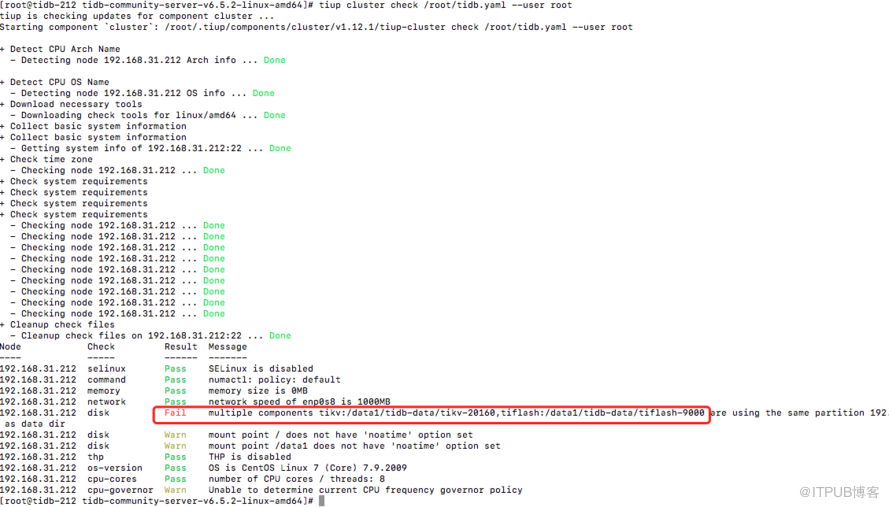
报错原因:tikv和tiflash需要在不同分区,更改配置文件tidb.yaml即可。
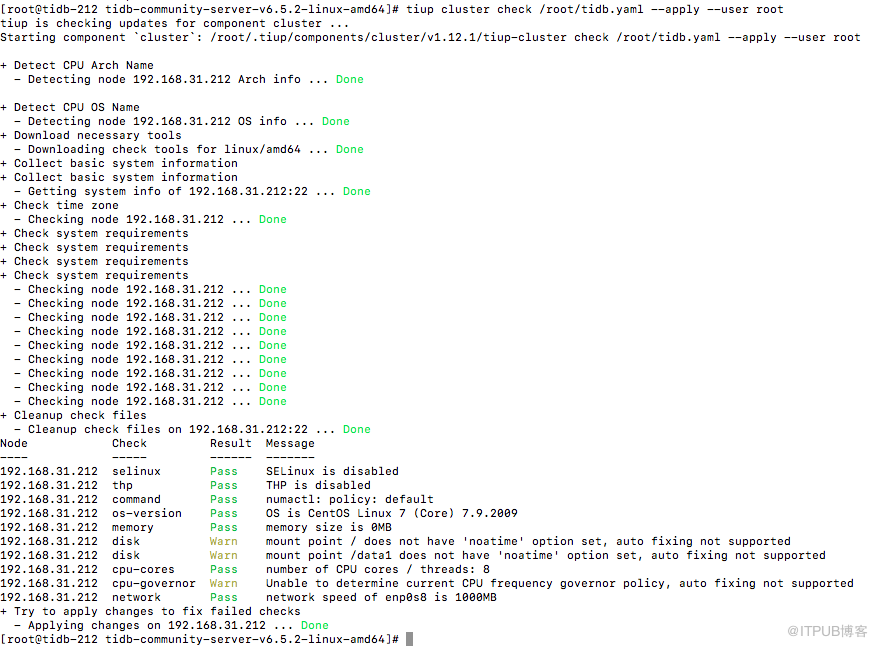
tiup cluster check /root/tidb.yaml --apply --user root
开始运行部署命令: tiup cluster deploy tidb-test v6.5.2 /root/tidb.yaml --user root
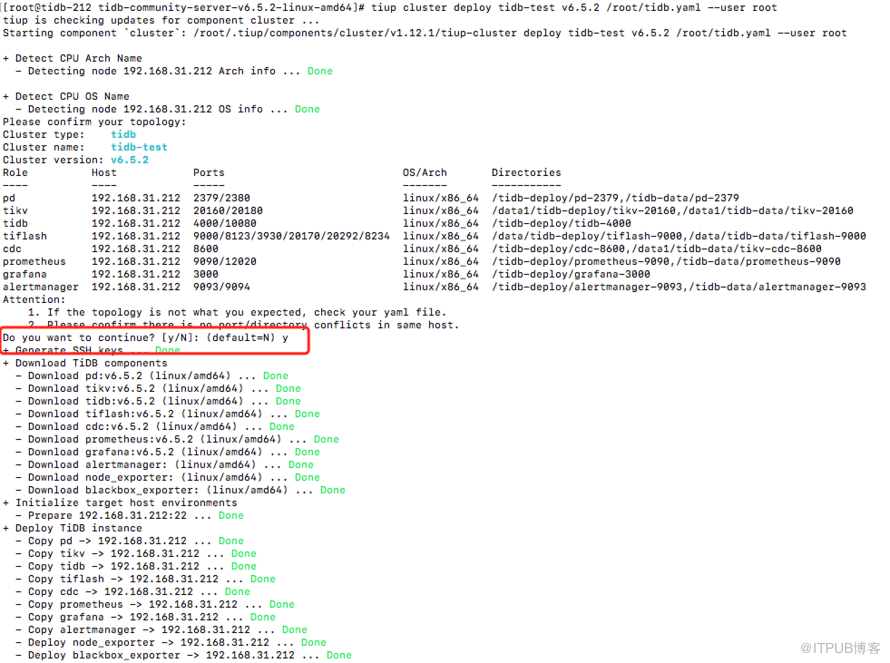
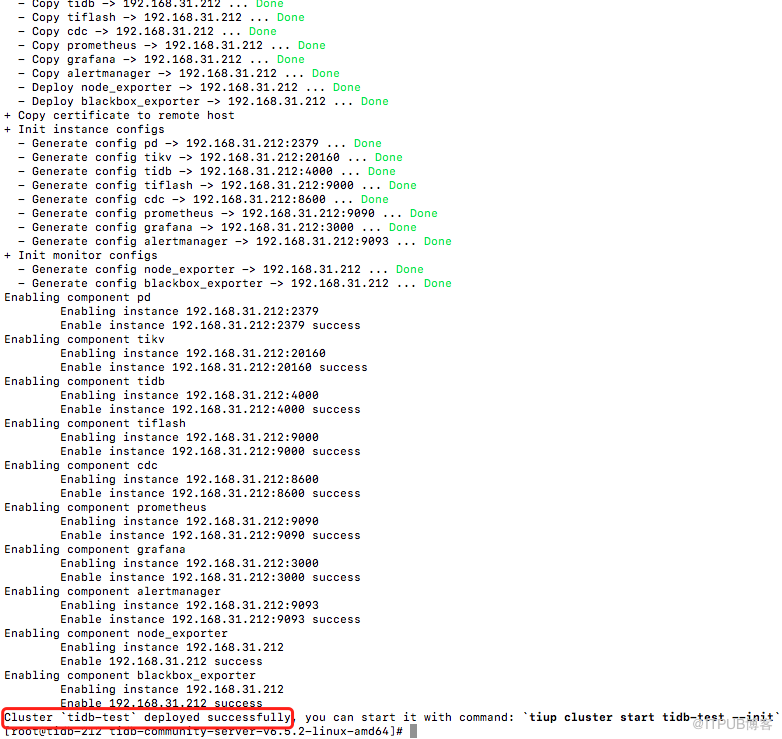
到此表示tidb集群部署完成。
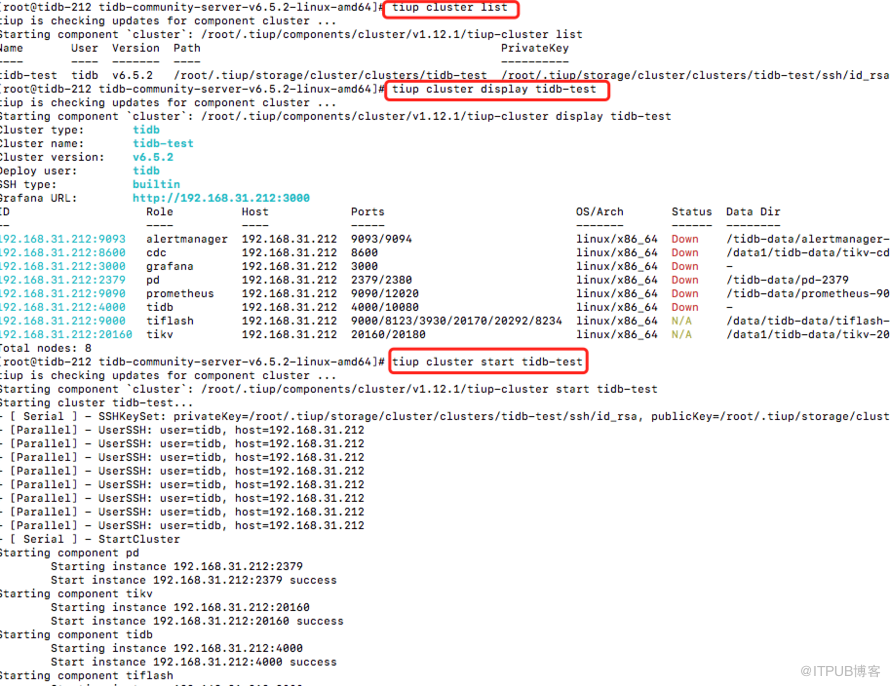
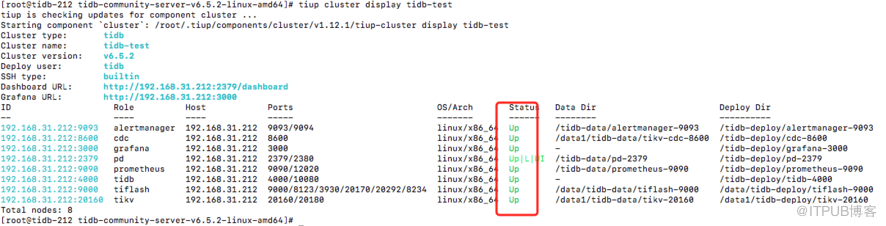
第 5 步:管理集群
来自 “ ITPUB博客 ” ,链接:https://blog.itpub.net/70031237/viewspace-2961070/ ,如需转载,请注明出处,否则将追究法律责任。

