Docker CE 是免费的 Docker 产品的新名称,Docker CE 包含了完整的 Docker 平台,非常适合开发人员和运维团队构建容器 APP。
参考阿里云官方镜像站:
下载地址:
Ubuntu21.10配置Docker CE 镜像方法
1: 安装必要的一些系统工具,执行如下命令:
sudo apt-get update
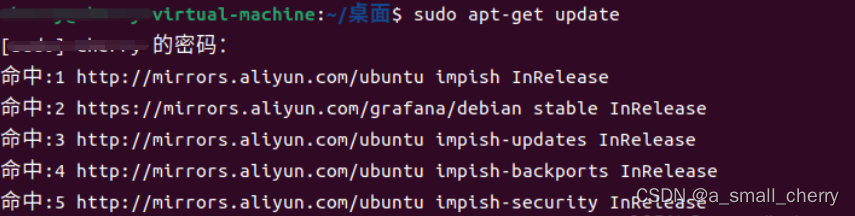

sudo apt-get -y install apt-transport-https ca-certificates curl software-properties-common

2: 安装GPG证书,执行如下命令:
curl -fsSL https://mirrors.aliyun.com/docker-ce/linux/ubuntu/gpg | sudo apt-key add –

3: 写入软件源信息,执行如下命令:
sudo add-apt-repository "deb [arch=amd64] https://mirrors.aliyun.com/docker-ce/linux/ubuntu $(lsb_release -cs) stable"

4: 更新并安装Docker-CE,执行如下命令:
sudo apt-get -y update

sudo apt-get -y install docker-ce

至此安装及配置已完成。
来自 “ ITPUB博客 ” ,链接:https://blog.itpub.net/70012008/viewspace-2860156/ ,如需转载,请注明出处,否则将追究法律责任。

