方法一:
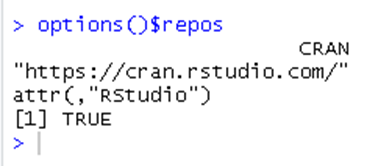
options()$repos
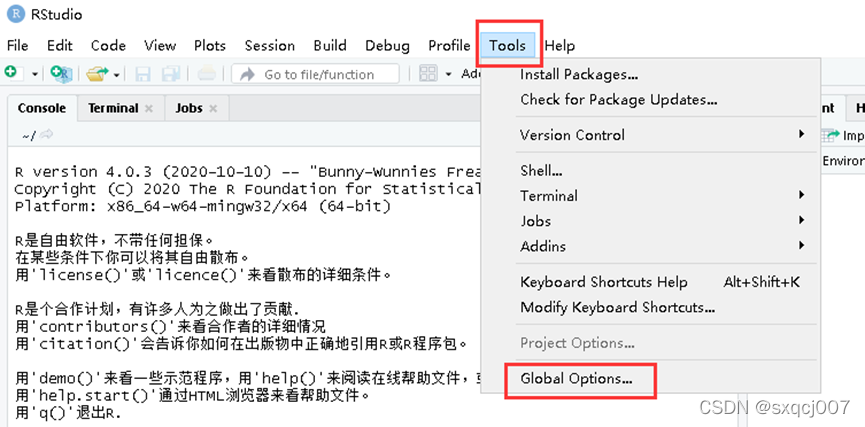
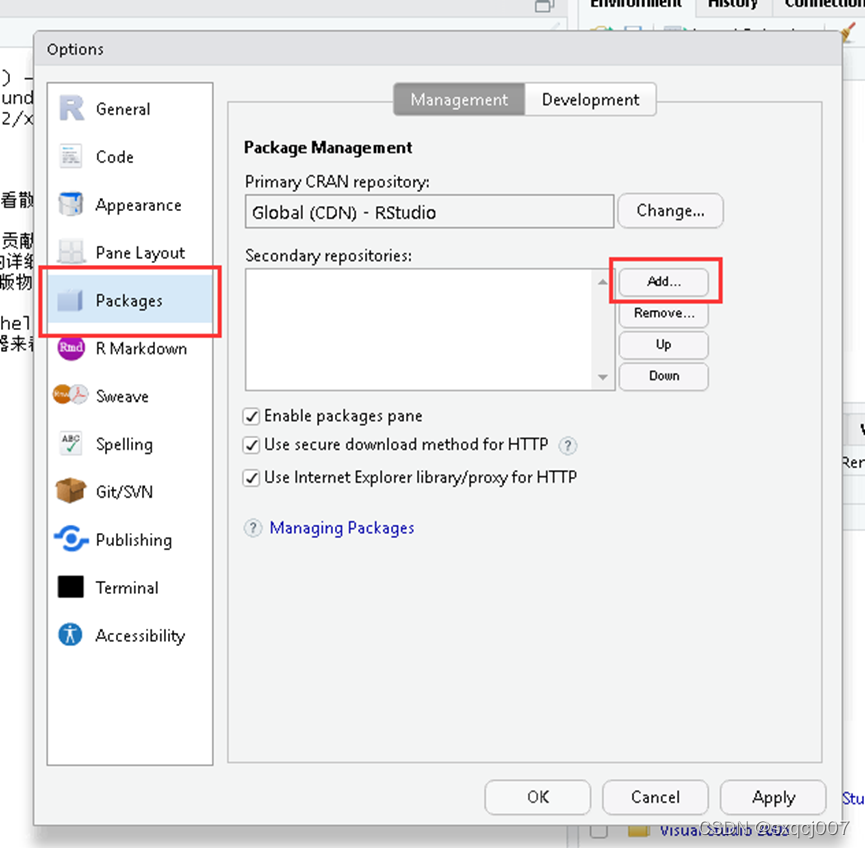
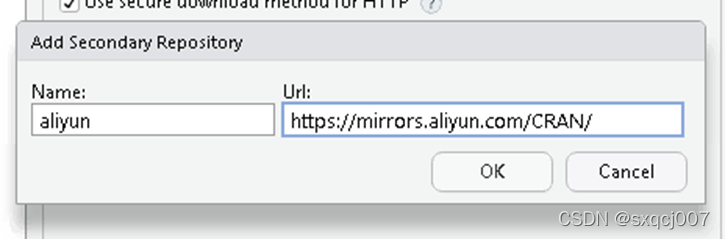

方法二:
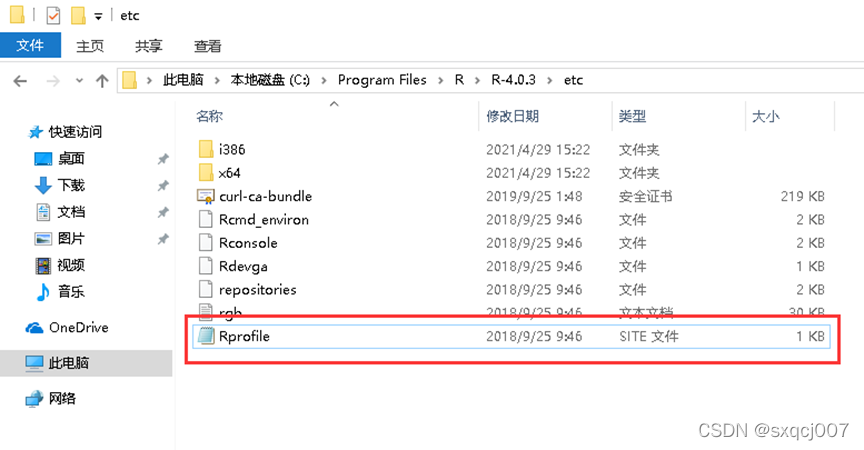
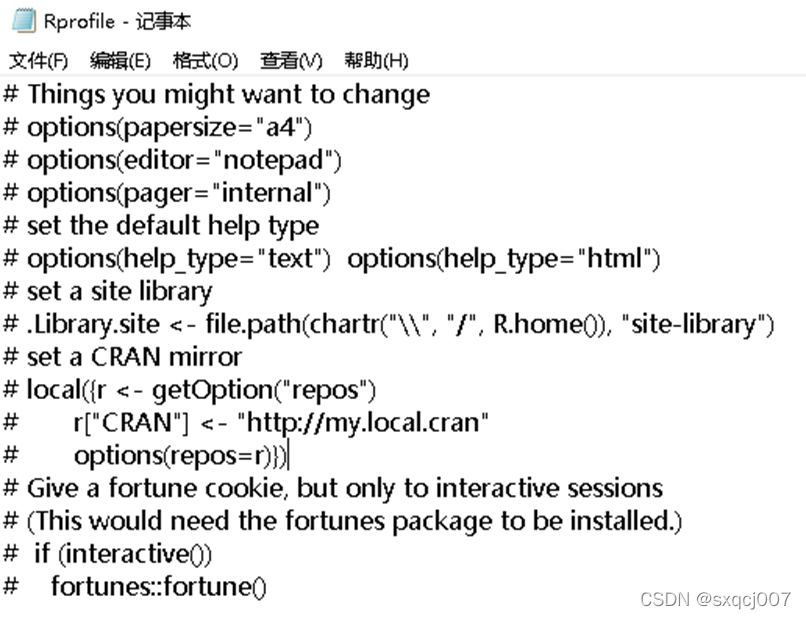
# Things you might want to change
# options(papersize="a4")
# options(editor="notepad")
# options(pager="internal")
# set the default help type
# options(help_type="text")
  options(help_type="html")
# set a site library
# .Library.site <- file.path(chartr("\\", "/", R.home()), "site-library")
# set a CRAN mirror
# local({r <- getOption("repos")
#       r["CRAN"] <- "
#       options(repos=r)})
# Give a fortune cookie, but only to interactive sessions
# (This would need the fortunes package to be installed.)
#  if (interactive())
# fortunes::fortune()# set a CRAN mirror
local({r <- getOption("repos")
r["CRAN"] <- ""
options(repos=r)})
来自 “ ITPUB博客 ” ,链接:https://blog.itpub.net/70003733/viewspace-2869182/ ,如需转载,请注明出处,否则将追究法律责任。
上一篇:
配置阿里云RepoForge 镜像

请登录后发表评论
登录
全部评论
