一,引言
上一篇文章我们在.NET 项目中添加了 “WindowsAzure.Storage” 的 NuGet 包进行操作Table 数据,但是使用的 “WindowsAzure.Storage” NeGet 以及没微遗弃了,所以我们今天继续讲 Azure Table Storage,使用新的 Nuget 包--- “Microsoft.Azure.Cosmos.Table” 来操作 Table 数据。
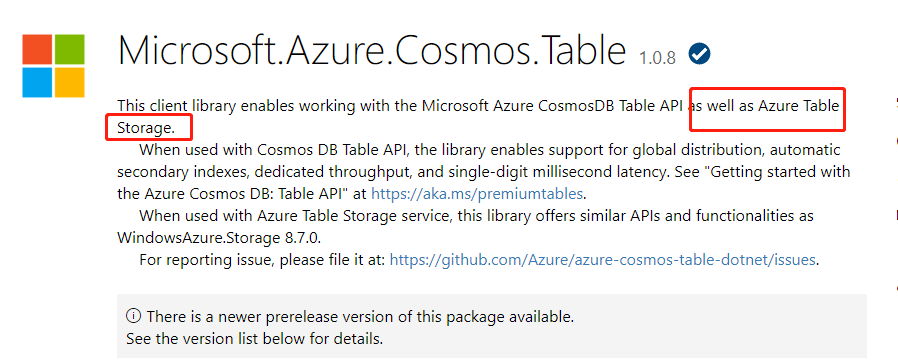
nuget 链接:https://www.nuget.org/packages/Microsoft.Azure.Cosmos.Table
我们可以看到 当前neget 包 允许使用 Microsoft Azure CosmosDB 表 API 以及 Azure 表存储。

--------------------我是分割线--------------------
Azure Blob Storage 存储系列:
2,Azure Storage 系列(二) .NET Core Web 项目中操作 Blob 存储
3,Azure Storage 系列(三)Blob 参数设置说明
4,Azure Storage 系列(四)在.Net 上使用Table Storage
5,Azure Storage 系列(五)通过Azure.Cosmos.Table 类库在.Net 上使用 Table Storage
6,Azure Storage 系列(六)使用Azure Queue Storage
二,正文
1,安装 “Microsoft.Azure.Cosmos.Table” 的 NuGet

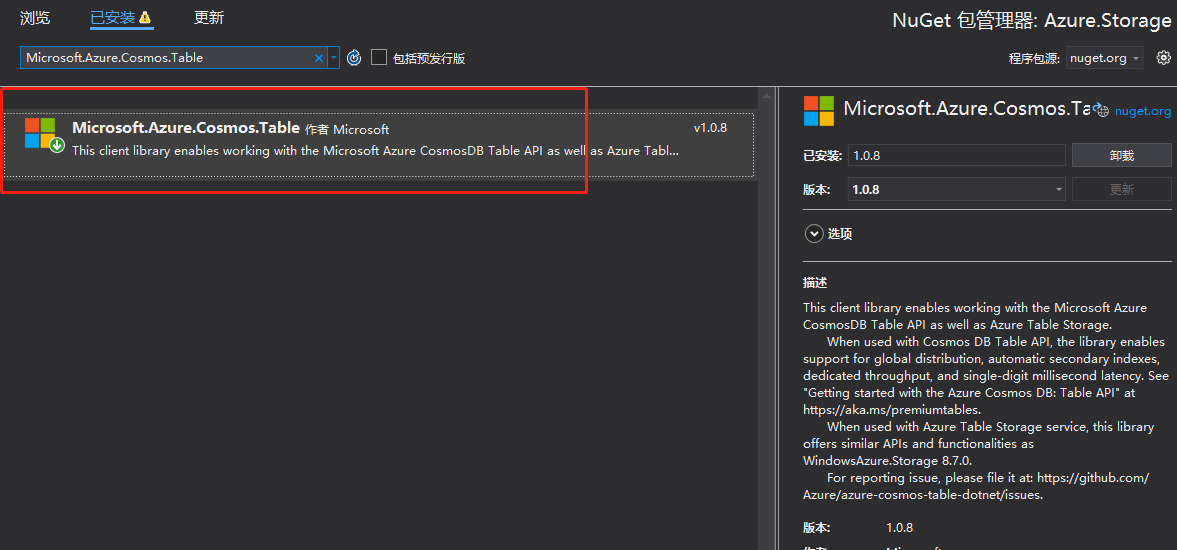
使用程序包管理控制台进行安装
1 | Install-Package Microsoft.Azure.Cosmos.Table -Version 1.0.8 |
2,创建ITableServiceV2 接口,和 TableServiceV2 实现类,控制器方法等
因为使用的 “Microsoft.Azure.Cosmos.Table” 的Nuget 和 “WindowsAzure.Storage” Nuget 中对 Table Storage 的操作中使用的方法,以及类都是一样的,只是命名空间不一样,所以代码上差别不太大。所以大家可以看一下具体代码和已遗弃的方法进行对比。
完整代码:
 ITableServiceV2.cs TableServiceV2.cs TableExplorerV2Controller.cs
3,添加对 TableServiceV2 ,CloudStorageAccount 的注入
services.AddSingleton(x => new Microsoft.Azure.Cosmos.Table.CloudStorageAccount(new Microsoft.Azure.Cosmos.Table.StorageCredentials("cnbateblogaccount", "FU01h022mn1JjONp+ta0DAXOO7ThK3diYhd4xrm0Hpg891n9nycsTLGZXXXXnJpGvTIZvO5VCVFhGOfV0wndOOQ=="), true));
services.AddSingleton<ITableServiceV2, TableServiceV2>();
4,测试使用新的 Nuget 包中的方法是否能正常操作 Table 表数据
添加用户数据,我们在 postman 中调用添加用户表数据接口


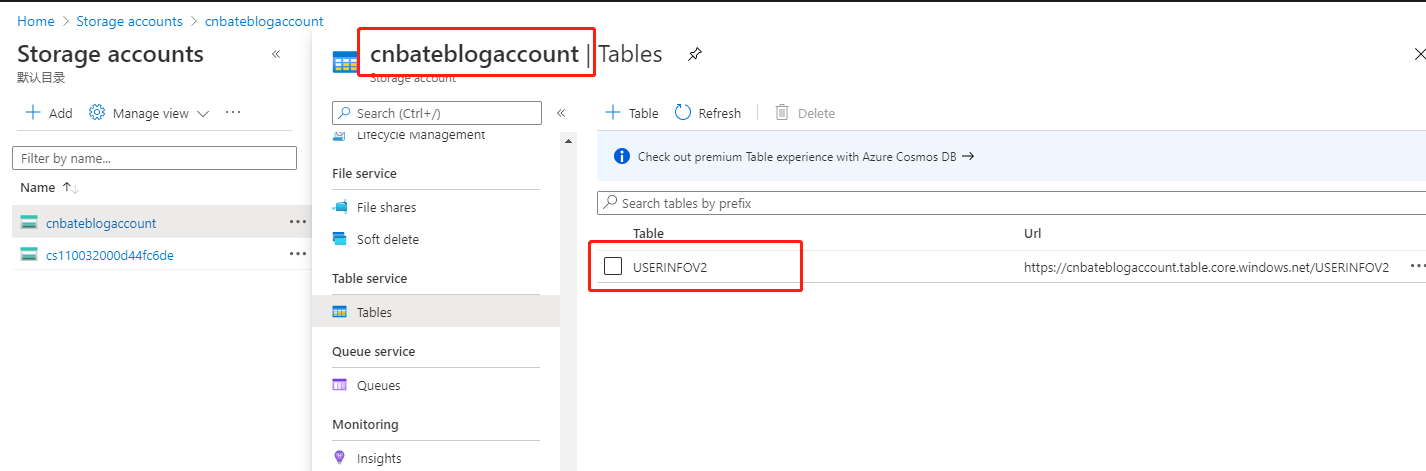
我们可以看到,在Azure Portal 上已经创建出一个叫 “USERINFOV2” 的表信息(注意,大家不要疑惑,可以看看上面添加用户的Service方法,我这里有两行代码)
var cloudTable = cloudTableClient.GetTableReference("USERINFOV2");
await cloudTable.CreateIfNotExistsAsync();

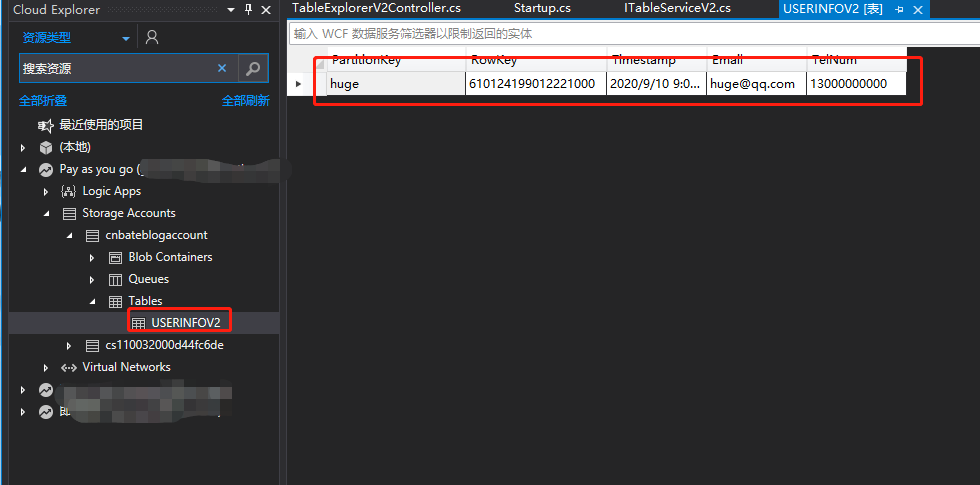
接下来我们在Cloud Explorer 查看 “USERINFOV2” Table 的表信息

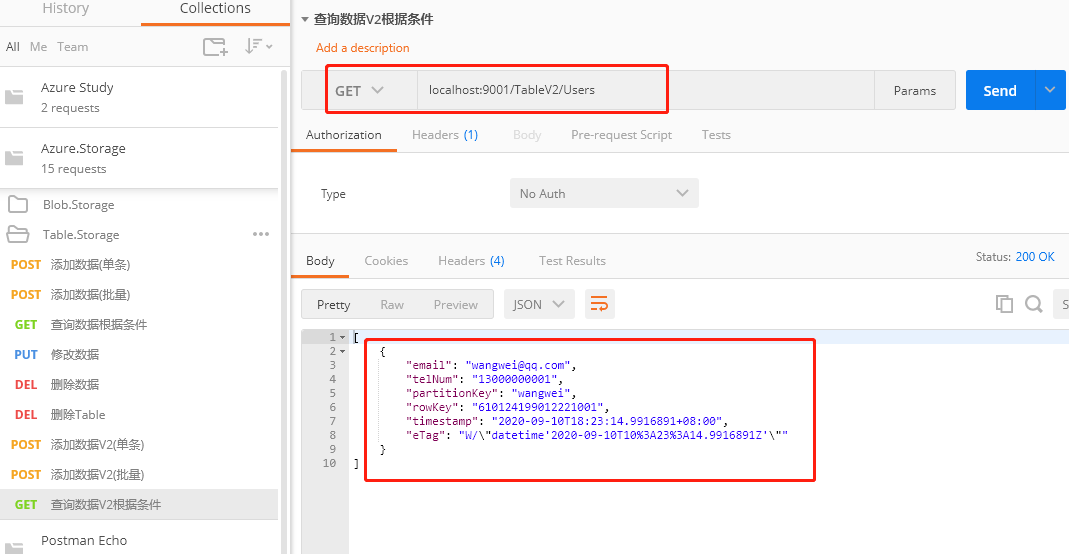
查询用户数据,我这里还是使用两个查询条件联合进行查询,分别是 “PartitionKey” 和 “RowKey” 作为查询的 Key,通过 “Partition” 等于 “wangwei” 和 “RowKey” 等于 “610124199012221001”
注意(我提前已经将调用了批量添加用户的接口,将 PartitionKey 等于 "wangwu" 的三条数据添加到 Table 中了)

OK,剩余的更新,删除就不再演示了,大家可以自行进行校验,今天的分享内容到此结束。
三,结尾
来自 “ ITPUB博客 ” ,链接:https://blog.itpub.net/70000523/viewspace-3136828/ ,如需转载,请注明出处,否则将追究法律责任。

