ITPub博客

首页 > IT职业 > IT图书 > ASP.NET MVC下使用ng-selected

ASP.NET MVC下使用ng-selected

IT图书 作者:dav2100 时间:2021-09-09 09:44:17 0 删除 编辑

 这次学习ng-selected语法,这个是为DropDownList下拉列表显示默认选项。

 演示从下面步骤开始

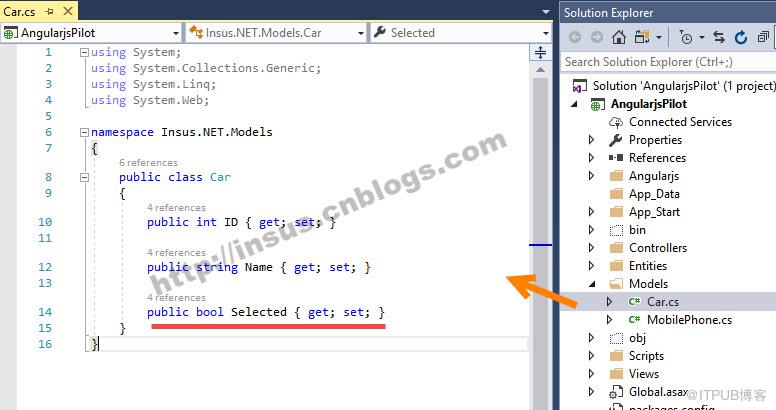
1,新建一个model:
图片描述


上面#14行代码的property,数据类型为bool。即是存储选项是否为选中与否,true或false。

 public class Car    {        public int ID { get; set; }        public string Name { get; set; }        public bool Selected { get; set; }    }

Source Code


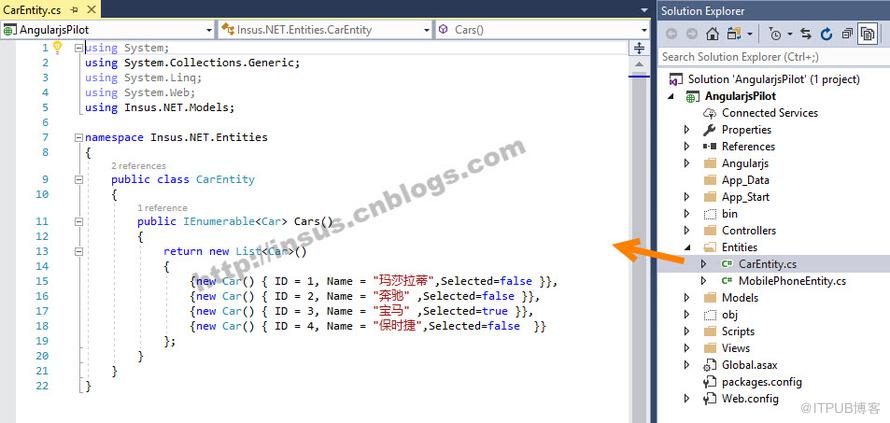
2,创建一个Entity:准备数据:
图片描述


 public class CarEntity    {        public IEnumerable Cars()        {            return new List()            {                {new Car() { ID = 1, Name = "玛莎拉蒂",Selected=false }},                {new Car() { ID = 2, Name = "奔驰" ,Selected=false }},                {new Car() { ID = 3, Name = "宝马" ,Selected=true }},                {new Car() { ID = 4, Name = "保时捷",Selected=false  }}            };        }    }

Source Code


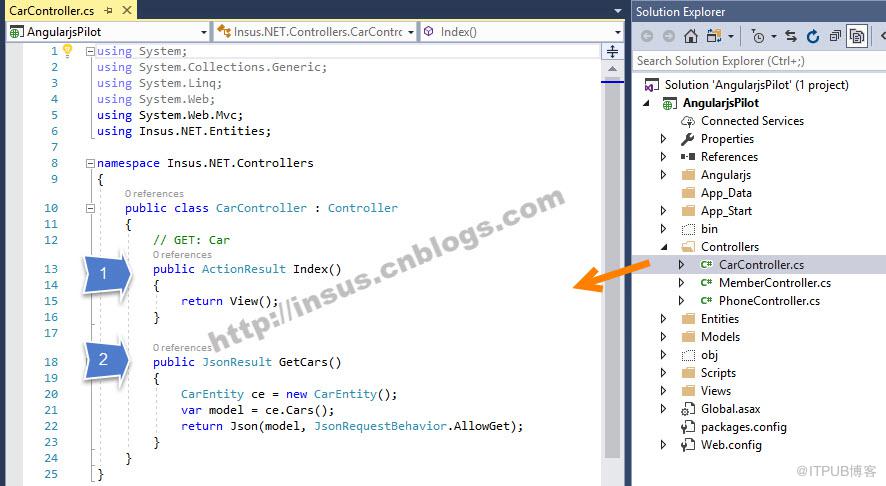
 3,准备ASP.NET MVC的控制器:
图片描述


public class CarController : Controller    {        // GET: Car        public ActionResult Index()        {            return View();        }        public JsonResult GetCars()        {            CarEntity ce = new CarEntity();            var model = ce.Cars();            return Json(model, JsonRequestBehavior.AllowGet);        }    }

Source Code


4,这一步骤,创建ng-app,参考这一系列文章的第一篇的第六步《ASP.NET MVC下使用AngularJs语言(一):Hello your name》http://www.cnblogs.com/insus/p/8520555.html。
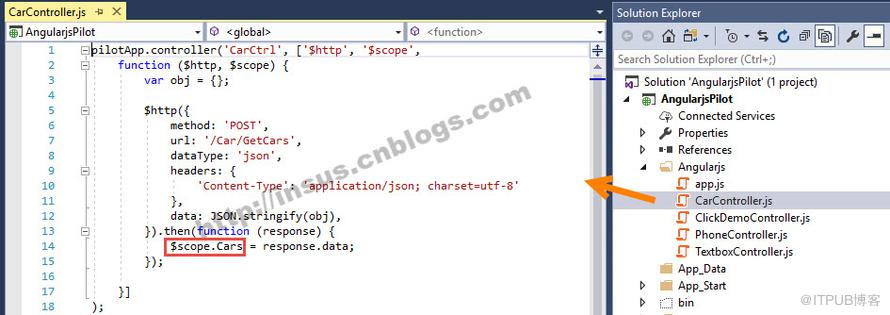
5,创建ng-controller:
图片描述

pilotApp.controller('CarCtrl', ['$http', '$scope',    function ($http, $scope) {        var obj = {};        $http({            method: 'POST',            url: '/Car/GetCars',            dataType: 'json',            headers: {                'Content-Type': 'application/json; charset=utf-8'            },            data: JSON.stringify(obj),        }).then(function (response) {            $scope.Cars = response.data;        });    }]);

Source Code


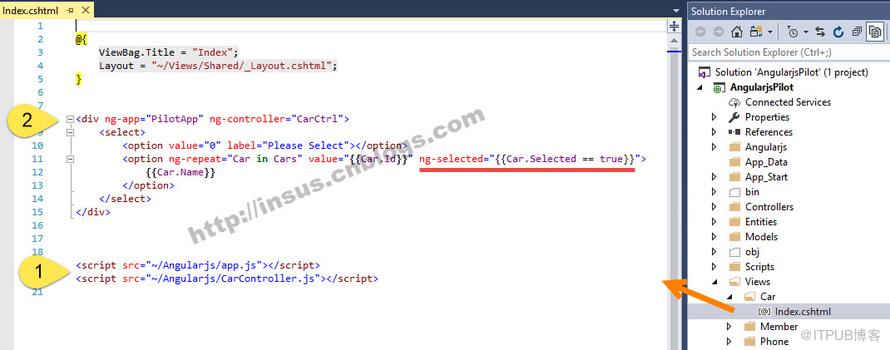
 最后一步,是实现ASP.NET MVC的视图:
图片描述


Source Code


 演示:
图片描述

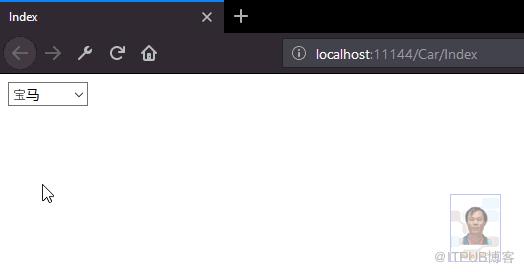
从上面的Entity类中,可见 “宝马”这行是Selected的。
因此,不管页面怎样刷新后,初始化"宝马"为选上的。


来自 “ ITPUB博客 ” ,链接:https://blog.itpub.net/4479/viewspace-2806696/ ,如需转载,请注明出处,否则将追究法律责任。

请登录后发表评论 登录
全部评论

注册时间:2019-10-17

  • 博文量
    176
  • 访问量
    17570