php中ThinkPHP的下载和安装

1.下载地址:http://www.thinkphp.cn/donate/download/id/1155.html
2.安装方法:将压缩包解压放phpStudy/ww的在项目下就可以
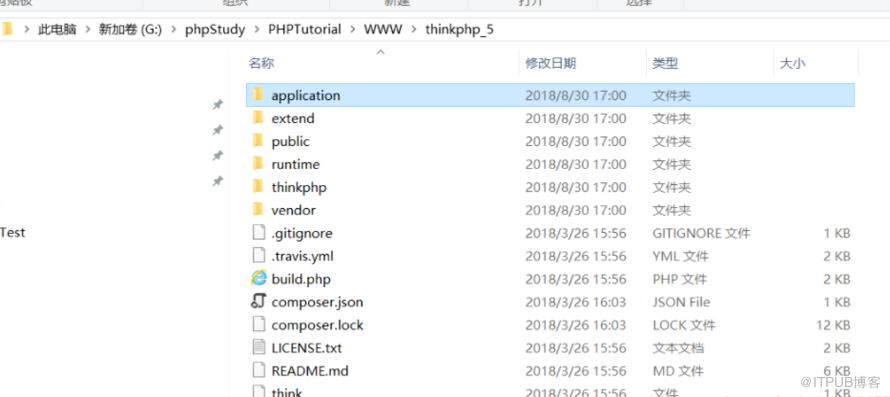
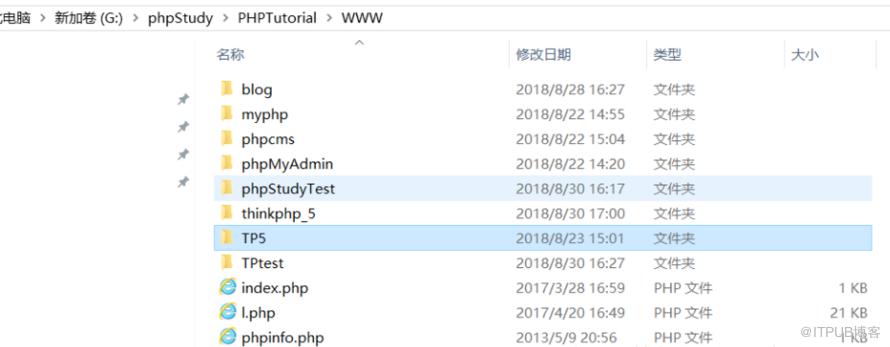
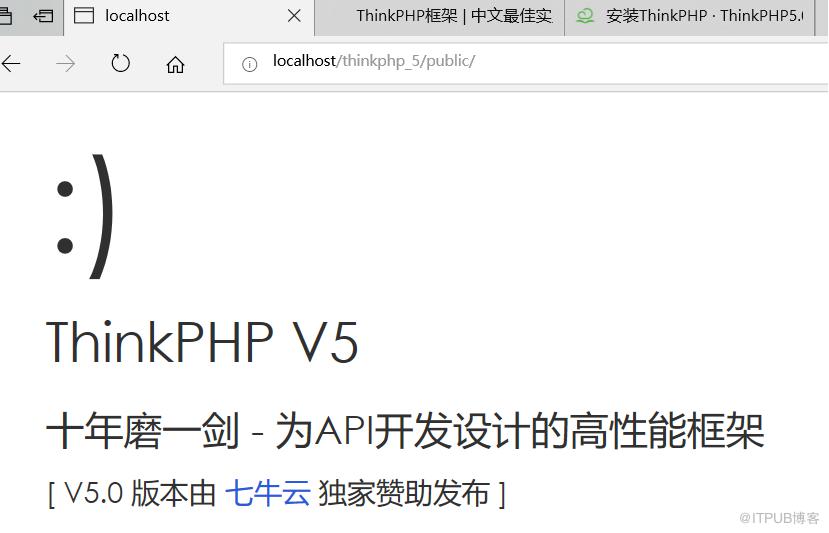
3.输入网址:localhost/thinkphp_5/public/出现下面界面则安装成功
拓展相关配置
1.配置文件:config/config.php
<?php
return [
// 是否开启路由
    'url_route_on'           => true,
];
?>
2.获取配置项
<?php
namespace appindexcontroller;
use thinkController;
use thinkConfig;
class Index
{
    public function index()
    {
        //return config('site_name');配置方法获取
        return dump(Config::get('database'));//get获取,推荐使用这种
    }
}
//设置配置
Config::set('abc',123);
 Config::set($arr)
以上就是php中ThinkPHP的下载和安装,大家根据以上的步骤,就可以轻松的配置ThinkPHP框架了。步骤不是很多,但是大家在安装的时候也要小心避免出错。更多php学习指路:php教程
推荐操作系统:windows7系统、PHP5.6、DELL G3电脑
来自 “ ITPUB博客 ” ,链接:https://blog.itpub.net/4295/viewspace-2831100/ ,如需转载,请注明出处,否则将追究法律责任。
上一篇:
python中Queue如何通信
下一篇:
java基础:复制的两种方法

请登录后发表评论
登录
全部评论
