
怎样用命令安装jupyter?
jupyter notebook的安装和启动
相关推荐:jupyter教程
jupyter notebook是一款网页版的Python编辑器组件,下面介绍在Windows系统下的jupyter notebook的安装和启动方法。
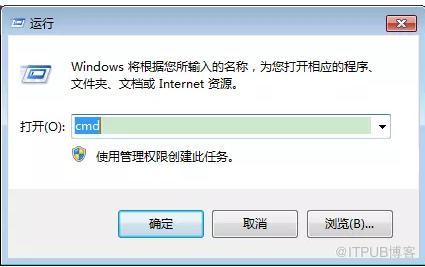
1.打开Windows命令行窗口cmd
2.查看已安装组件:python -m pip list
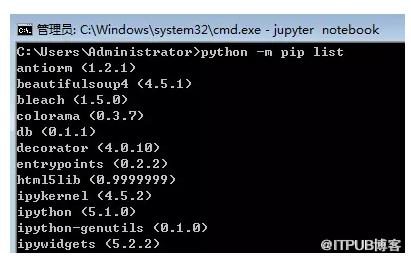
2.jupyter notebook安装命令:pip install jupyter
3.jupyter notebook启动命令:jupyter notebook
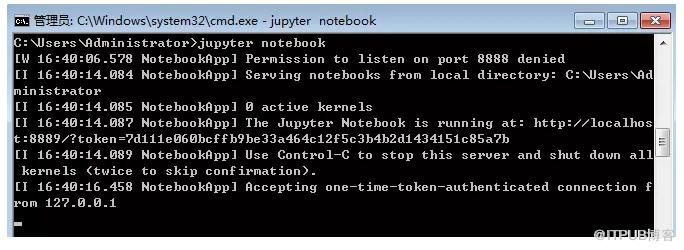
4.启动之后,会自动启动jupyter notebook的浏览器页面
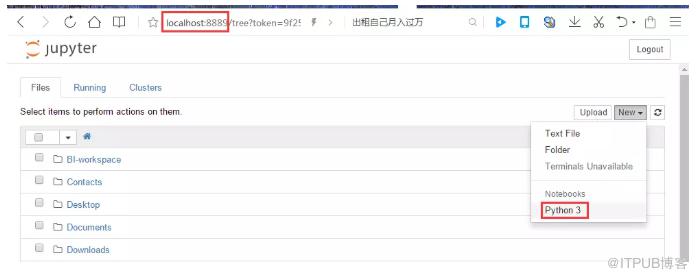
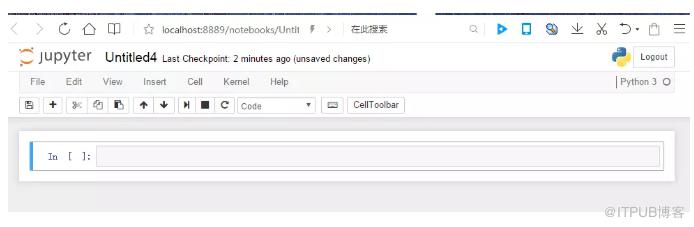
5.点击new按钮下的Python3,打开编辑器页面,可以进行Python代码编写了。
来自 “ ITPUB博客 ” ,链接:https://blog.itpub.net/4240/viewspace-2834761/ ,如需转载,请注明出处,否则将追究法律责任。
上一篇:
postgresql怎么查看数据库名
下一篇:
vb简单还是python简单

请登录后发表评论
登录
全部评论
