
打开cmd,切换到 D:SoftWarePythonPython36Scripts目录下。
当然,若大家是默认安装的话,则在C:UsersAdministratorAppDataLocalProgramsPythonPython36Scripts 目录下 ,或者将该目录添加到 path,就不用切换了。
依次执行如下命令:
C:UsersAdministrator>cd /d D:
D:>cd D:SoftWarePythonPython36Scripts
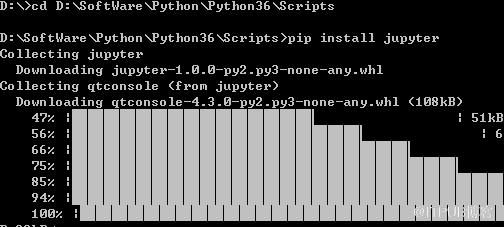
D:SoftWarePythonPython36Scripts>pip install jupyter
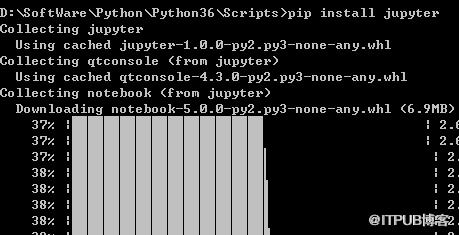
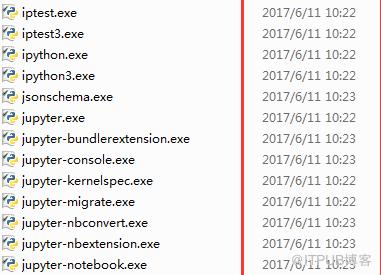
安装成功,如下图所示:
相关文章教程推荐:jupyter教程
来自 “ ITPUB博客 ” ,链接:https://blog.itpub.net/4236/viewspace-2834738/ ,如需转载,请注明出处,否则将追究法律责任。
上一篇:
postgresql怎么打印错误信息
下一篇:
mongodb 如何分片

请登录后发表评论
登录
全部评论
