1 系统环境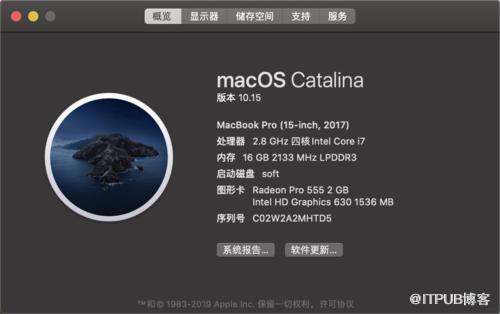
Xcode Oracle JDK: 13
先确保系统已安装freetype和ccache
freetype: 2.9
ccache: 3.3.5
$ brew install freetype ccache
2 下载源码
通过Mercurial代码管理版本管理工具从Repository中直接获取源码(Repository为http://hg.openjdk.java.net)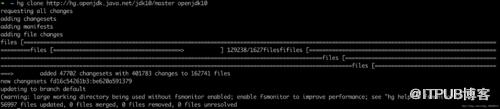
3 自动检测依赖
进入解压后的文件夹,然后运行bash ./configure。这是一项检测所需要的依赖是否安装好了的脚本。只需要根据其提供的错误提示,将相应错误修改完成即可。
4 配置参数
参数说明
--with-debug-level=slowdebug 启用slowdebug级别调试--enable-dtrace 启用dtrace--with-jvm-variants=server 编译server类型JVM--with-target-bits=64 指定JVM为64位--enable-ccache 启用ccache,加快编译--with-num-cores=8 编译使用CPU核心数--with-memory-size=8000 编译使用内存--disable-warnings-as-errors 忽略警告
bash configure
--with-debug-level=slowdebug --enable-dtrace --with-jvm-variants=server --with-target-bits=64 --enable-ccache --with-num-cores=8 --with-memory-size=8000 --disable-warnings-as-errors

-
直接报错

configure: error: No xcodebuild tool and no system framework headers found, use --with-sysroot or --with-sdk-name to provide a path to a valid SDK
运行了一下
xcodebuild,错误信息如下:
xcode-select: error: tool 'xcodebuild' requires Xcode,
but active developer directory '/Library/Developer/CommandLineTools' is a command line tools instance

解决方案
sudo xcode-select --switch /Applications/Xcode.app/Contents/Developer

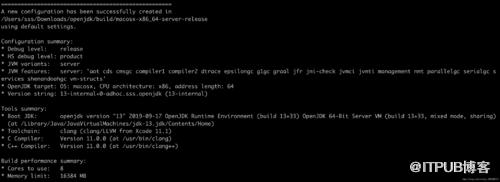
继续执行bash configure得到如下
5 开始编译
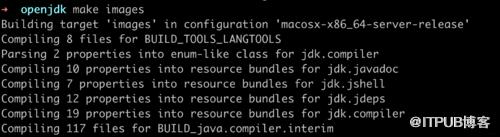
make image
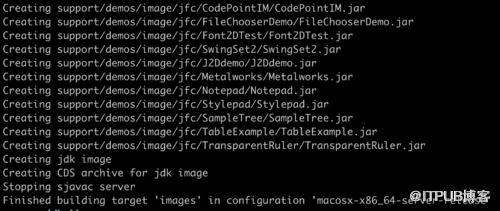 完成了!
完成了!
6 验证

7 Clion 导入项目

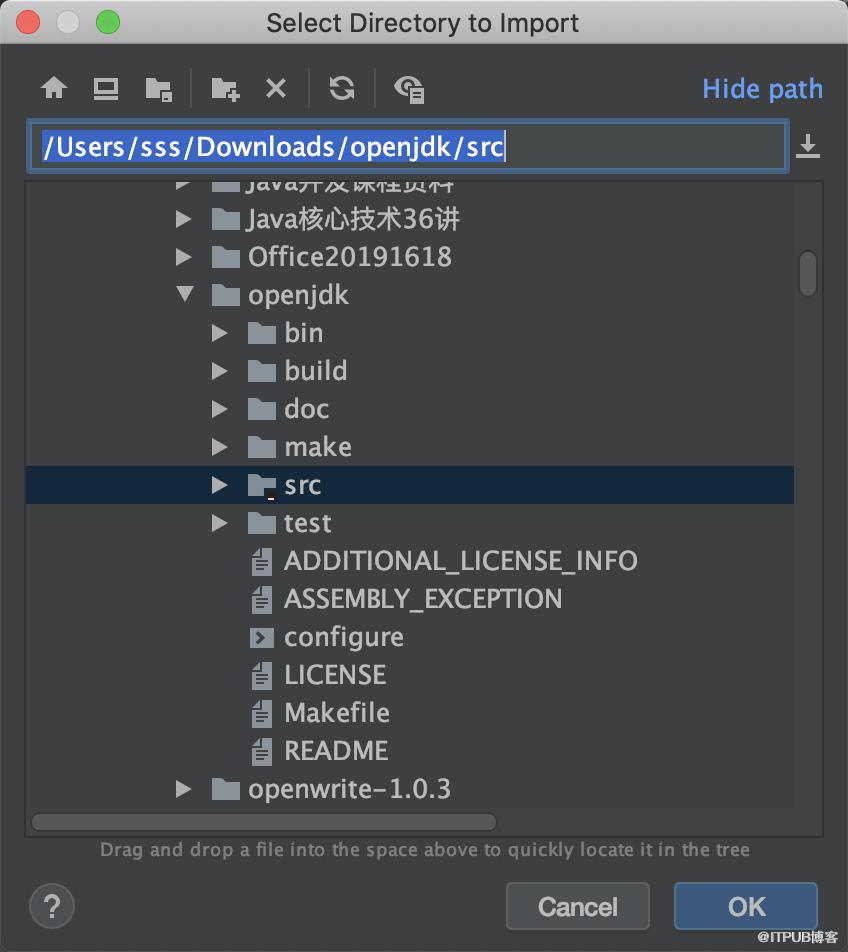
-
选择ok
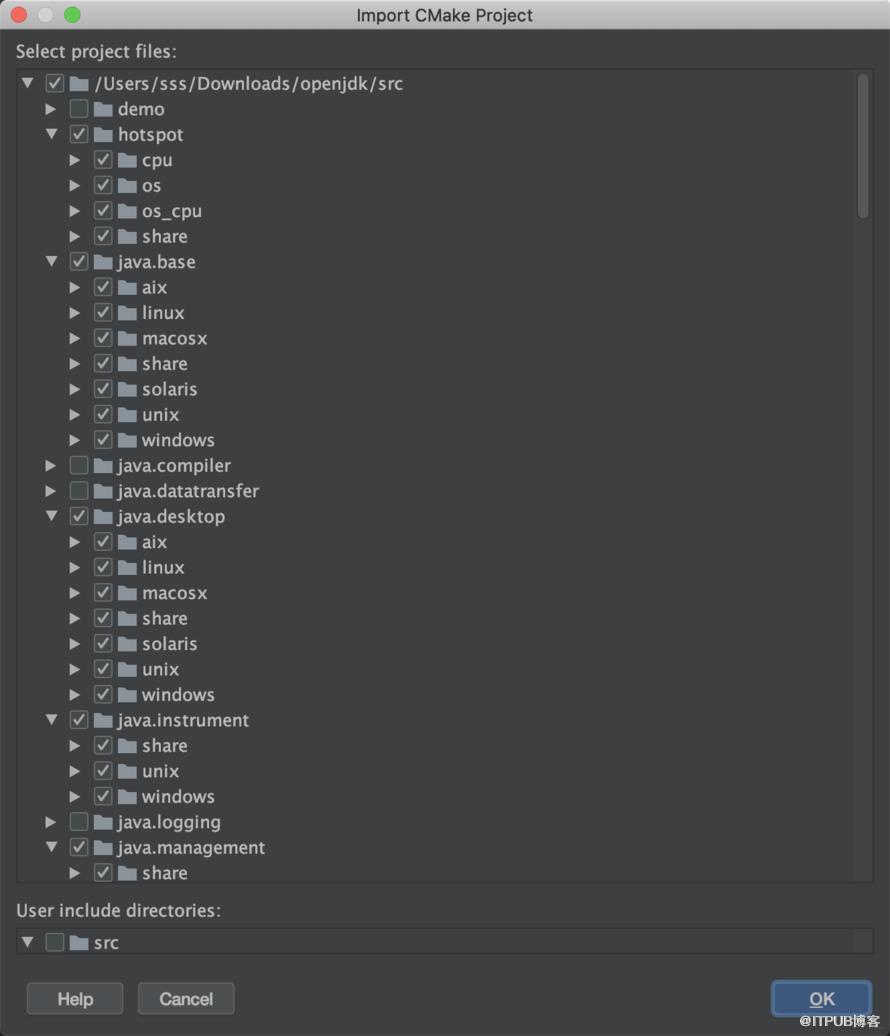
8 编辑配置
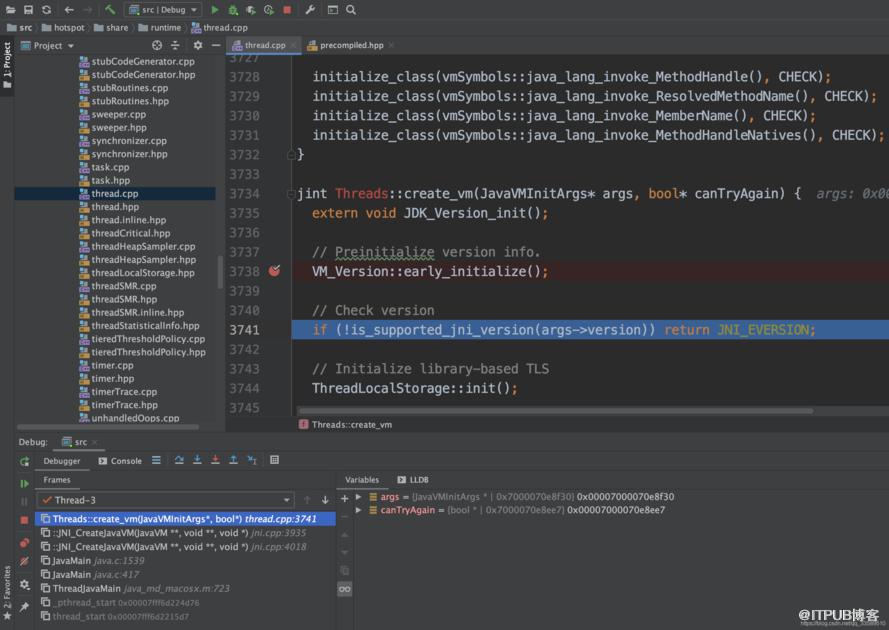
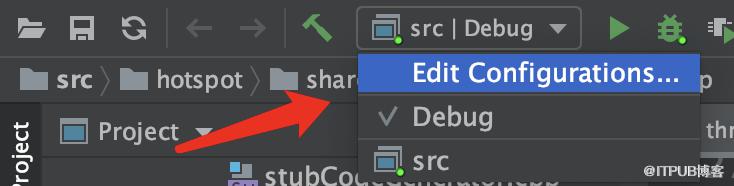 如下图编辑DEBUG配置信息
 Executable 选择之前build出的镜像里的java可执行文件
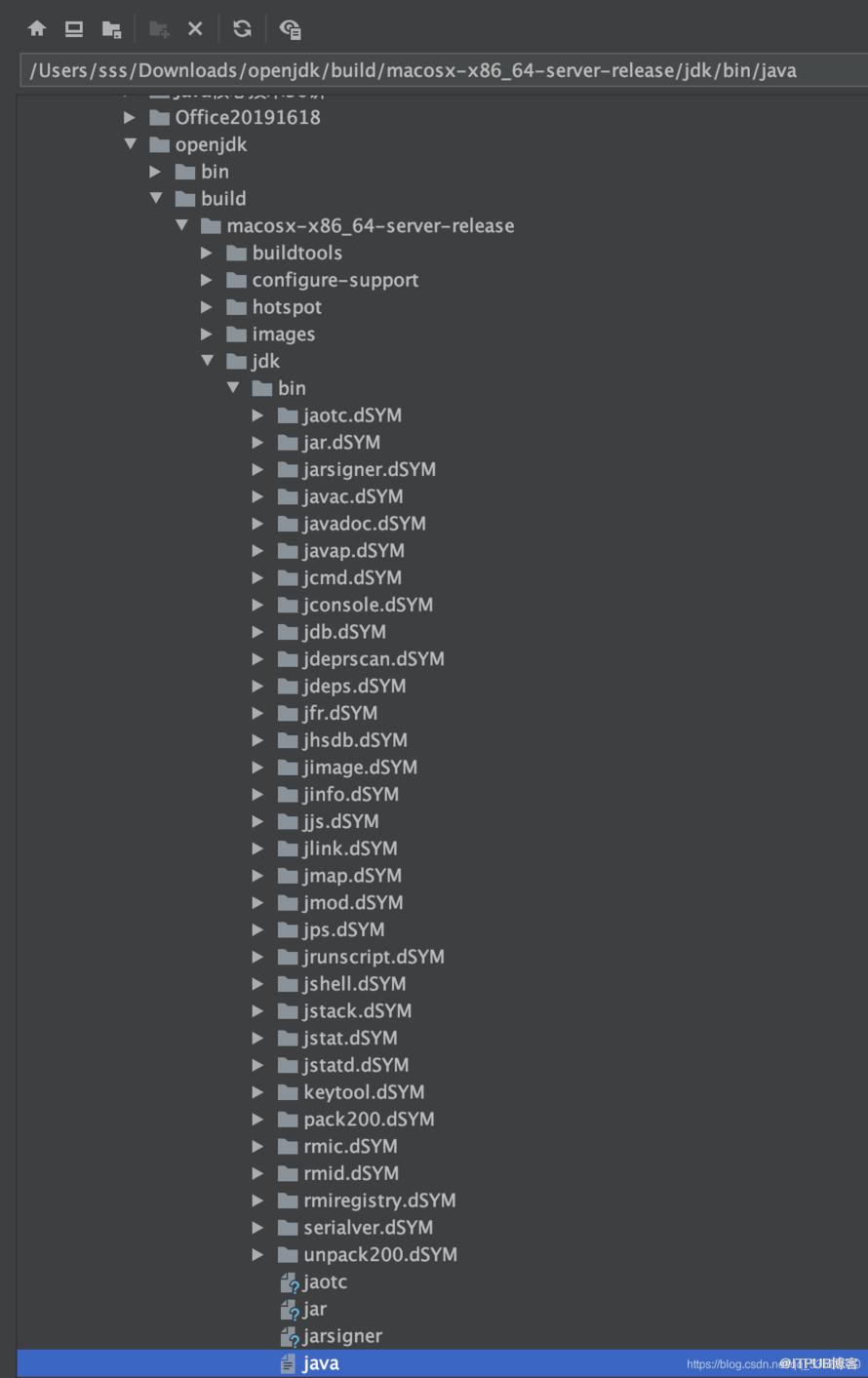
Program arguments 填写-version,输出Java版本
Before launch 注意:这里一定要移除Build,否则会报错无法调试
来自 “ ITPUB博客 ” ,链接:https://blog.itpub.net/3181/viewspace-2823910/ ,如需转载,请注明出处,否则将追究法律责任。
上一篇:
3.26--创建班级表和课程表
下一篇:
手机怎么快速实现英语短文翻译?

请登录后发表评论
登录
全部评论
