1、 BUT000表增强CI_EEW_BUT000,CI_EEW_BUT000_X
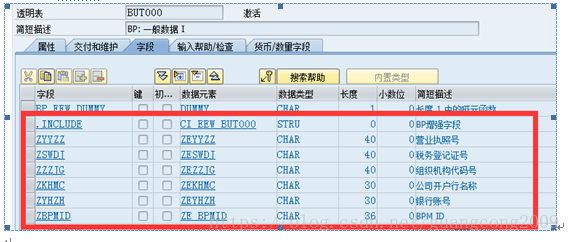
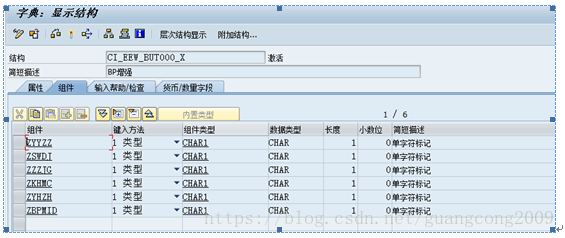
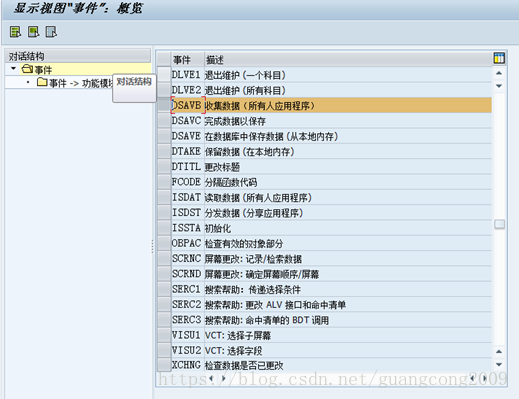
2、 创建增强结构ZSBUT00_CUST,该结构在DSAVB事件中,会被使用到

3、 创建函数组ZSD_BP,增强相关的程序必须全部放在该程序中,包括函数、屏幕、变量
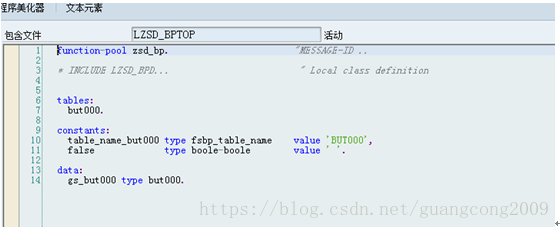
4、 在ZSD_BP的include top中定义变量如下:
5、 创建屏幕9001,屏幕字段从表BUT000直接F6生成,命名格式必须为BUT000-XXXXX
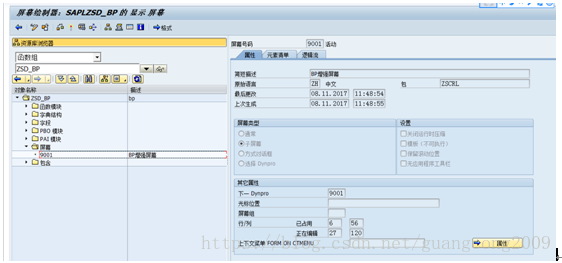
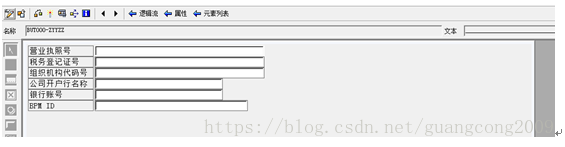
6、9001屏幕的PBO、PAI如下
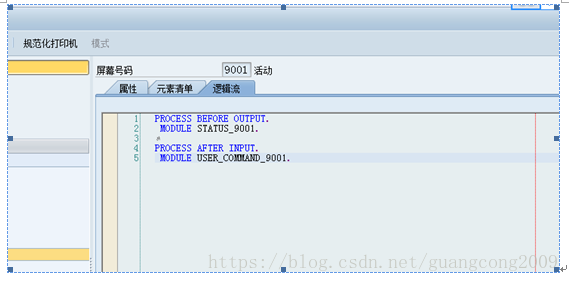
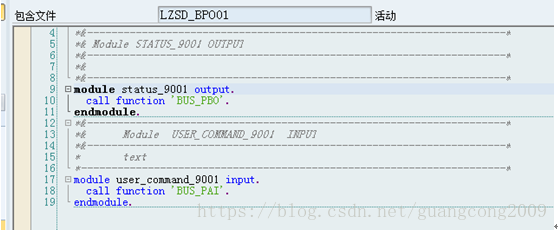
6、 屏幕增强配置,进入TCODE: BUPT
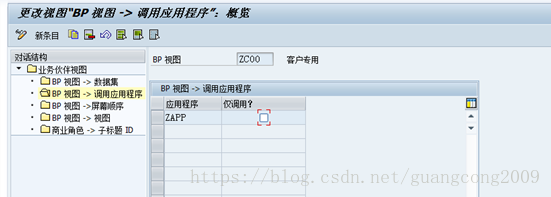
7、 创建应用程序
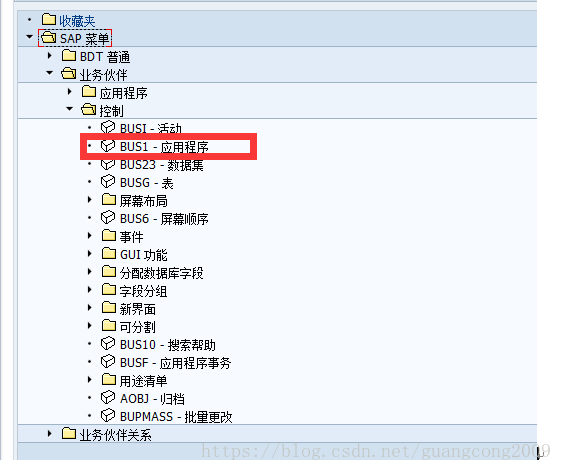
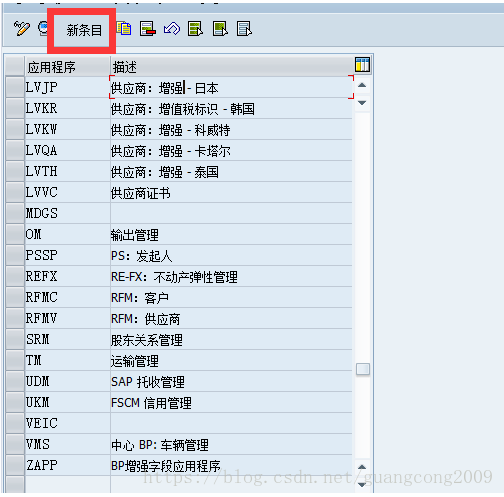
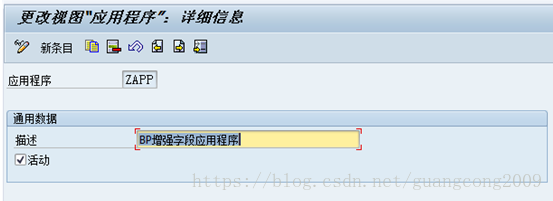
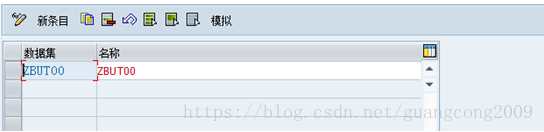
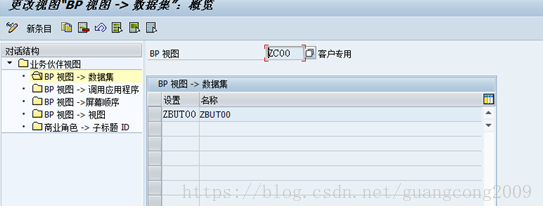
8、 创建数据集
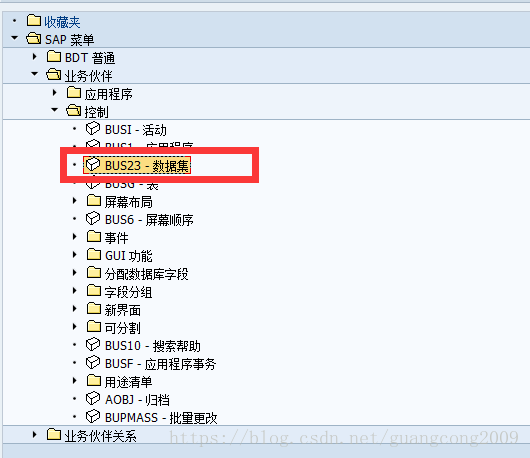
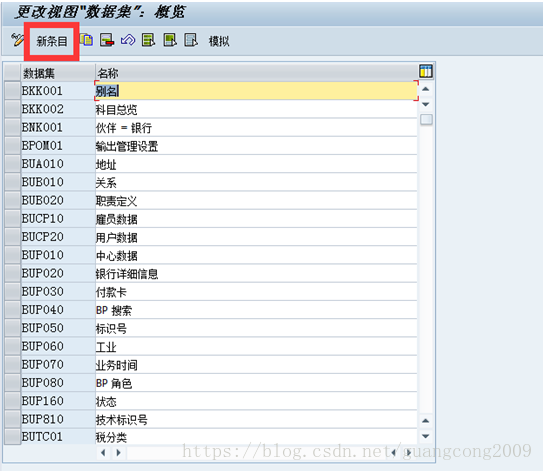
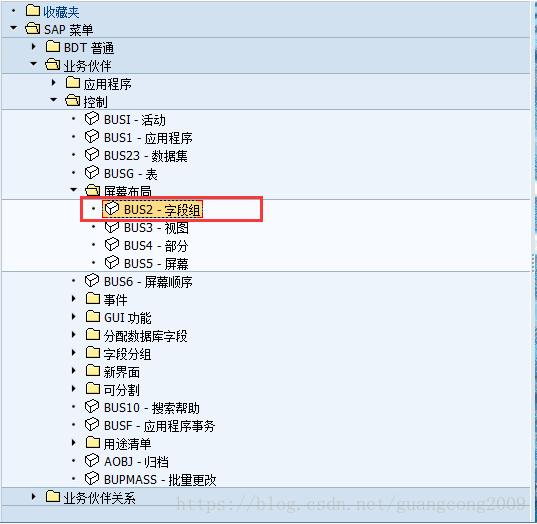
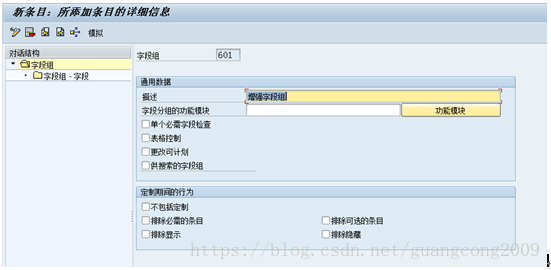
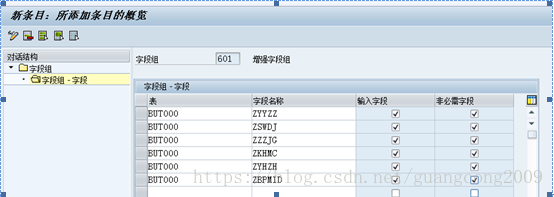
9、 创建字段组
10、 创建视图
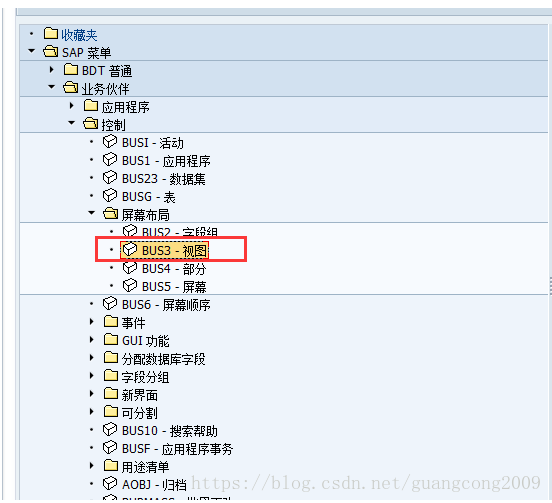
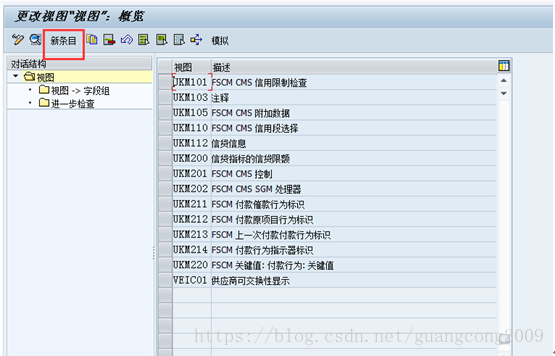
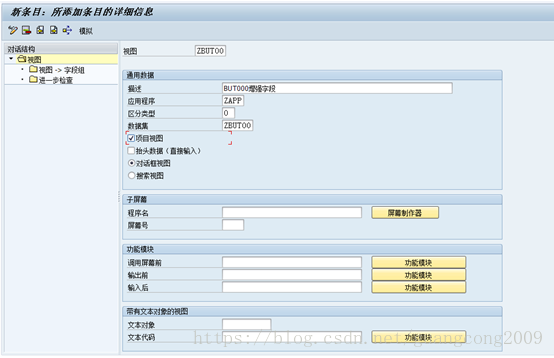

11、 创建PBO函数无输入输出参数
function zsd_but000_pbo.
*"----------------------------------------------------------------------
*"*"本地接口:
*"-------------------------------------------------------------------
data:
lt_but000 type table of but000.
* step 1: request data from xo for dynpro structure
"if gs_but000 is initial.
cvi_bdt_adapter=>data_pbo(
exporting
i_table_name = table_name_but000
importing
e_data_table = lt_but000[]
).
"endif.
if lt_but000[] is initial.
clear gs_but000.
else.
read table lt_but000 into gs_but000 index 1.
endif.
endfunction.
12、 创建PAI函数,无输入输出参数
function zsd_but000_pai.
*"----------------------------------------------------------------------
*"*"本地接口:
*"----------------------------------------------------------------------
data:
lt_but000 type table of but000.
field-symbols:
<but000> like line of lt_but000.
check cvi_bdt_adapter=>is_direct_input_active( ) = false.
* step 1: update xo memory from dypro structure
cvi_bdt_adapter=>get_current_bp_data(
exporting
i_table_name = table_name_but000
importing
e_data_table = lt_but000[]
).
if lt_but000[] is initial.
if gs_but000 is not initial.
gs_but000-partner = cvi_bdt_adapter=>get_current_bp( ).
append gs_but000 to lt_but000.
endif.
else.
read table lt_but000 assigning <but000> index 1.
<but000>-zbpmid = gs_but000-zbpmid.
assign gs_but000 to <but000>.
endif.
cvi_bdt_adapter=>data_pai(
i_table_name = table_name_but000
i_data_new = lt_but000[]
i_validate = false
).
endfunction.
13、 将程序名、屏幕号、PBO、PAI函数分配给视图
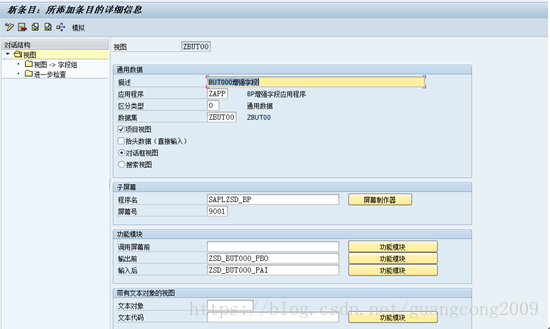
14、 创建部分
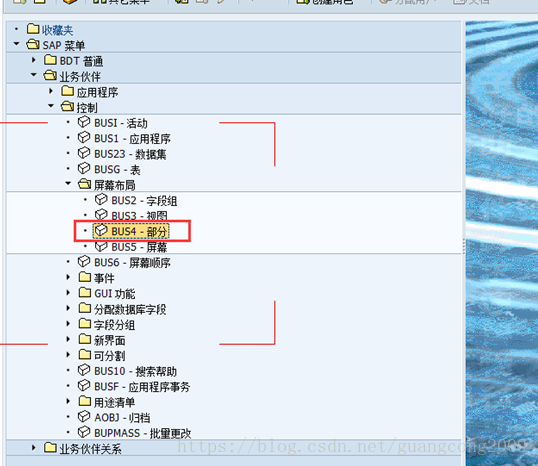
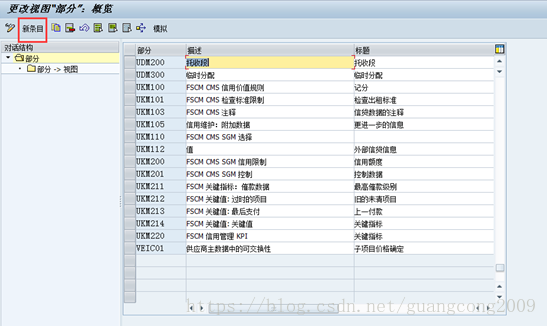
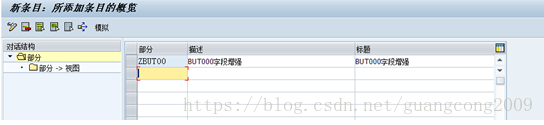
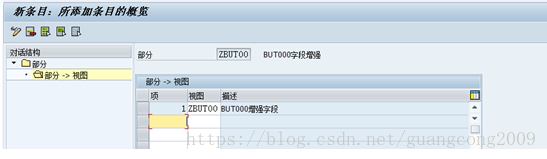
15、 给部分分配视图
16、 创建屏幕
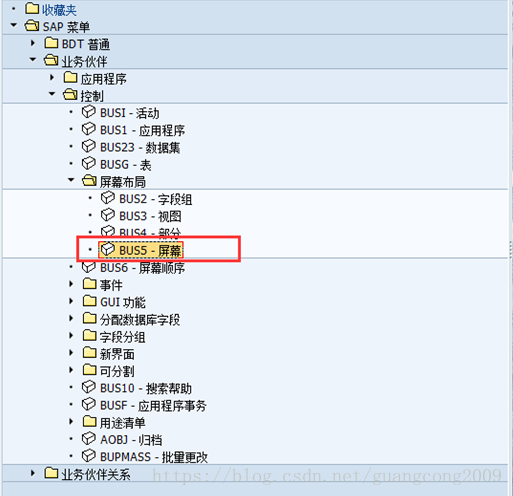

17、 屏幕->部分

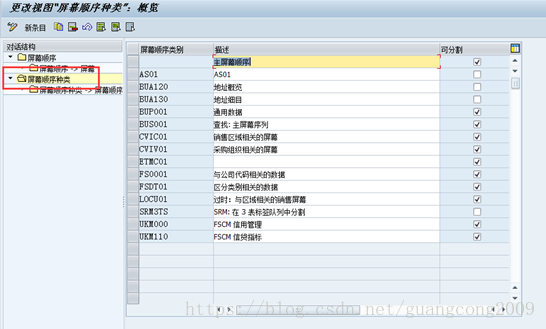
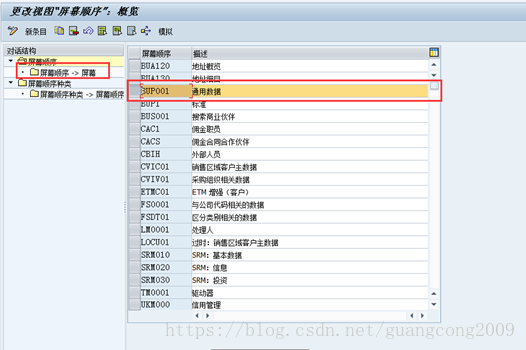
18、 创建屏幕顺序
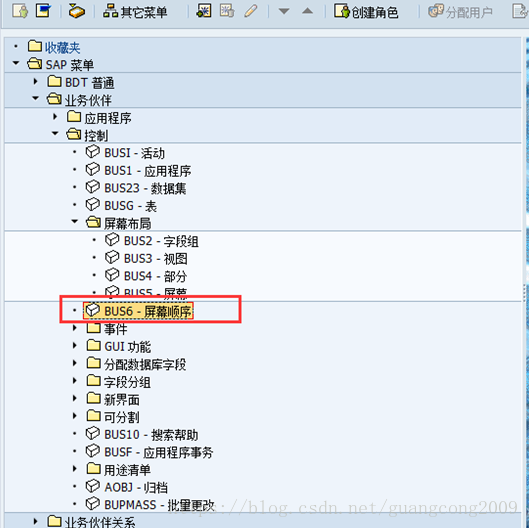

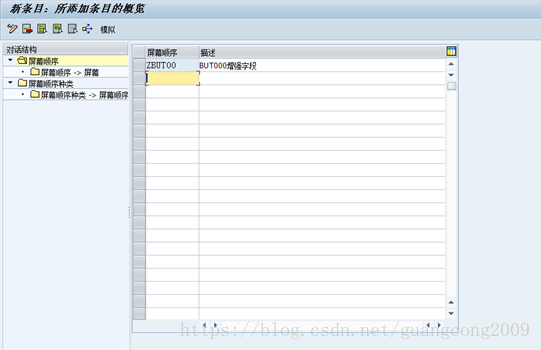
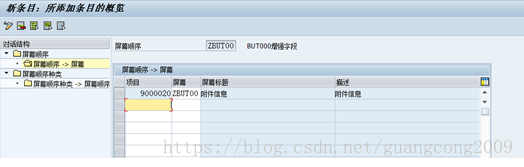


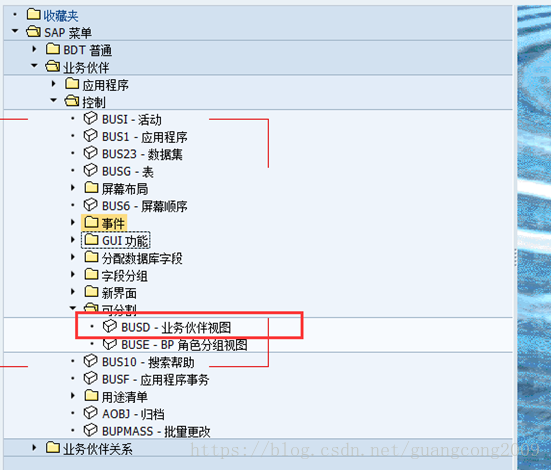
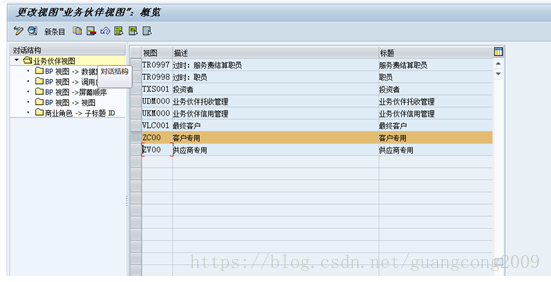
19、 业务伙伴视图
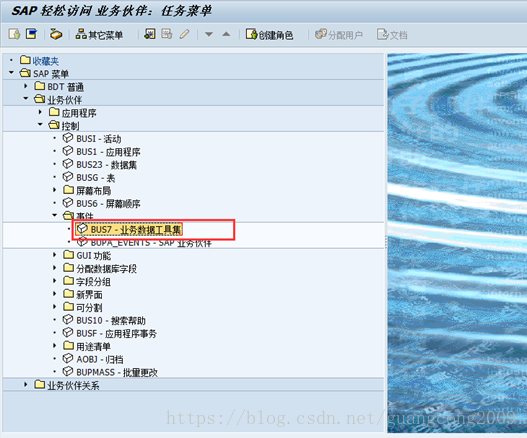
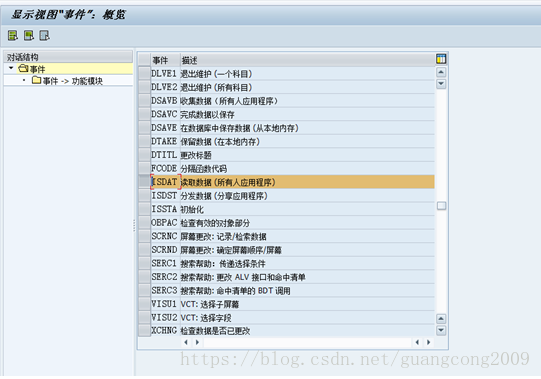
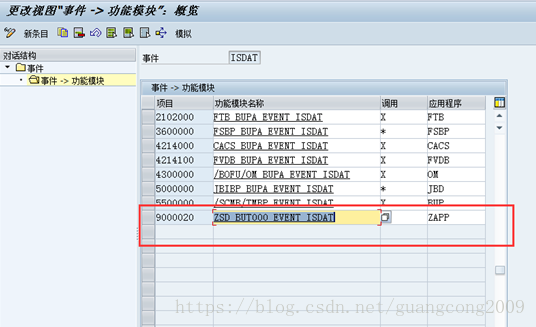
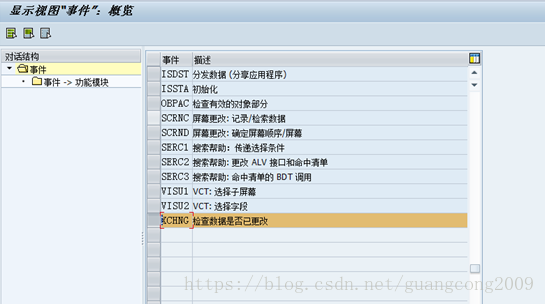
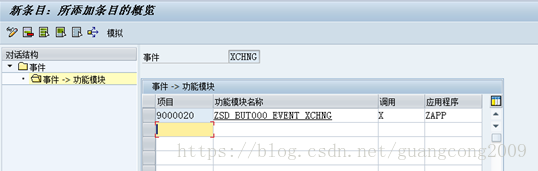
20、定义事件

来自 “ ITPUB博客 ” ,链接:https://blog.itpub.net/31518056/viewspace-2155611/ ,如需转载,请注明出处,否则将追究法律责任。

