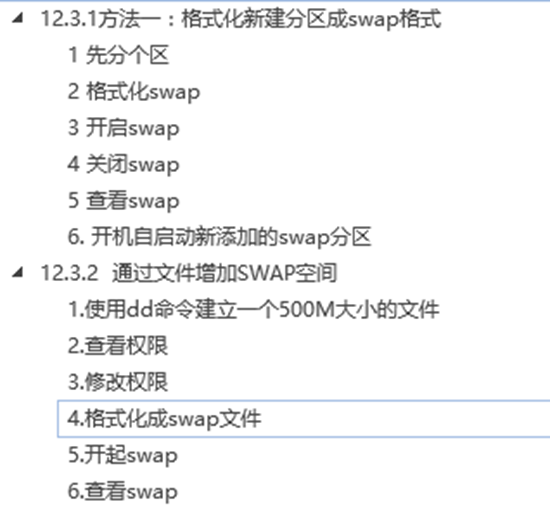
12.3.1方法一:格式化新建分区成swap格式
1.mkswap /devices (格式化成swap格式)
2.swapon /swap (激活/swap,加入到swap分区中)
1 先分个区
[root@xuegod63 ~]# fdisk /dev/sdb
命令(输入 m 获取帮助):n
Partition type:
p primary (0 primary, 0 extended, 4 free)
e extended
Select (default p): p
分区号 (1-4,默认 1):
起始 扇区 (2048-41943039,默认为 2048):
将使用默认值 2048
Last 扇区, +扇区 or +size{K,M,G} (2048-41943039,默认为 41943039):+1G
分区 1 已设置为 Linux 类型,大小设为 1 GiB
命令(输入 m 获取帮助):w
The partition table has been altered!
Calling ioctl() to re-read partition table.
正在同步磁盘。
[root@xuegod63 ~]# ls /dev/sd*
/dev/sda /dev/sda1 /dev/sda2 /dev/sdb /dev/sdb1
2 格式化swap
[root@xuegod63 ~]# mkswap /dev/sdb1
正在设置交换空间版本 1,大小 = 2097148 KiB
无标签,UUID=dc41b5ef-bcf1-477c-902e-c5bb00d41c1e
验证:
[root@xuegod63 ~]# free -m
total used free shared buff/cache available
Mem: 977 557 75 16 345 168
Swap: 2047 234 1813
3 开启swap
[root@xuegod63 ~]# swapon /dev/sdb1 ---开启
[root@xuegod63 ~]# free -m
total used free shared buff/cache available
Mem: 977 556 75 16 345 169
Swap: 3071 234 2837
4 关闭swap
[root@xuegod63 ~]# swapoff /dev/sdb1 ---关闭
[root@xuegod63 ~]# free -m
total used free shared buff/cache available
Mem: 977 556 75 16 345 169
Swap: 2047 234 1813
5 查看swap
[root@xuegod63 ~]# swapon -s
Filename Type Size Used Priority
/dev/dm-1 partition 2097148 240532 -1
[root@xuegod63 ~]# swapon /dev/sdb2
[root@xuegod63 ~]# swapon -s #查看
Filename Type Size Used Priority
/dev/dm-1 partition 2097148 240532 -1
/dev/sdb1 partition 1048572 0 -2
6. 开机自启动新添加的swap分区
1.vim /etc/fstab (开机自启动新添加的swap分区) ,在最后追加:
echo "/dev/sdb1 swap swap defaults 0 0" >> /etc/fstab
如果不想使用需要删除,只需要执行#swapoff /swap
12.3.2 通过文件增加SWAP空间
1.使用dd命令建立一个500M大小的文件
[root@xuegod63 ~]# dd if=/dev/zero of=swap_file bs=1M count=500
2.查看权限
[root@xuegod63 ~]# ll /root/swap_file
3.修改权限
[root@xuegod63 ~]# chmod 0600 /root/swap_file
4.格式化成swap文件
[root@xuegod63 ~]# mkswap -f /root/swap_file
5.开起swap
[root@xuegod63 ~]# swapon /root/swap_file
6.查看swap
[root@xuegod63 ~]# free -m
来自 “ ITPUB博客 ” ,链接:https://blog.itpub.net/31485142/viewspace-2154665/ ,如需转载,请注明出处,否则将追究法律责任。

