挂载本地iso光盘镜像、配置yum软件仓库
当操作异地机房里的服务器,使用rpm命令进行软件包安装时,不方便解决依赖关系
配置yum软件仓库,使用yum安装软件可以自动处理依赖关系
将系统光盘上传到服务器上,linux
挂载iso光盘镜像文件,配置yum软件仓库
1 上传iso文件
使用xftp上传rhel6.4系统光盘镜像到/software

[root@rhel64 ~]#
cd /software/
[root@rhel64 software]#
ls -lh

为方便使用,重命名光盘镜像文件
[root@rhel64 software]#
mv rhel-server-6.4-x86_64-dvd.iso rhel64.iso
[root@rhel64 software]#
ls -lh

2 创建挂载点
[root@rhel64 ~]#
mkdir /mnt/yum
[root@rhel64 ~]#
ls -ld /mnt/yum

3 临时挂载iso文件
[root@rhel64 ~]#
df -Th

直接执行mount命令,提示使用-o loop选项
[root@rhel64 ~]#
mount /software/rhel64.iso /mnt/yum/

[root@rhel64 ~]#
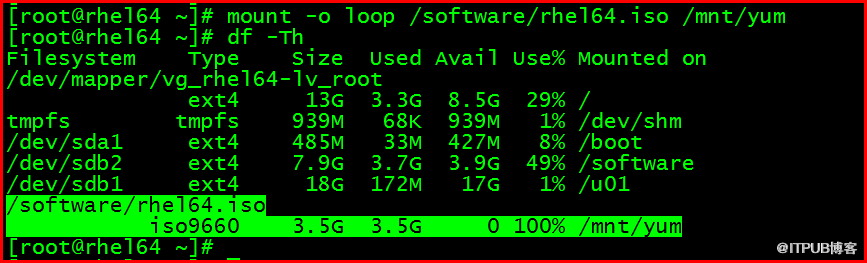
mount -o loop /software/rhel64.iso /mnt/yum
[root@rhel64 ~]#
df -Th
卸载
[root@rhel64 ~]#
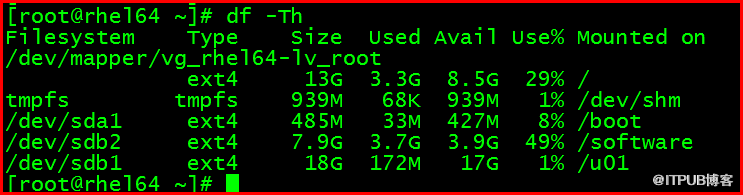
umount /mnt/yum
[root@rhel64 ~]#
df -Th
4 实现iso文件开机自动挂载
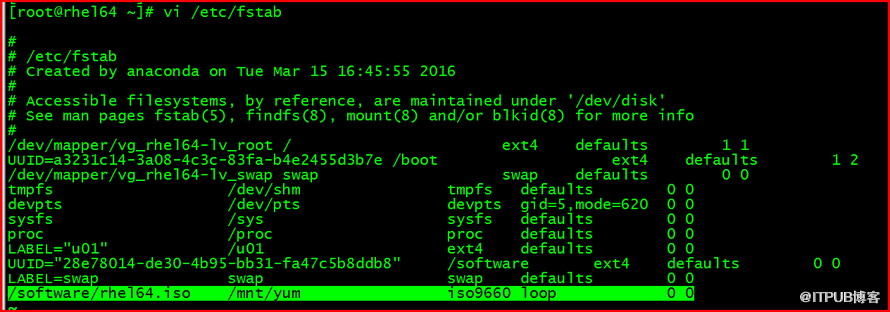
编写/etc/fstab文件,追加写入信息
/software/rhel64.iso /mnt/yum iso9660 loop 0 0
[root@rhel64 ~]#
vi /etc/fstab
[root@rhel64 ~]#
grep iso /etc/fstab

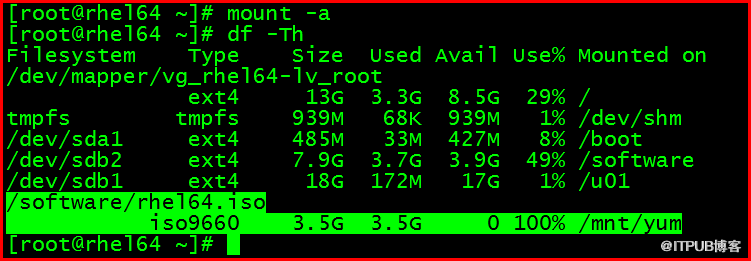
执行mount -a命令,挂载验证
[root@rhel64 ~]#
mount -a
[root@rhel64 ~]#
df -Th
重启操作系统验证
[root@rhel64 ~]#
reboot
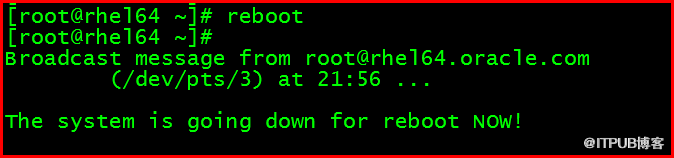
[root@rhel64 ~]#
df -Th

5 配置yum软件仓库
[root@rhel64 ~]#
cat /etc/yum.repos.d/rhel-source.repo
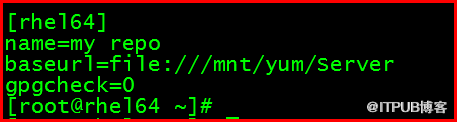
[root@rhel64 ~]#
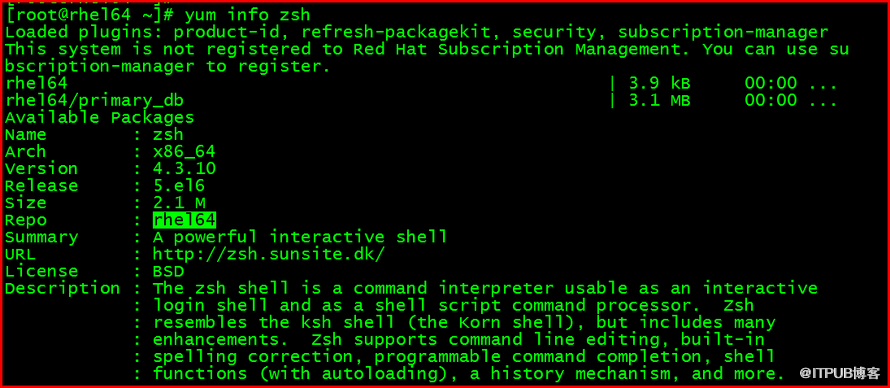
yum clean all
[root@rhel64 ~]#
yum info zsh
来自 “ ITPUB博客 ” ,链接:https://blog.itpub.net/30327022/viewspace-2122625/ ,如需转载,请注明出处,否则将追究法律责任。

