达梦数据库DM8——单机版安装
一、环境准备:
| 操作系统版本 | Centos 7.6
|
| 达梦数据库版本 | dm8_setup_rh7_64_ent_8.1.1.88_20200629.iso |
二、安装过程:
2.1、安装准备
查看操作系统版本
cat /etc/redhat-release

内核要求在2.6以上

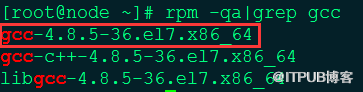
安装gcc包
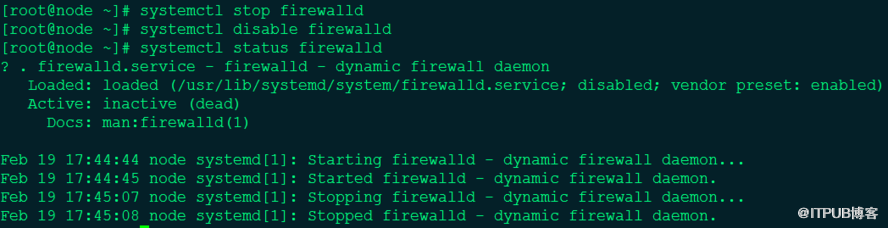
关闭防火墙和selinux
systemctl stop firewalld
systemctl disable firewalld
systemctl status firewalld
或者使用在防火墙上添加监听端口
firewall-cmd --add-port=5236/tcp (5236默认监听端口号)
firewall-cmd --reload
firewall-cmd --list-all
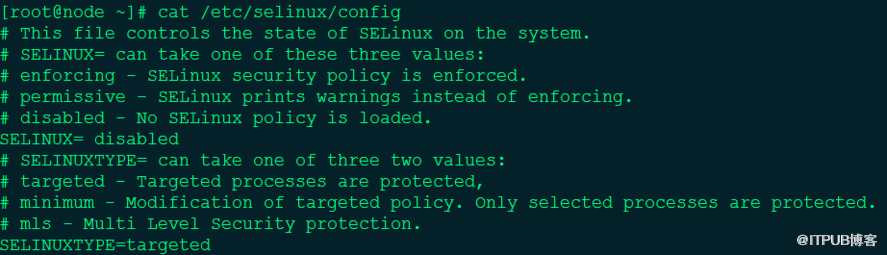
cat >/etc/selinux/config<<EOF
# This file controls the state of SELinux on the system.
# SELINUX= can take one of these three values:
# enforcing - SELinux security policy is enforced.
# permissive - SELinux prints warnings instead of enforcing.
# disabled - No SELinux policy is loaded.
SELINUX= disabled
# SELINUXTYPE= can take one of three two values:
# targeted - Targeted processes are protected,
# minimum - Modification of targeted policy. Only selected processes are protected.
# mls - Multi Level Security protection.
SELINUXTYPE=targeted
EOF
配置系统限制
cat >> /etc/security/limits.conf <<EOF
dmdba soft nofile 4096
dmdba hard nofile 65536
EOF

创建DM用户
groupadd dinstall
useradd -g dinstall dmdba
echo "dmdba" | passwd --stdin dmdba

创建目录
mkdir -p /dm
chown -R dmdba:dinstall /dm/
chmod -R 775 /dm/

安装DM数据库
mount -o loop dm8_20201107_x86_rh7_64_ent_8.1.1.144.iso /mnt/

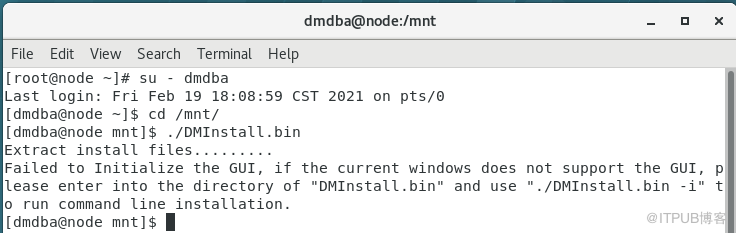
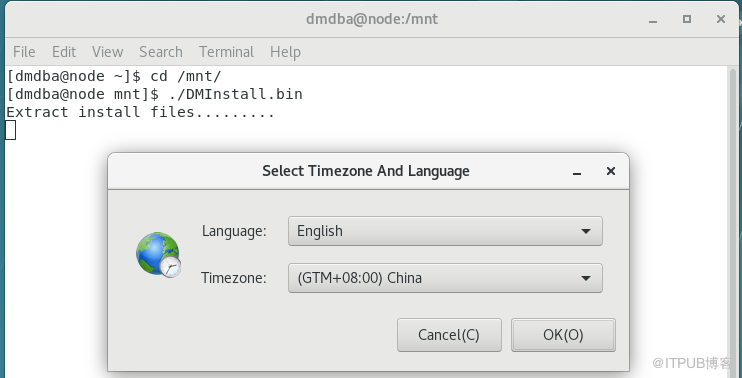
使用dmdba用户执行./DMInstall.bin程序
坑一:
root下执行xhost +
su - dmdba切换后执行
./DMinstall.bin报错,只有在系统下退出root使用dmdba登录才能成功
使用dbca创建数据库实例也需要在dmdba登录图形化界面才可以
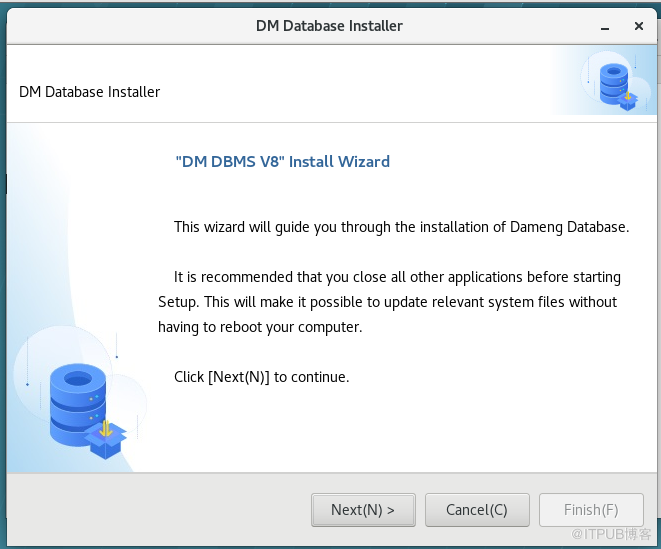
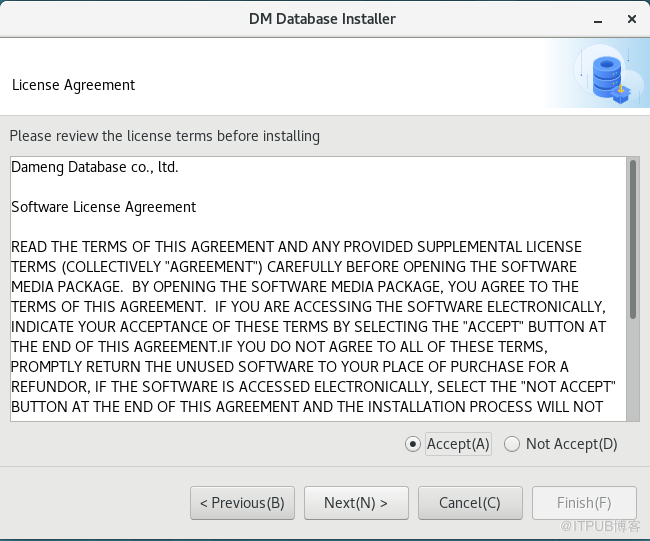
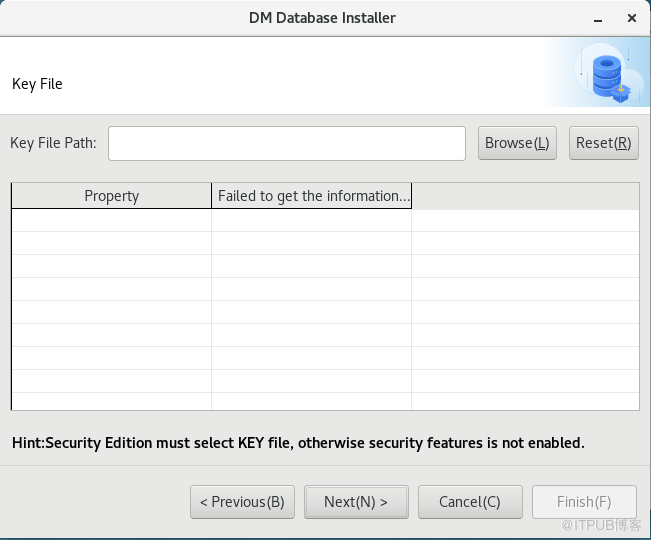
安装达梦数据库软件
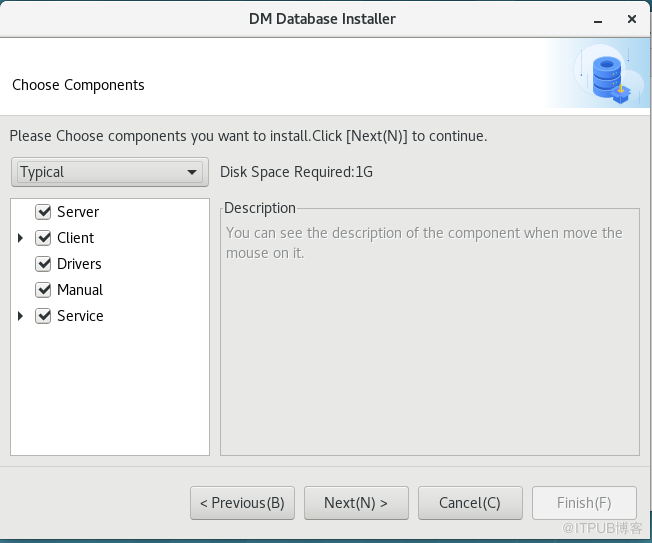
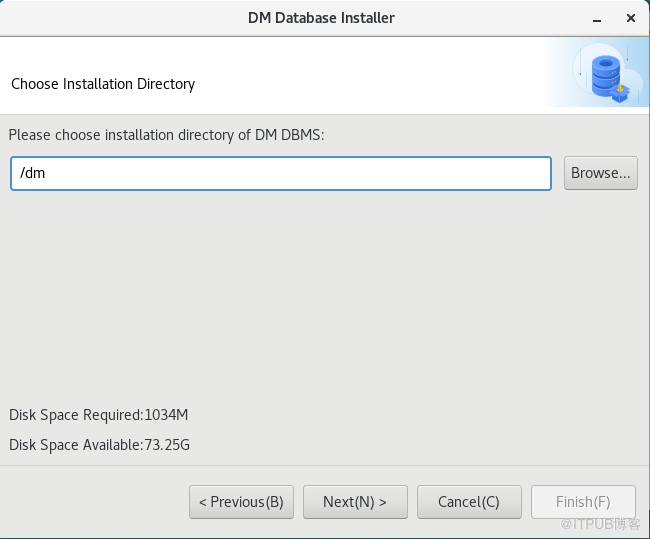
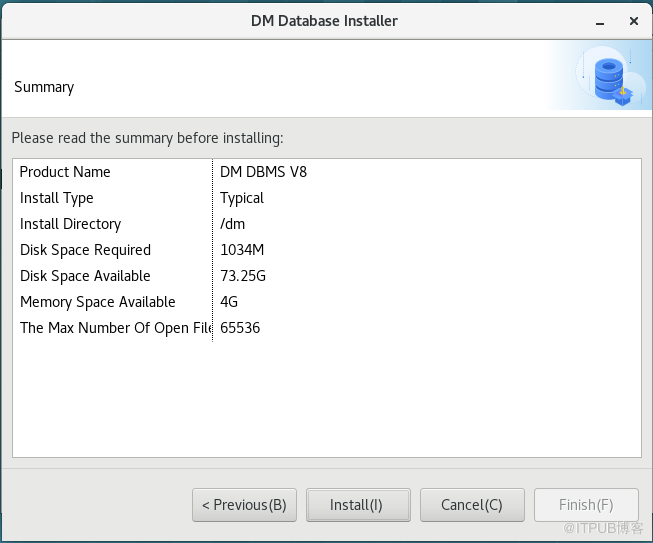
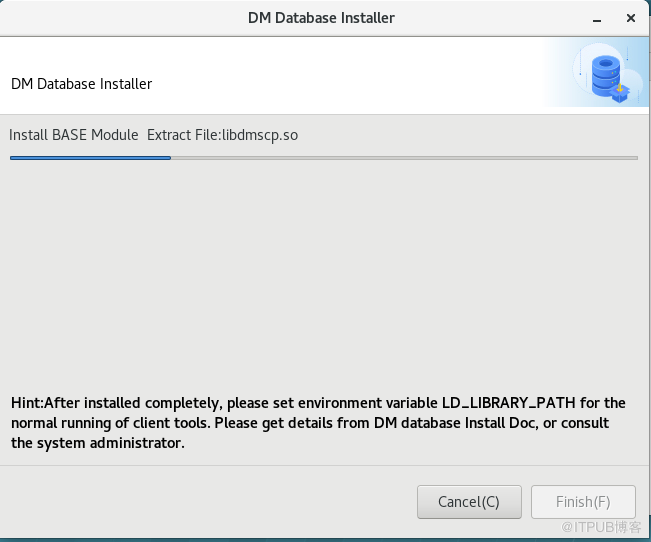
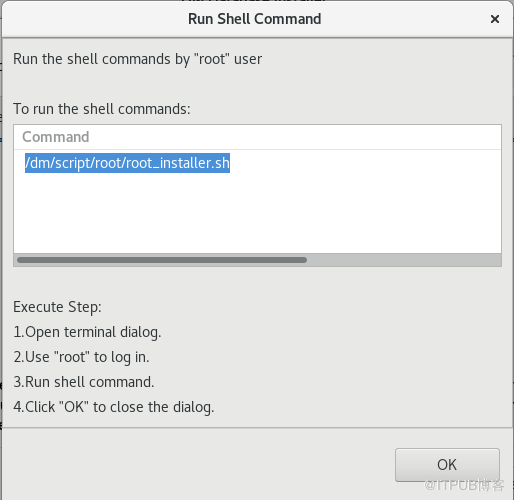
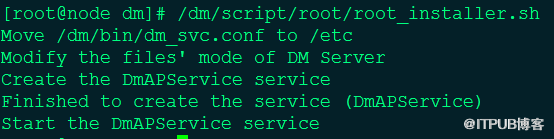
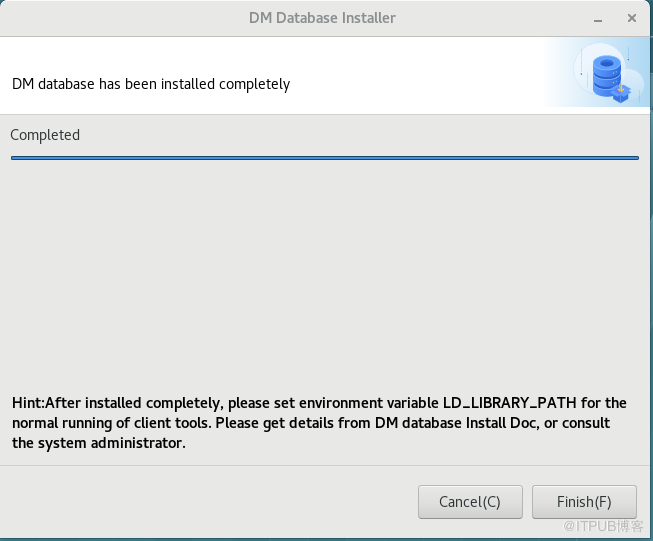
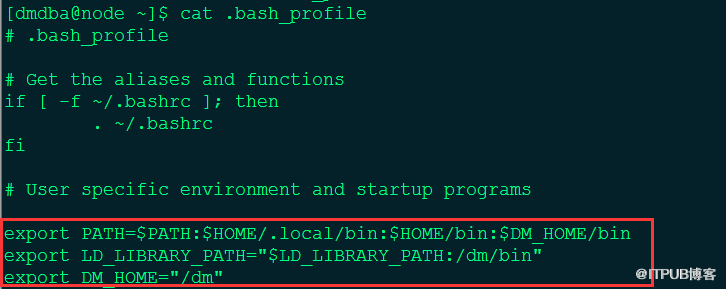
添加环境变量
没有key
1、连接数限制
2、时间限制,免费一年(版本发布时间计算)
3、无法启用安全特性
坑二:
SYSDBA的密码目前忘记后没法修改,默认密码和用户名相同,只能拨打DM客服
数据库软件卸载
[dmdba@node dm]$ ./uninstall.sh
创建实例
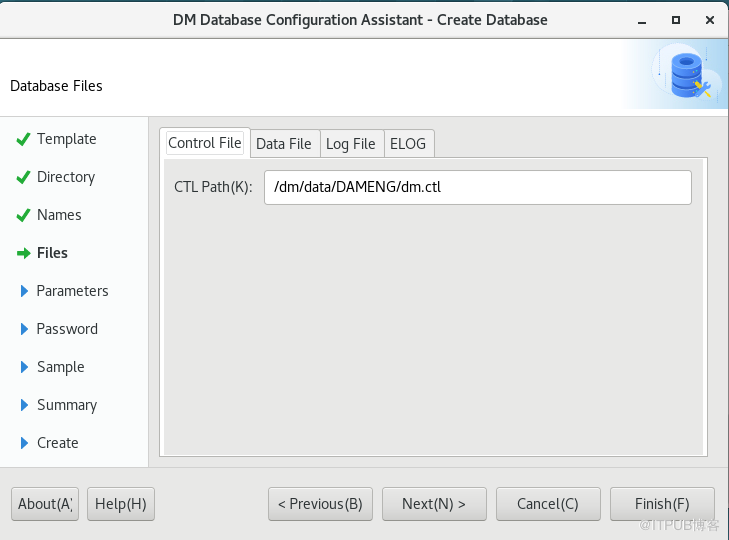
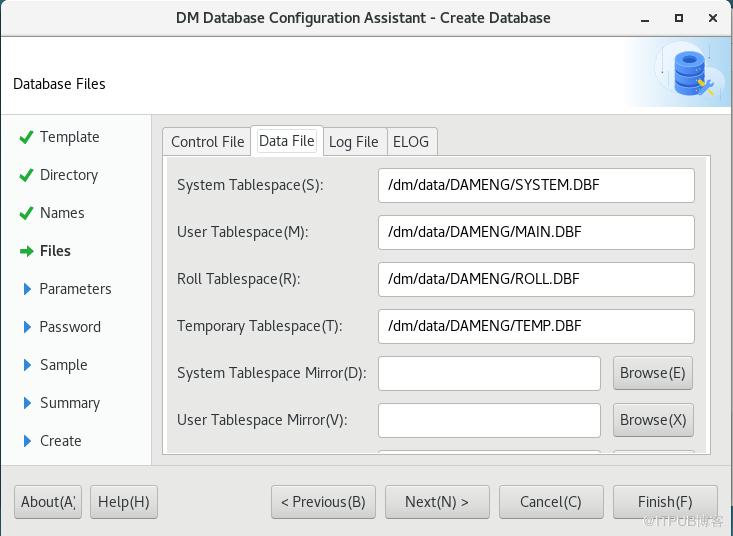
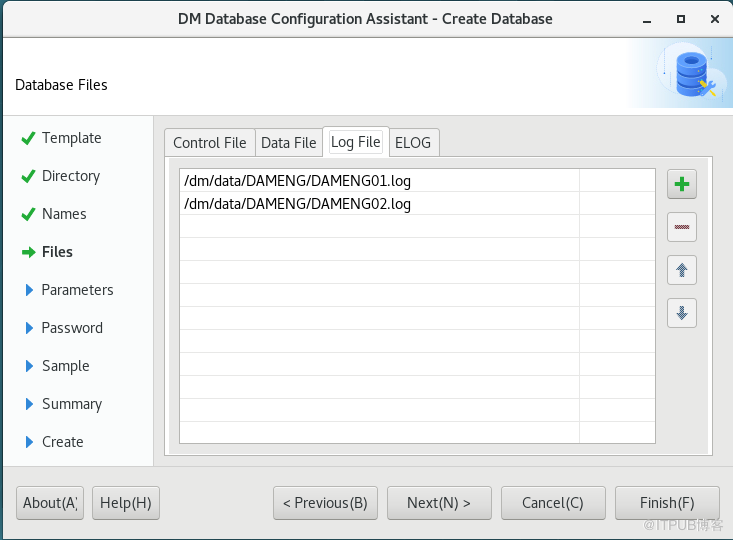
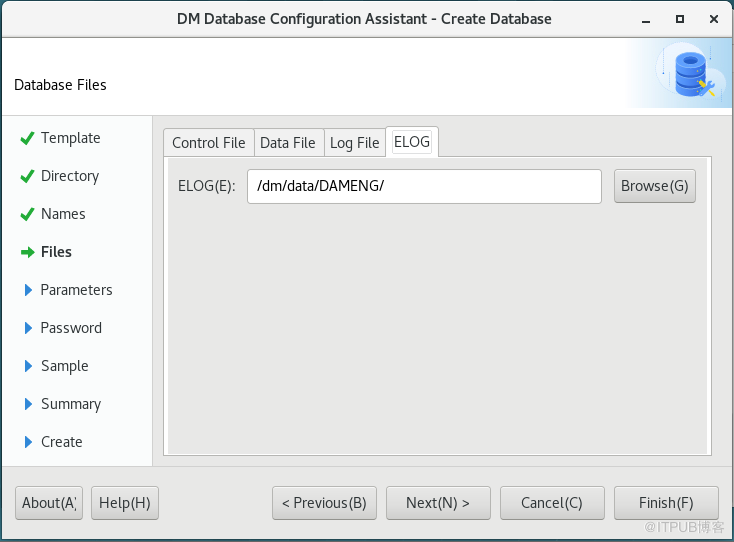
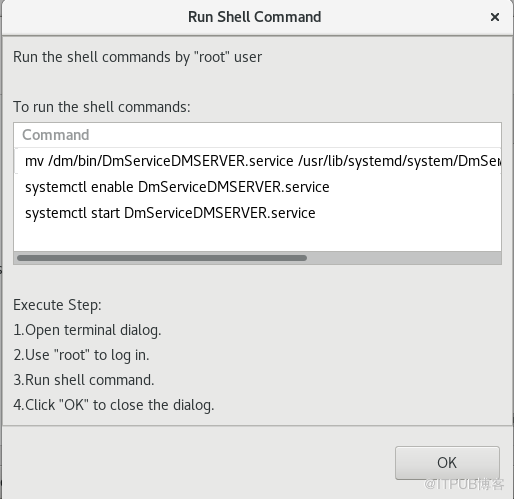
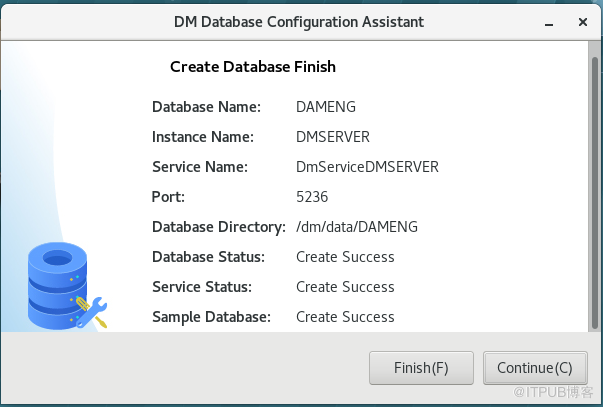
DBCA
cd /dm/tool
./dbca.sh
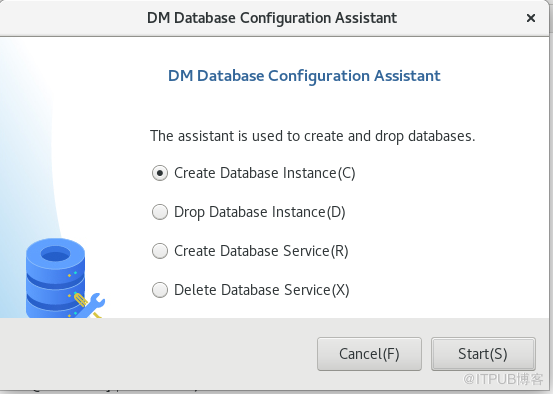
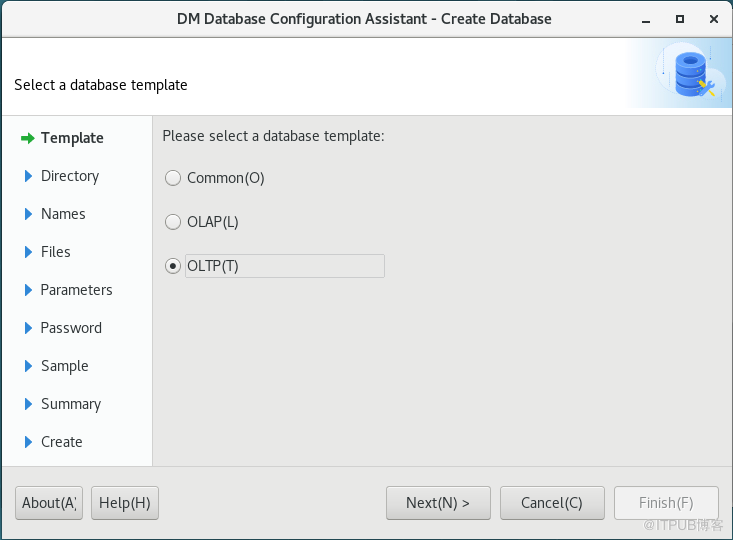
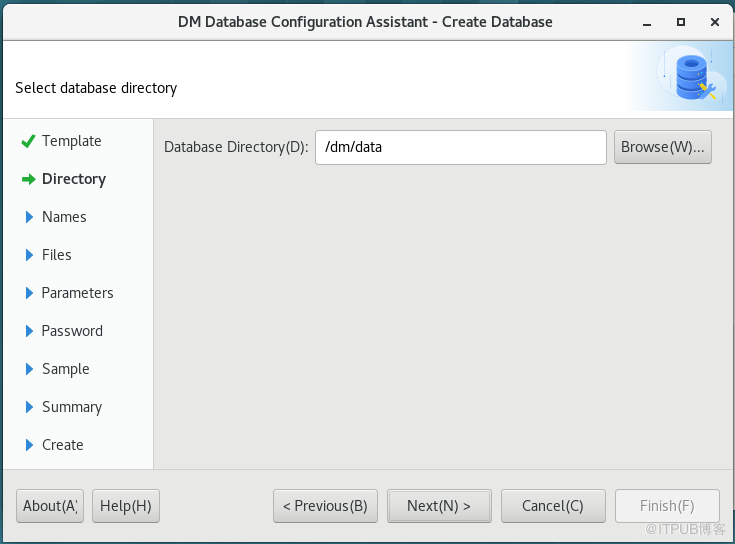
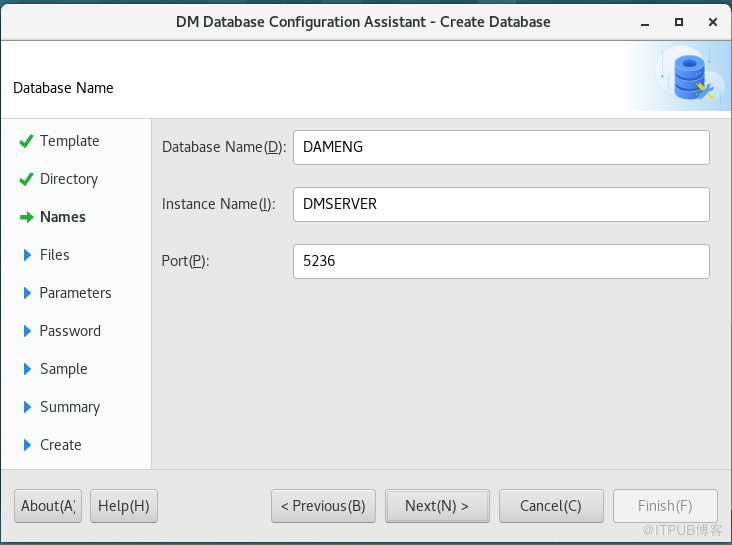
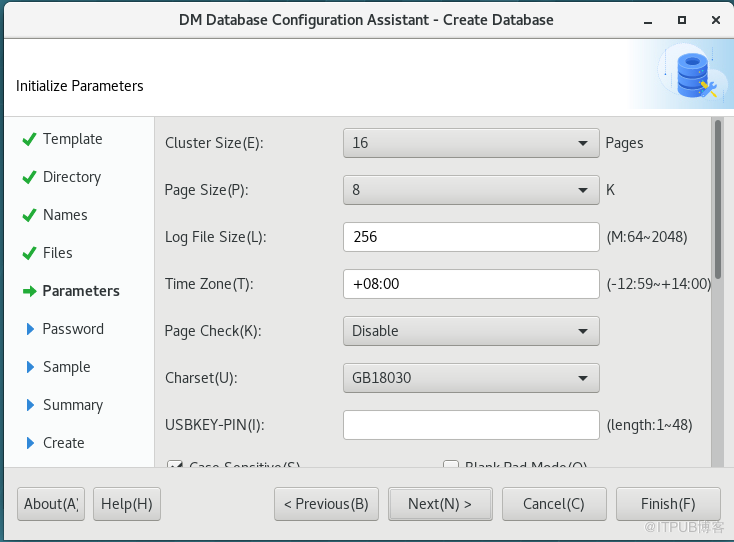
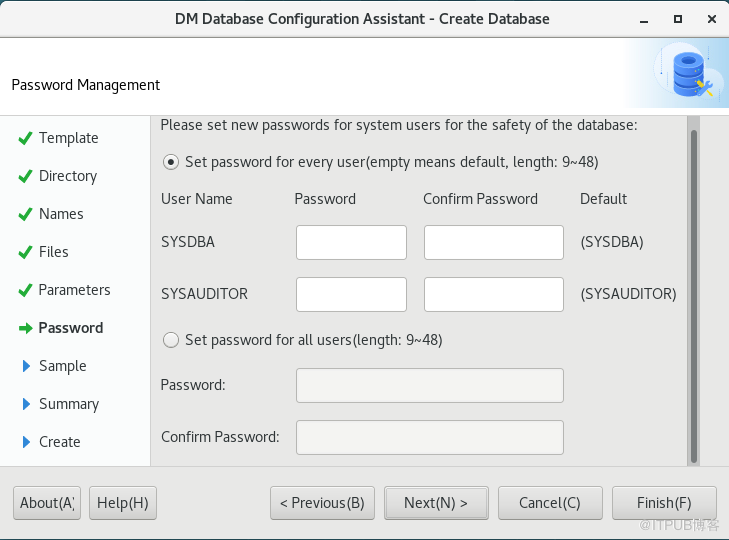
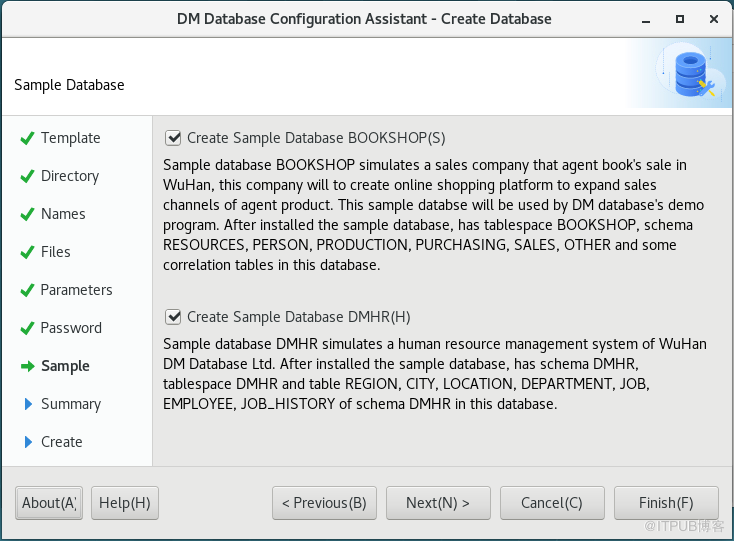
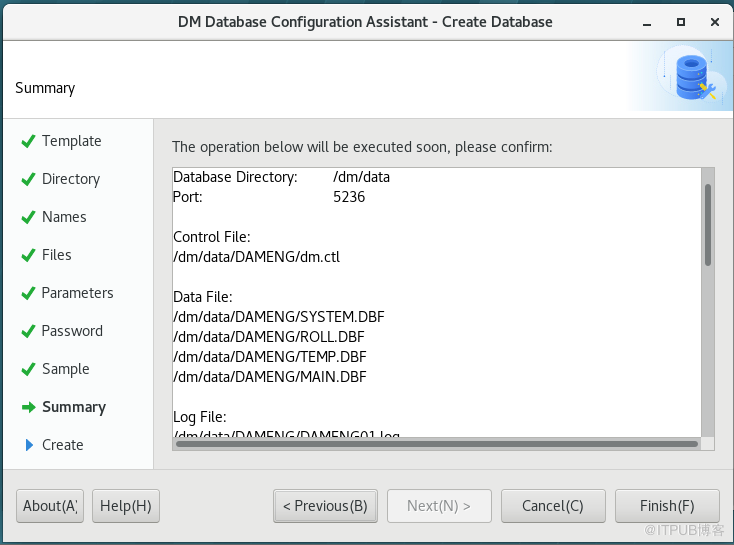

静默创建实例
cd /dm/tool
dminit path=/dm/data DB_NAME=DAMENG INSTANCE_NAME=DMSERVER PORT_NUM=5236
注意:
DBCA工具创建实例会自动注册服务
DMINIT工具不会自动创建服务,需要单独注册实例的服务
DM实例是以IP+PORT区别不同的实例
注册实例服务:
方法一:
使用DBCA工具注册
方法二:
使用DM_HOME/script/root/dm_service_install.sh脚本
DM7
[root]#./dm_service_installer.sh -t dmserver -i /dm/data/DAMENG/dm.ini -p DMSERVER
service DmServicejinyi start
service DmServicejinyi status
DM8
[root]#./dm_service_installer.sh -t dmserver -dm_ini /dm/data/DAMENG/dm.ini -p DMSERVER
systemctl start DmServicejinyi.service
来自 “ ITPUB博客 ” ,链接:https://blog.itpub.net/29503876/viewspace-2757804/ ,如需转载,请注明出处,否则将追究法律责任。

