rmdir
删除一个空目录,可以同时删除途经的父目录,但是要确保父目录中没有其他内容。
此命令的适用范围:RedHat、RHEL、Ubuntu、CentOS、SUSE、openSUSE、Fedora。
1
、语法
rmdir [
选项] dir
2
、选项列表
|
选项
|
说明
|
|
--version
|
显示命令版本信息
|
|
--help
|
显示帮助文档
|
|
--ignore-fail-on-non-empty
|
忽略由非空目录造成的错误信息
|
|
-p | --parent
|
删除目录,以及途经的父目录
|
|
-v | --verbose
|
显示详细信息
|
3
、实例
1
)简单删除一个目录
|
[root@localhost weijie]#

ls -l test            //
查看目录的详细信息
总用量
4
drwxr-xr-x 2 root root 4096 9
月
10 21:21 test
[root@localhost weijie]#

rmdir testt/test/       //
删除目录中的一个子目录
[root@localhost weijie]#

ls -l test               //
查看目录信息
总用量
0
|
2
)使用-p选项,删除子目录以及途经的父目录,父目录只有当前的一个子目录
|
[root@localhost weijie]#

mkdir test02/test          //
在
test02
中创建目录
test
You have new mail in /var/spool/mail/root
[root@localhost weijie]#

ls test02/                  //
查看是否创建成功
test
[root@localhost weijie]#

rmdir -p test02/test/     //
使用
-p
选项删除目录
test
,这样会导致
test02
一起被删除
[root@localhost weijie]#

ls                           //
查看当前目录,
test02
已经不在了
1.c link link1 link2 my.iso test testt wj234.q1C wjtpflR
|
3
)使用-p选项,删除子目录以及途经的父目录,父目录中还有其他内容
|
[root@localhost weijie]#

ls testt/                   //
查看目录内容
1.c test
[root@localhost weijie]#

rmdir -p testt/test/       //
使用
-p
选项删除
rmdir:
删除目录
"testt"
失败
:
目录非空
//
删除途经的父目录
testt
出错,因为这个目录下还有其他内容
[root@localhost weijie]#

ls testt/                    //
查看,子目录已经删除
1.c
|
4
)同时改变所有者和组
|
[root@localhost weijie]#

ls -l 1.c                 //
当前的组是
weijie
-rwxr--r-- 1 root

weijie

 0 9
月
7 09:11 1.c
[root@localhost weijie]#

 chown 500
:
500 1.c //
把组和所有者都改为
500
,注意语法,中间有个冒号
[root@localhost weijie]#

ls -l 1.c
-rwxr--r-- 1

 david david 0

 9
月
7 09:11 1.c
|
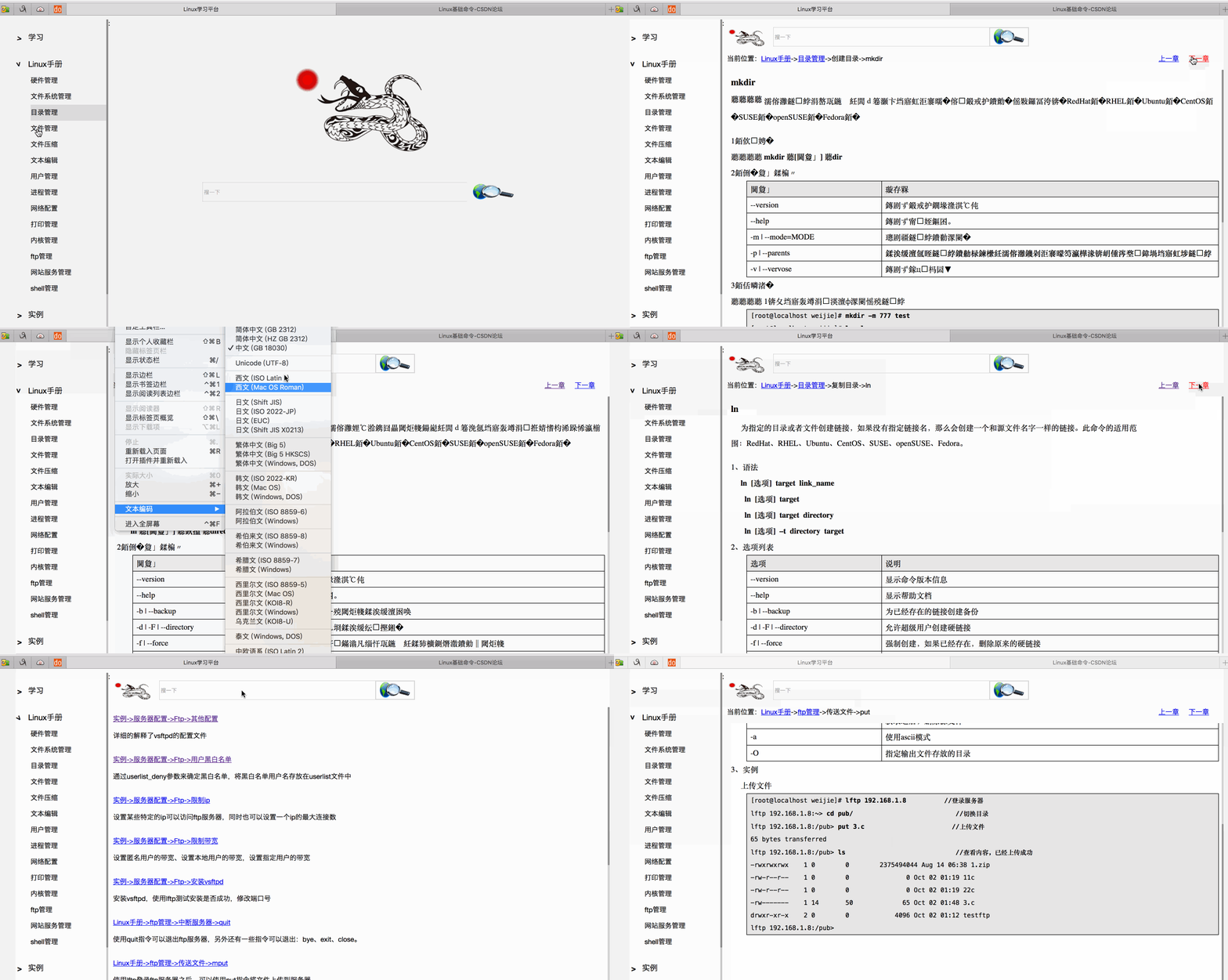
做了一个Linux学习的平台,目前出来一个雏形,各位可以参考使用
链接:https://pan.baidu.com/s/1GOLVU2CbpBNGtunztVpaCQ 密码:n7bk
来自 “ ITPUB博客 ” ,链接:https://blog.itpub.net/29270124/viewspace-2220062/
,如需转载,请注明出处,否则将追究法律责任。

