
老孟导读:在前面的文章中介绍了
《Flutter 动画系列》25种动画组件超全总结
《Flutter 动画系列》Google工程师带你选择Flutter动画控件:
在项目中动画效果很多时候是几种动画的组合,比如颜色、大小、位移等属性同时变化或者顺序变化,这篇文章讲解如何实现组合动画
Flutter中组合动画使用Interval,Interval继承自Curve,用法如下:
Animation _sizeAnimation = Tween(begin: 100.0, end: 300.0).animate(CurvedAnimation(
    parent: _animationController, curve: Interval(0.5, 1.0)));
表示_sizeAnimation动画从0.5(一半)开始到结束,如果动画时长为6秒,_sizeAnimation则从第3秒开始。
Interval中begin 和end参数值的范围是0.0到1.0。
下面实现一个先执行颜色变化,在执行大小变化,代码如下:
class AnimationDemo extends StatefulWidget {
State<StatefulWidget> createState() => _AnimationDemo();
}
class _AnimationDemo extends State<AnimationDemo>
with SingleTickerProviderStateMixin {
AnimationController _animationController;
Animation _colorAnimation;
Animation _sizeAnimation;
void initState() {
_animationController =
AnimationController(duration: Duration(seconds: 5), vsync: this)
..addListener((){setState(() {
});});
_colorAnimation = ColorTween(begin: Colors.red, end: Colors.blue).animate(
CurvedAnimation(
parent: _animationController, curve: Interval(0.0, 0.5)));
_sizeAnimation = Tween(begin: 100.0, end: 300.0).animate(CurvedAnimation(
parent: _animationController, curve: Interval(0.5, 1.0)));
//开始动画
_animationController.forward();
super.initState();
}
Widget build(BuildContext context) {
return Center(
child: Column(
mainAxisSize: MainAxisSize.min,
children: <Widget>[
Container(
height: _sizeAnimation.value,
width: _sizeAnimation.value,
color: _colorAnimation.value),
],
),
);
}
void dispose() {
_animationController.dispose();
super.dispose();
}
}
效果如下:
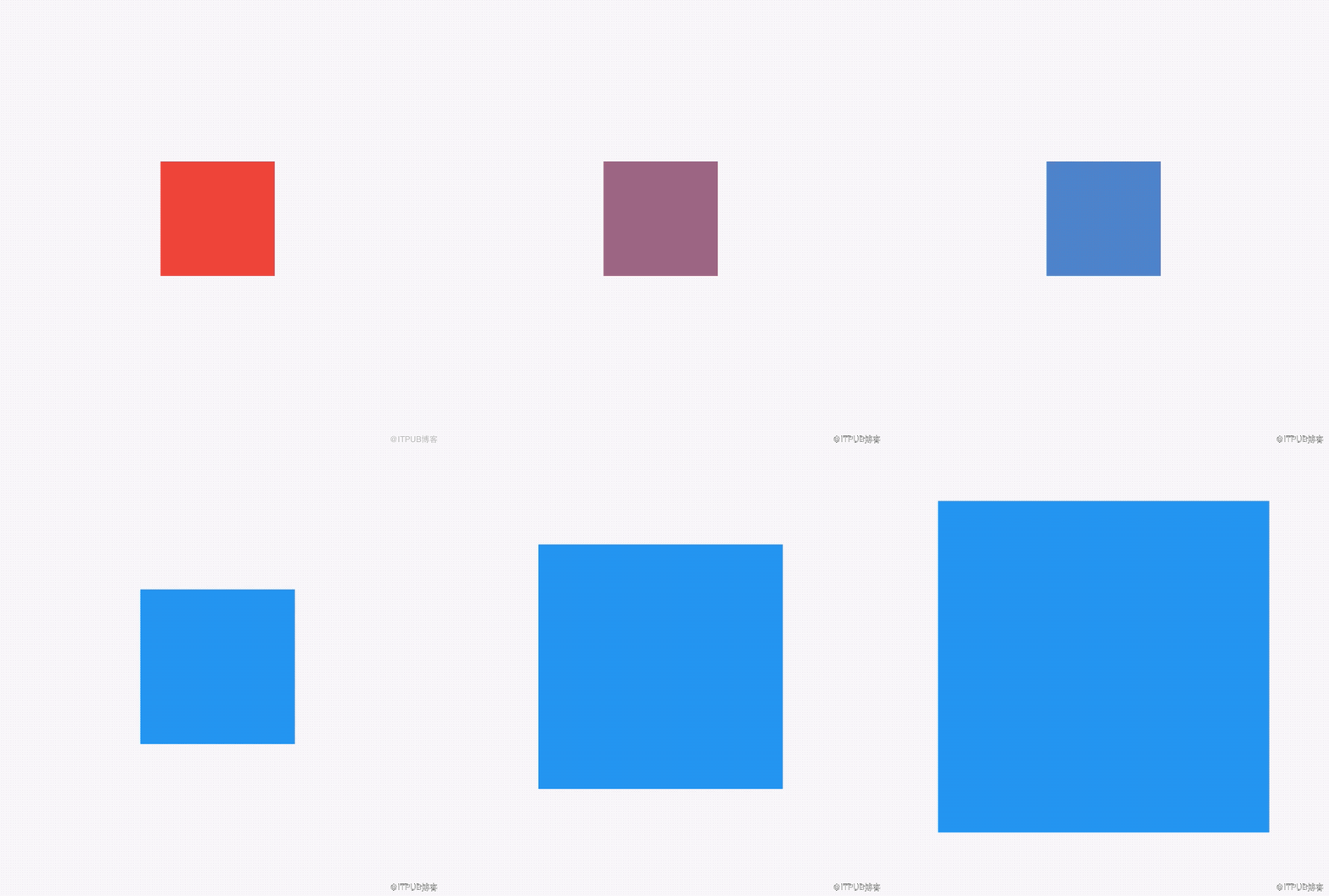
我们也可以设置同时动画,只需将2个Interval的值都改为Interval(0.0, 1.0)。
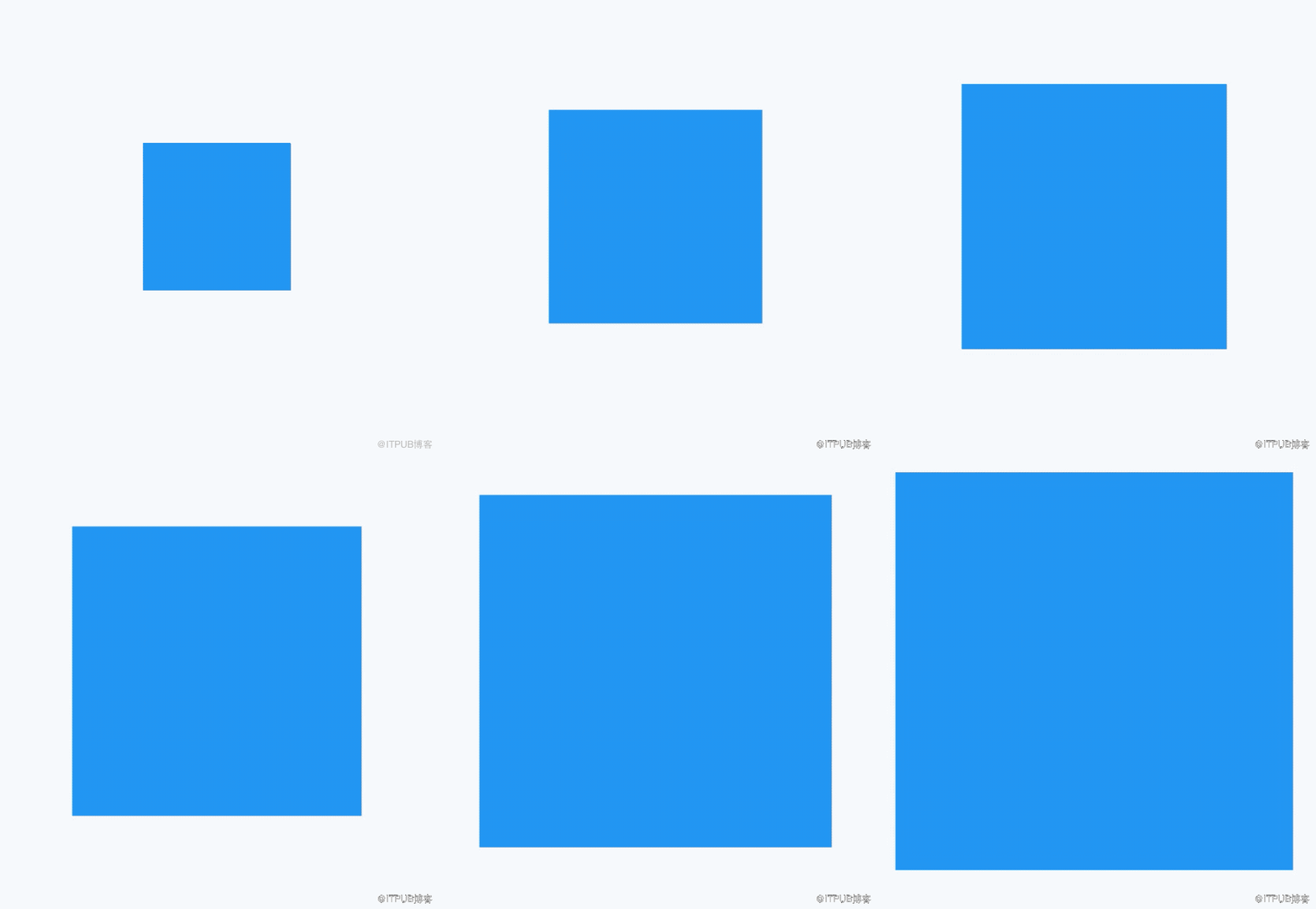
想象下面的场景,一个红色的盒子,动画时长为6秒,前40%的时间大小从100->200,然后保持200不变20%的时间,最后40%的时间大小从200->300,这种效果通过TweenSequence实现,代码如下:
_animation = TweenSequence([
  TweenSequenceItem(
      tween: Tween(begin: 100.0, end: 200.0)
          .chain(CurveTween(curve: Curves.easeIn)),
      weight: 40),
  TweenSequenceItem(tween: ConstantTween<double>(200.0), weight: 20),
  TweenSequenceItem(tween: Tween(begin: 200.0, end: 300.0), weight: 40),
]).animate(_animationController);
weight表示每一个Tween的权重。
最终效果如下:
交流
Flutter地址:http://laomengit.com 里面包含160多个组件的详细用法。
来自 “ ITPUB博客 ” ,链接:https://blog.itpub.net/2831/viewspace-2825178/ ,如需转载,请注明出处,否则将追究法律责任。

