
安装 WiltonDB
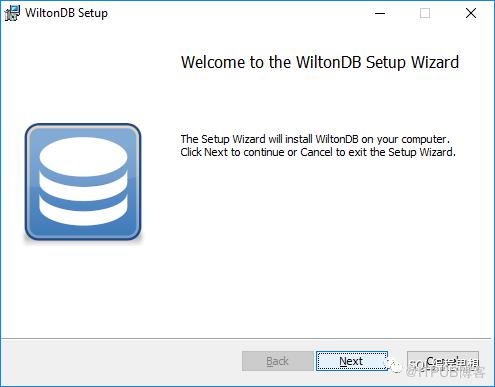
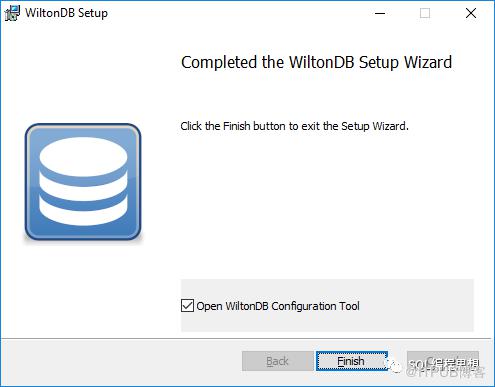
Windows 平台安装 WiltonDB

Linux 平台安装 WiltonDB
$ cat /etc/redhat-release
Rocky Linux release 8.8 (Green Obsidian)

$ sudo dnf install 'dnf-command(copr)'
$ sudo dnf copr enable wiltondb/wiltondb
$ sudo dnf update
$ sudo dnf install wiltondb
$ sudo wiltondb-setup
 * Initializing database in '/var/lib/pgsql/data'
 * Initialized, logs are in /var/lib/pgsql/initdb_postgresql.log
 * Initializing WiltonDB
WARNING: DB superuser 'wilton' was created with password 'wilton', please change the password before allowing remote connections.
 * Initialized, use 'systemctl start postgresql' to start the server
$ sudo systemctl start postgresql
$ sudo systemctl status postgresql
● postgresql.service - PostgreSQL database server
   Loaded: loaded (/usr/lib/systemd/system/postgresql.service; disabled; vendor preset: disabled)
   Active: active (running) since Tue 2023-11-07 11:53:52 UTC; 2s ago
连接 WiltonDB
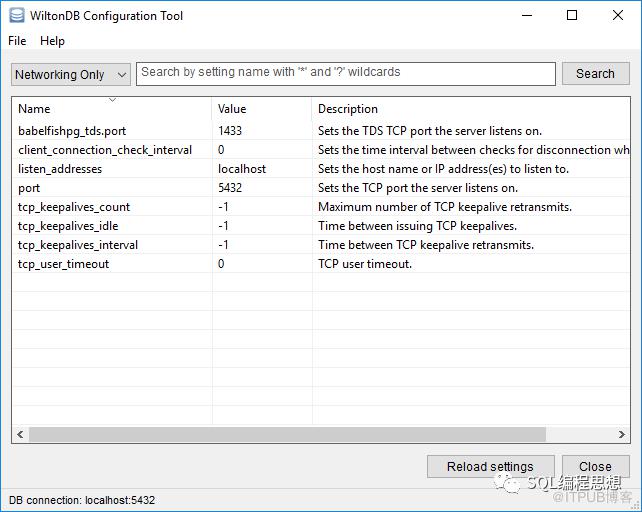
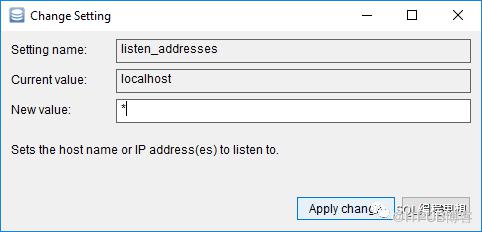
使用 SSMS 连接数据库


使用 pgAdmin 连接数据库
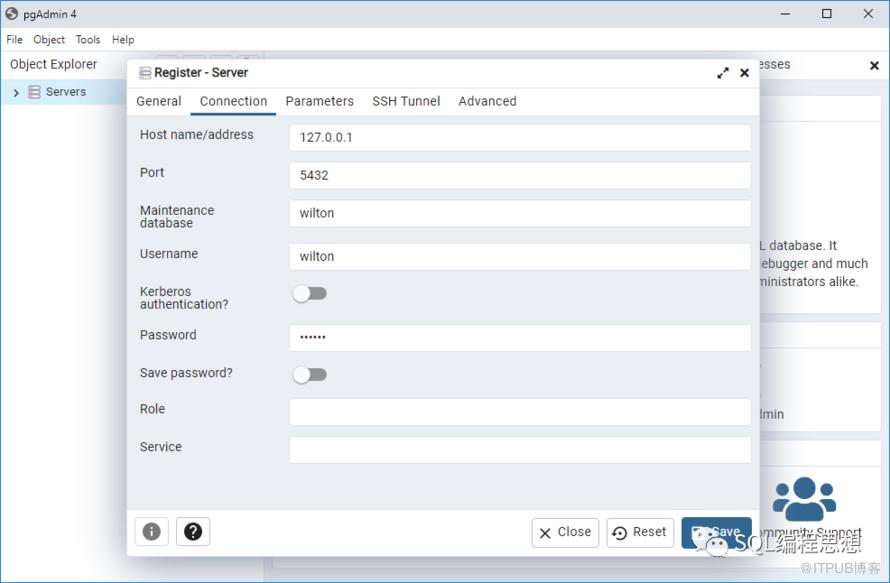
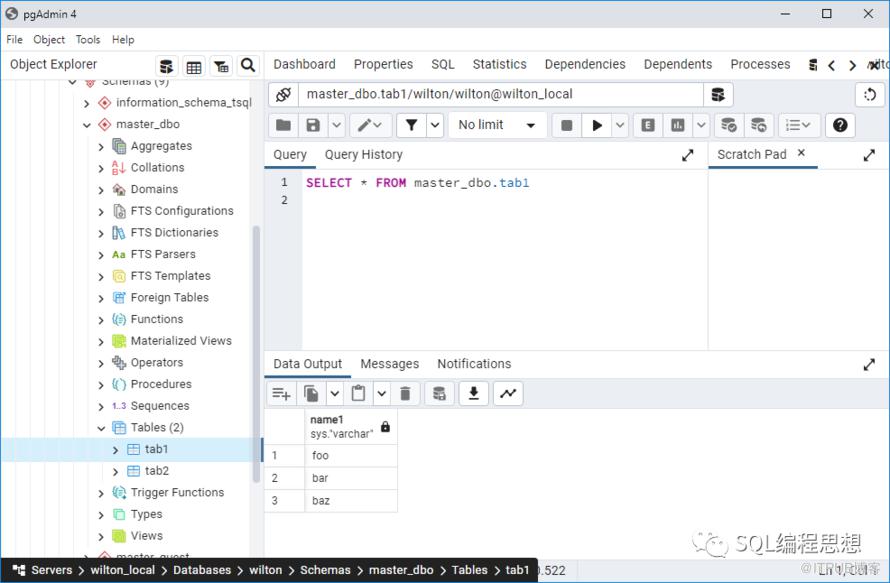
使用命令行连接数据库
$ ./sqlcmd -S 127.0.0.1,1433 -U wilton -P wilton
1> select @@version
2> go
version
----------------------------------------------------------------------------------------------------------------------------------------------------------------------------------------------------------------------------------------------------------------
Babelfish for PostgreSQL with SQL Server Compatibility - 12.0.2000.8
Oct 22 2023 17:48:32
Copyright (c) Amazon Web Services
PostgreSQL 15.4 (EL 1:15.4.wiltondb3.3_2-2.el8) on x86_64-redhat-linux-gnu (Babelfish 3.3.0)

(1 row affected)
原文作者:SQL编程思想;如有侵权,请联系管理员删除。
上一篇:
SQL案例分析:计算圆周率
下一篇:
SQL案例分析:蜗牛爬井问题

请登录后发表评论
登录
全部评论
