安装脚手架工具
npm install install -g create-react-app
使用
执行如下命令
create-react-app react-hello
cd react-hello
npm start
效果如下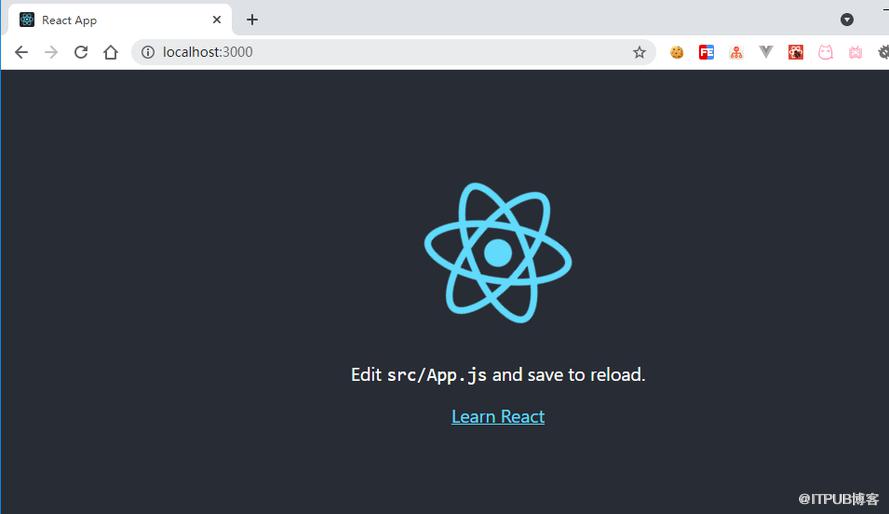
脚手架说明
index.html
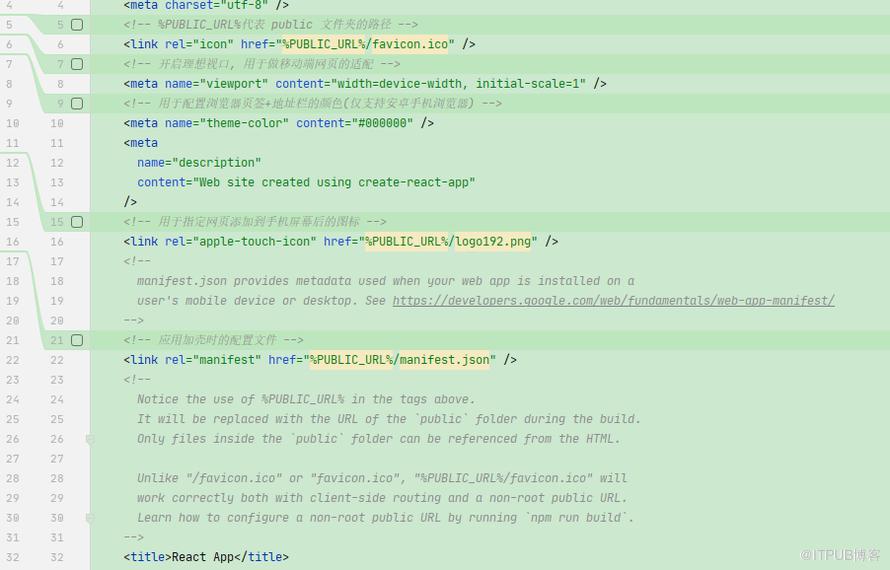
自动打开浏览器与端口号
安装 cross-env
npm install cross-env --save-dev
修改package.json
"start": "cross-env PORT=4001 BROWSER=none react-scripts start"
也可以指定浏览器
"start": "cross-env PORT=4001 BROWSER=chrome react-scripts start"
简单添加一个组件
要点
- 后缀可以是
.js或者.jsx - 组件文件名为index可以缩短引入时的路径
- 单纯的写css可以文件名添加一个
module, 然后可以用一个对象接收
代码
项目结构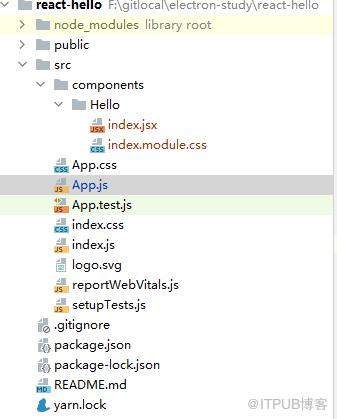
App.js
import React,{Component} from 'react'

import Index from './components/Hello'

class App extends Component{
  render() {
    return (
        div>
          Index />
        /div>
    )
  }
}

export default App;
Hello.jsx
import React,{Component} from 'react'

import Hello from './index.module.css'

export default class Index extends Component{
    render() {
        return (
            div className={Hello.title}>
                hello react 02
            /div>
        )
    }
}
Hello.css
.title{
    color: blue;
}
sass
npm install node-sass@4.14.1 --save-dev
具体node与node-sass版本对应关系可查看
直接引用即可
来自 “ ITPUB博客 ” ,链接:https://blog.itpub.net/2332/viewspace-2807105/ ,如需转载,请注明出处,否则将追究法律责任。

请登录后发表评论
登录
全部评论
