
怎样用jupyter导入excel数据?
Jupyter notebook只能打开当前目录下的数据集
相关推荐:jupyter教程
excel
有两种方法
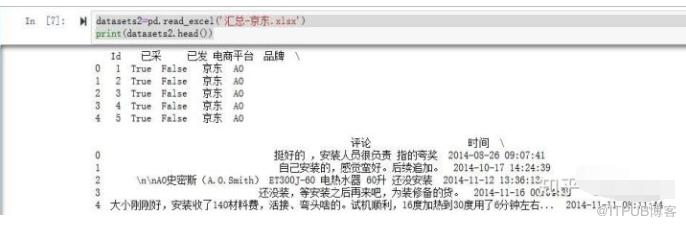
#用pd包中的read_excel方法
datasets2=pd.read_excel('汇总-京东.xlsx')
print(datasets2.head())
结果
#用pd包中的ExcelFile方法
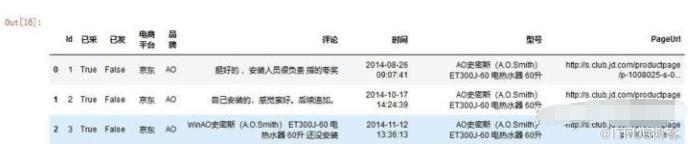
fileNameStr='汇总-京东.xlsx'
xls = pd.ExcelFile(fileNameStr)
salesDf = xls.parse('京东汇总')
salesDf.head(3)
结果
来自 “ ITPUB博客 ” ,链接:https://blog.itpub.net/2317/viewspace-2834757/ ,如需转载,请注明出处,否则将追究法律责任。
上一篇:
怎么查看spyder中已经添加的库
下一篇:
python如何存储变量

请登录后发表评论
登录
全部评论
