Step by step installation/upgrade
方法/步骤
-
Check that all prerequisites are "success". Sometimes an error occured with "Pending reboot" os you'll to restart the server or find in registry key the term "Pending Reboot" and modify it only if it's necessary (Emergency case).
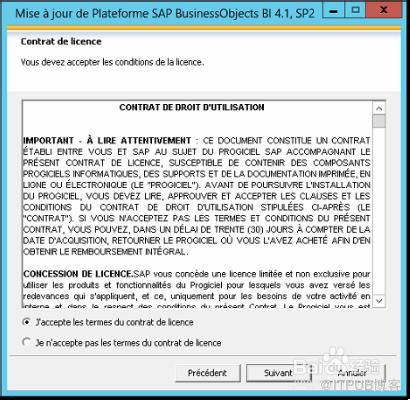
Read and accept license contract as usual.

-
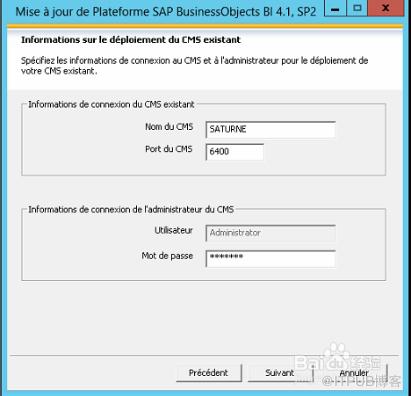
Connect to the CMS with your administrator password.
-
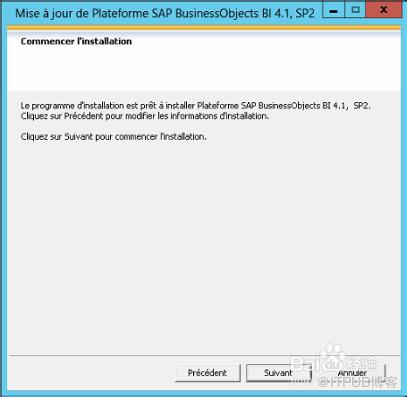
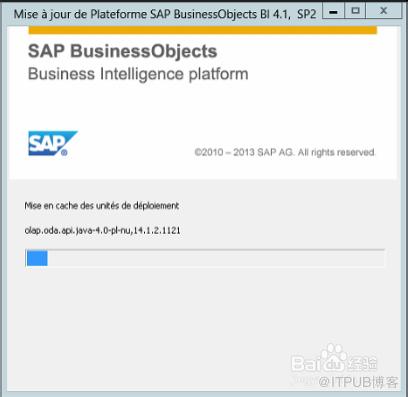
Launch the update and wait.
-
Then, SAP BusinessObjects BI Platform 4.1 SP02 is installed.

-
And finally it's done !
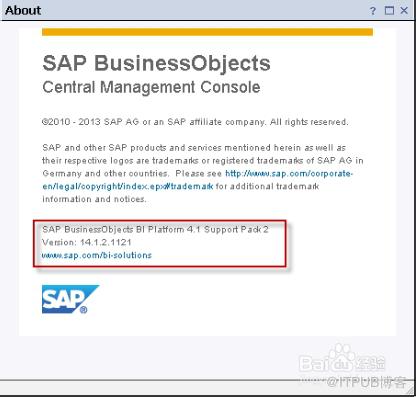
Connect to the BI Launch Pad or CMC to see the version updated (in Help menu) of your BI Platform to SP02. Enjoy new features !
-
More blog posts are coming about new capabilities included in this new SP02 abouthttp://scn.sap.com/community/businessobjects-web-intelligence, http://scn.sap.com/community/bi-platformand http://scn.sap.com/community/semantic-layer.
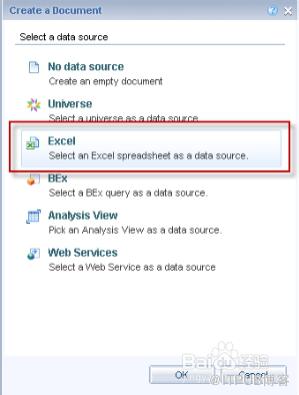
TEASER : Just for teasing, see the new datasource for a Web Intelligence document based on the Web application
 END
END

来自 “ ITPUB博客 ” ,链接:https://blog.itpub.net/22551990/viewspace-1110994/ ,如需转载,请注明出处,否则将追究法律责任。
上一篇:
没有了~
下一篇:
没有了~

请登录后发表评论
登录
全部评论
