
启动jupyter notebook的方法:
使用”win+r“命令打开运行窗口,输入cmd打开命令窗口。
然后在cmd中使用jupyter notebook命令即可启动jupyter。
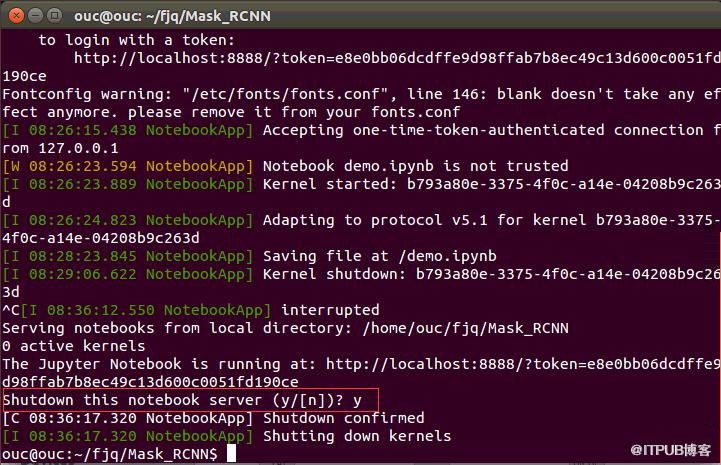
退出jupyter notebook的方法:
在cmd界面中使用Ctrl+C快捷键即可退出jupyter notebook。
Python学习网,有大量免费的Jupyter使用教程,欢迎大家学习!
来自 “ ITPUB博客 ” ,链接:https://blog.itpub.net/2063/viewspace-2834659/ ,如需转载,请注明出处,否则将追究法律责任。
上一篇:
如何用python打开xlsx
下一篇:
qemu是用python写的吗

请登录后发表评论
登录
全部评论
