下面这个学习,把List
下面先创建一个对象T: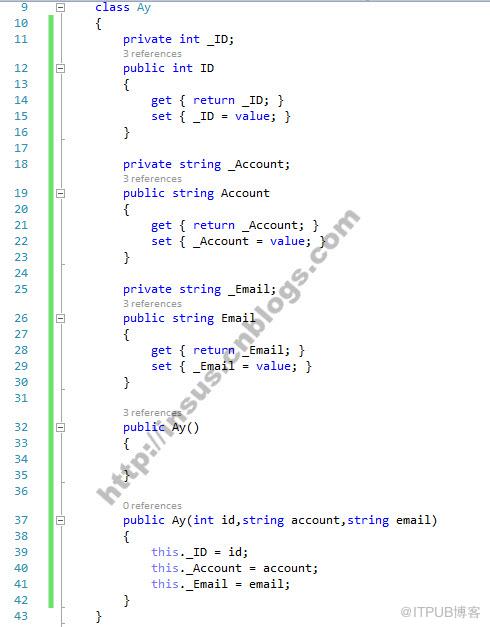


class Ay { private int _ID; public int ID { get { return _ID; } set { _ID = value; } } private string _Account; public string Account { get { return _Account; } set { _Account = value; } } private string _Email; public string Email { get { return _Email; } set { _Email = value; } } public Ay() { } public Ay(int id,string account,string email) { this._ID = id; this._Account = account; this._Email = email; } }
Source Code
此时,你可以写一个C#扩展方法: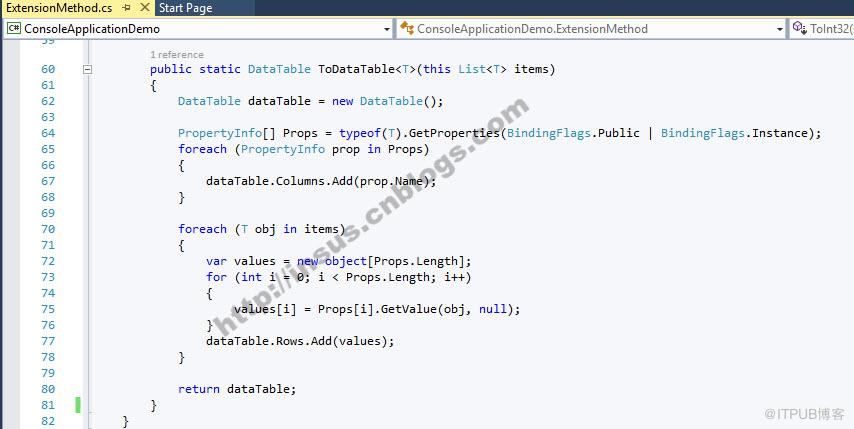
public static DataTable ToDataTable(this List items) { DataTable dataTable = new DataTable(); PropertyInfo[] Props = typeof(T).GetProperties(BindingFlags.Public | BindingFlags.Instance); foreach (PropertyInfo prop in Props) { dataTable.Columns.Add(prop.Name); } foreach (T obj in items) { var values = new object[Props.Length]; for (int i = 0; i Source Code
下面,我们在List
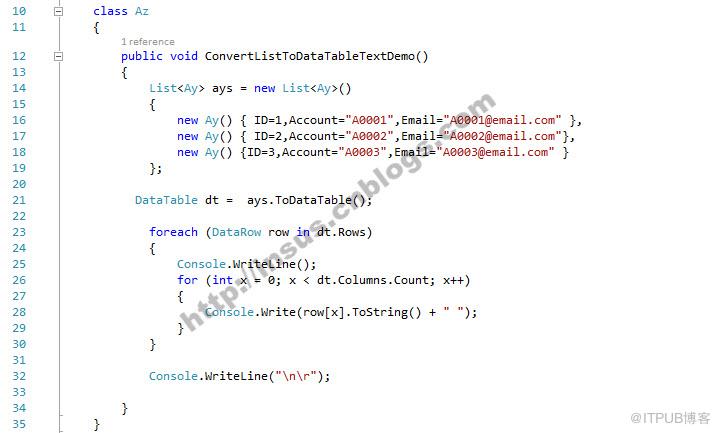
添加几笔记录,然后使用上面的扩展方法,把List 转换为DataTable.
为了看到结果,再把DataTable打印至控制台上:
class Az { public void ConvertListToDataTableTextDemo() { Listays = new List () { new Ay() { ID=1,Account="A0001",Email="A0001@email.com" }, new Ay() { ID=2,Account="A0002",Email="A0002@email.com"}, new Ay() {ID=3,Account="A0003",Email="A0003@email.com" } }; DataTable dt = ays.ToDataTable(); foreach (DataRow row in dt.Rows) { Console.WriteLine(); for (int x = 0; x Source Code
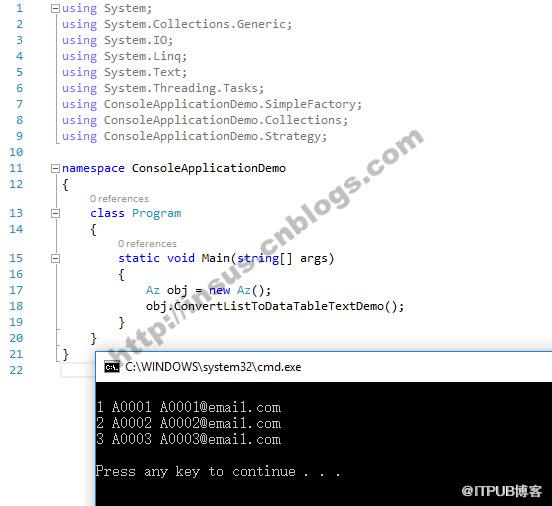
控制台输出的结果:
来自 “ ITPUB博客 ” ,链接:https://blog.itpub.net/1870/viewspace-2811880/ ,如需转载,请注明出处,否则将追究法律责任。
上一篇:
Python进阶08 异常处理
下一篇:
JS的instanceof到底是有多坑?

请登录后发表评论
登录
全部评论
