定义一个mode:
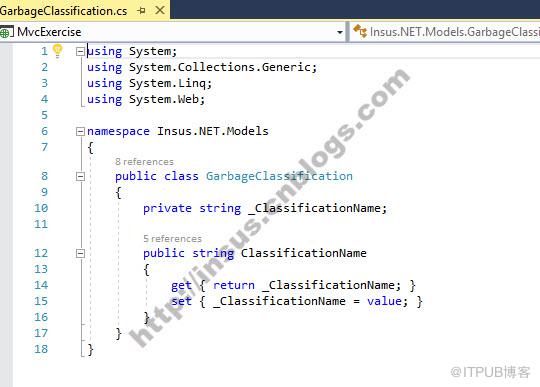


using System;using System.Collections.Generic;using System.Linq;using System.Web;namespace Insus.NET.Models{ public class GarbageClassification { private string _ClassificationName; public string ClassificationName { get { return _ClassificationName; } set { _ClassificationName = value; } } }}
Source Code
添加一个实体类: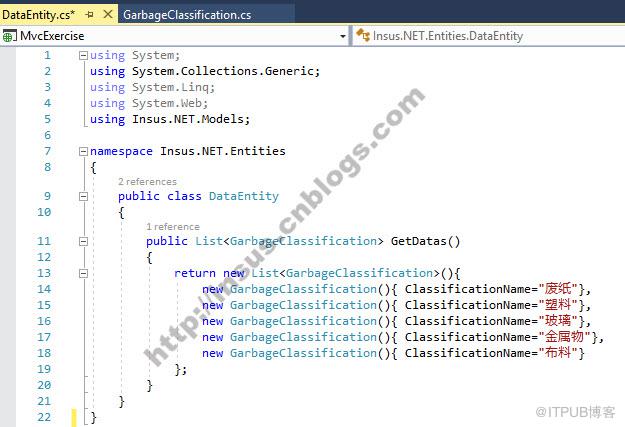
using System;using System.Collections.Generic;using System.Linq;using System.Web;using Insus.NET.Models;namespace Insus.NET.Entities{ public class DataEntity { public List GetDatas() { return new List(){ new GarbageClassification(){ ClassificationName="废纸"}, new GarbageClassification(){ ClassificationName="塑料"}, new GarbageClassification(){ ClassificationName="玻璃"}, new GarbageClassification(){ ClassificationName="金属物"}, new GarbageClassification(){ ClassificationName="布料"} }; } }}
Source Code
如果你的数据是来自数据库,那你需要修改这个实体类,修改其中的代码,去数据库读取数据。
现在,我们需要创建Web API: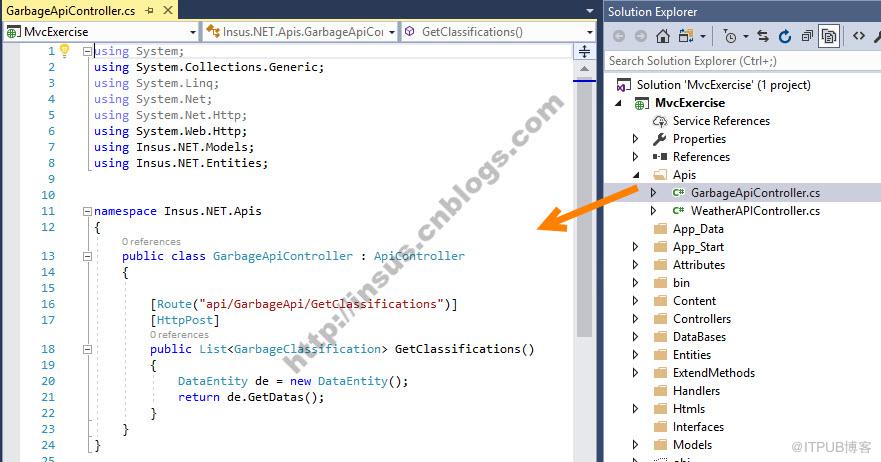
using System;using System.Collections.Generic;using System.Linq;using System.Net;using System.Net.Http;using System.Web.Http;using Insus.NET.Models;using Insus.NET.Entities;namespace Insus.NET.Apis{ public class GarbageApiController : ApiController { [Route("api/GarbageApi/GetClassifications")] [HttpPost] public List GetClassifications() { DataEntity de = new DataEntity(); return de.GetDatas(); } }}
Source Code
OK,model,Entity和API均准备好了。下面是在前端使用angularjs去呼叫刚才写好的API。
Html: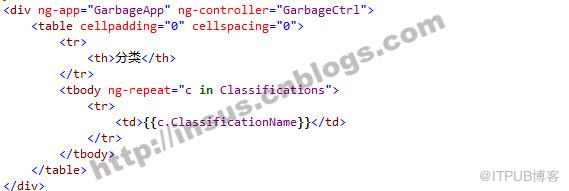
angularjs代码,其实跟jQuery的ajax call差不多一样: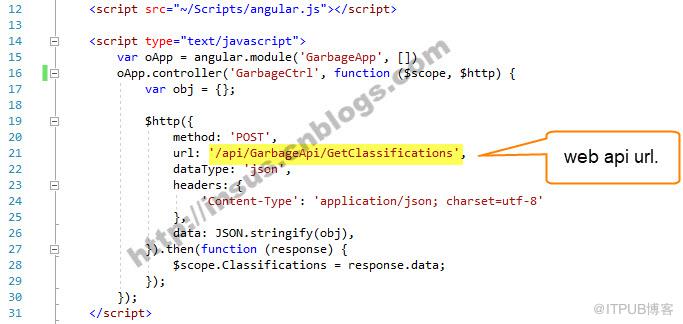
var oApp = angular.module('GarbageApp', []) oApp.controller('GarbageCtrl', function ($scope, $http) { var obj = {}; $http({ method: 'POST', url: '/api/GarbageApi/GetClassifications', dataType: 'json', headers: { 'Content-Type': 'application/json; charset=utf-8' }, data: JSON.stringify(obj), }).then(function (response) { $scope.Classifications = response.data; }); });
Source Code
演示(运行结果):
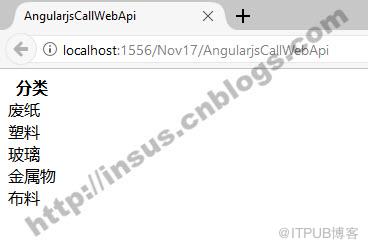
来自 “ ITPUB博客 ” ,链接:https://blog.itpub.net/1721/viewspace-2811863/ ,如需转载,请注明出处,否则将追究法律责任。
上一篇:
SQL Server如何使用表变量

请登录后发表评论
登录
全部评论
