此次爬取的网站[下厨房]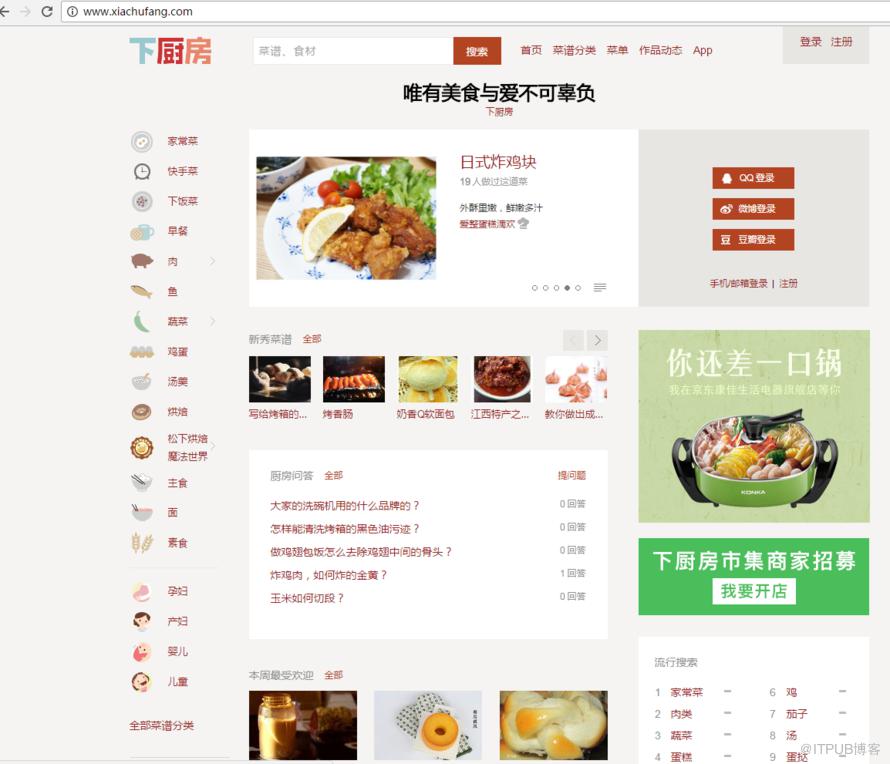
我想要的是,每道菜的菜名,配料,评分,厨师,以及它的连接,和厨师的连接信息。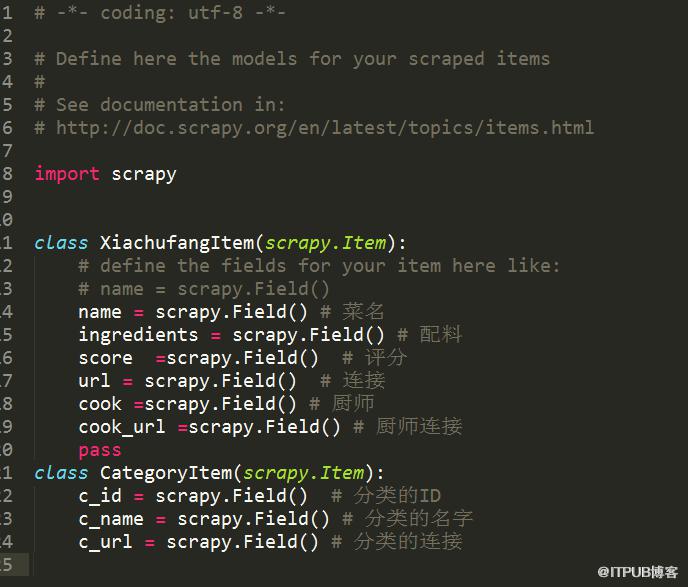
要想知道这些,必须知道网站一共多少种分类,这样才能准确找到每个分类下的所有菜品。
思路有了,就开始写代码。
Step1:
scrapy startproject xiachufang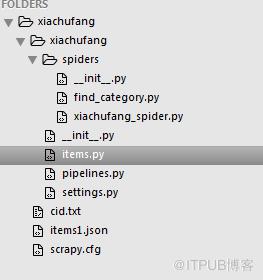
关于scrapy的安装,自行百度,有问题可以留言,
Step2: items.py
# -*- coding: utf-8 -*-

# Define here the models for your scraped items
#
# See documentation in:
# http://doc.scrapy.org/en/latest/topics/items.html

import scrapy

class XiachufangItem(scrapy.Item):
    # define the fields for your item here like:
    # name = scrapy.Field()
    name = scrapy.Field() # 菜名
    ingredients = scrapy.Field() # 配料
    score  =scrapy.Field()  # 评分
    url = scrapy.Field()  # 连接
    cook =scrapy.Field() # 厨师
    cook_url =scrapy.Field() # 厨师连接
    pass
class CategoryItem(scrapy.Item):
    c_id = scrapy.Field()  # 分类的ID
    c_name = scrapy.Field() # 分类的名字
    c_url = scrapy.Field() # 分类的连接
这个py文件定义了你需要的所有信息,前面讲了,我需要每道菜的菜名,配料,评分,厨师,以及它的连接,和厨师的连接信息。都这在里定义。由于我首先需要爬取它们网站一共多少种分类,所以这里我写两个爬虫文件。
Setp3: find_category.py
#! /usr/bin/env python
# coding=utf-8
# author=ntwu

import scrapy
from xiachufang.items import CategoryItem
from scrapy.selector import Selector

class category_spider(scrapy.Spider):
    name = "find_id"
    start_urls = ["http://www.xiachufang.com/category/"]
    allowed_domains = ["http://www.xiachufang.com"]

    def parse(self,response):
        items =[]
        sel = Selector(response)
        has_bottom_border = sel.xpath('//ul[@class=" has-bottom-border"]/li')
        for index in range(0,len(has_bottom_border)):
            item = CategoryItem()
            c_id = "".join(has_bottom_border[index].xpath('.//a/@href').extract())
            c_name ="".join(has_bottom_border[index].xpath('.//a/text()').extract())
            c_url = c_id[10:-1]
            if c_id != []:
                item['c_id'] = c_id[10:-1]
                item['c_name'] =c_name
                item['c_url'] = "http://www.xiachufang.com/category/%s"%(str(c_url))
                yield item
            burp_sucees = open('cid.txt','a+')
            burp_sucees.write(c_url + "n")
            burp_sucees.close()
这个py文件的意思就是,打开http://www.xiachufang.com/category/,找到所有的
- 标签,这里需要注意的是我只要class=has-bottom-border的ul标签下
- 这样的标签很多,所以它找到的是一个list。
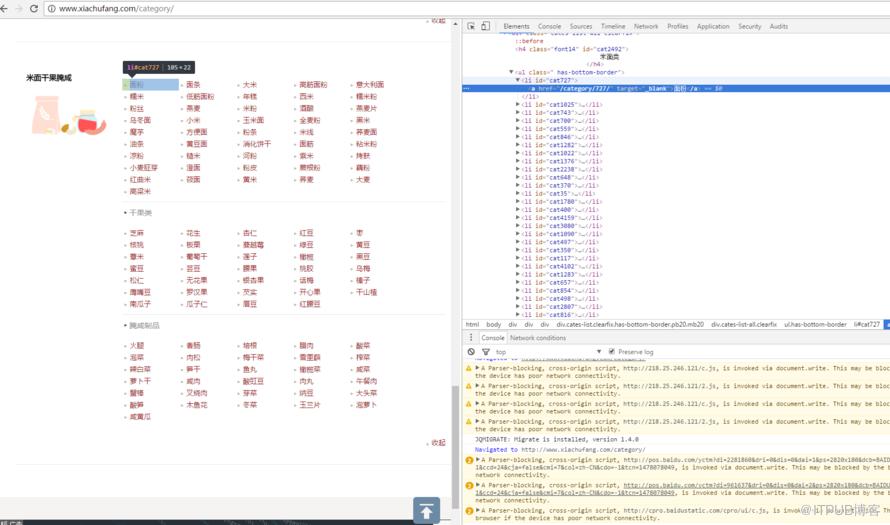
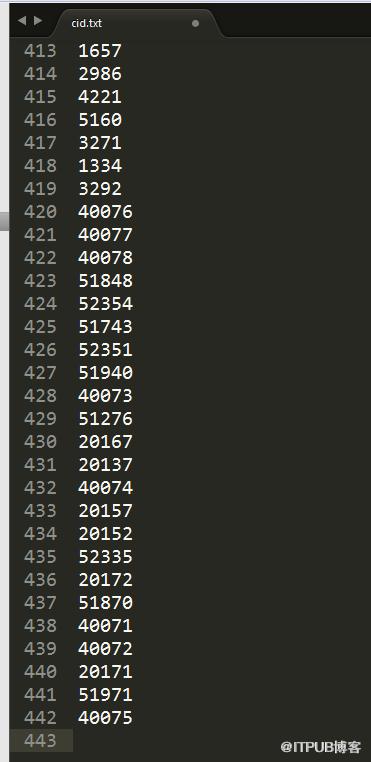
遍历这个list,同时筛选。然后运行它。scrapy crawl find_id运行结果,一共找到了421种分类,随便打开一个分类。观察。
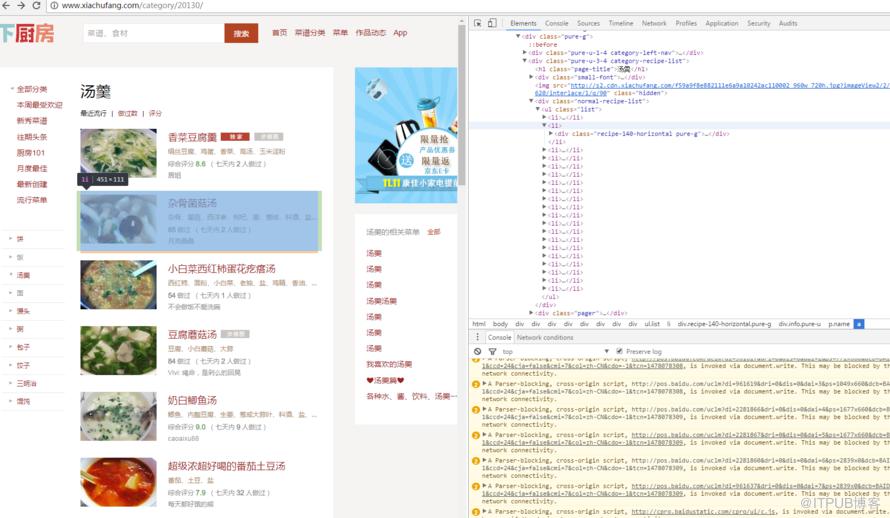
这里我要找的还是 - 标签
Setp4: 爬取菜品信息xiachufang_spider.py#! /usr/bin/env python # coding=utf-8 # author=ntwu import scrapy from xiachufang.items import XiachufangItem from scrapy.selector import Selector from scrapy.http import Request class spider(scrapy.Spider): name = "xiachufang" f_cid = open('./cid.txt', 'r') start_urls = [] for id in f_cid.readlines(): url = "http://www.xiachufang.com/category/%s/"%id[:-1] start_urls.append(url) allowed_domains = ["http://www.xiachufang.com"] def start_requests(self): for url in self.start_urls: yield Request(url=url, callback=self.parse) def parse(self, response): items = [] sel = Selector(response) allitems = sel.xpath('//ul[@class="list"]/li') for index in range(0,len(allitems)): item = XiachufangItem() name = "".join(allitems[index].css('p.name').xpath('.//a/text()').extract()) score ="".join(allitems[index].css('p.stats').xpath('.//span/text()').extract()) url = "".join(allitems[index].css('p.name').xpath('.//a/@href').extract()) cook ="".join(allitems[index].css('p.author').xpath('.//a/text()').extract()) cook_url = "".join(allitems[index].css('p.author').xpath('.//a/@href').extract()) item['name'] = name item['score'] = score item['url'] = "http://www.xiachufang.com%s"%url item['cook'] = cook item['cook_url'] = "http://www.xiachufang.com%s"%cook_url yield item运行结果。
scrapy crawl xiachufang -o items1.json -t json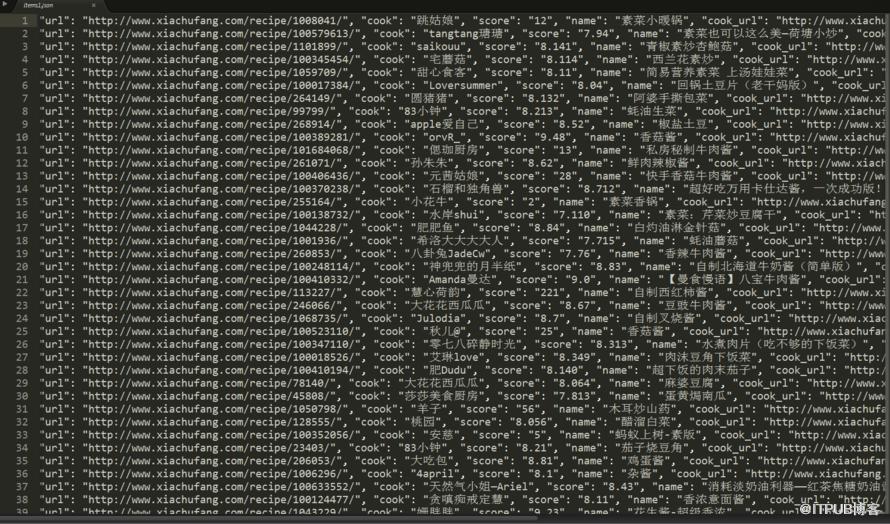
至此,爬虫结束。
来自 “ ITPUB博客 ” ,链接:https://blog.itpub.net/1499/viewspace-2798266/ ,如需转载,请注明出处,否则将追究法律责任。

请登录后发表评论
登录
全部评论
