用anaconda打开ipython的方法:
1、用命令行启动
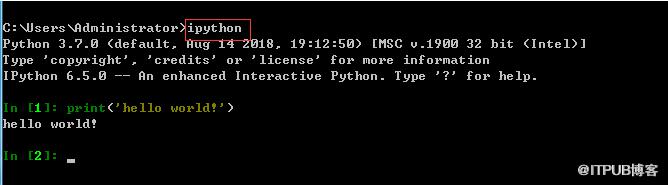
打开cmd命令行,直接输入ipython。
2、启动GUI页面,有两种。
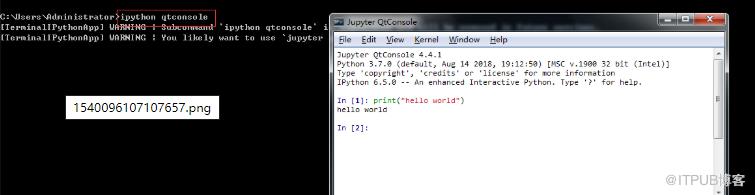
(1)基于QT的页面(jupyter QtConsole),在cmd窗口输入ipython qtconsole。
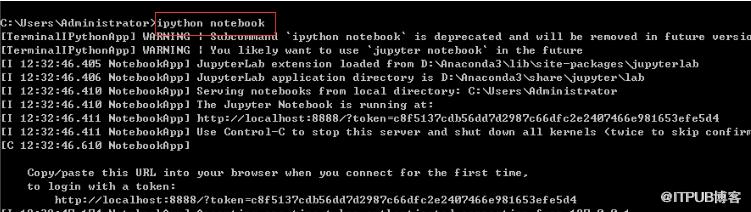
(2)ipython notebook(也就是jupyter notebook),在cmd窗口输入ipython notebook即可。
更多python知识,请关注python视频教程!!
来自 “ ITPUB博客 ” ,链接:https://blog.itpub.net/1075/viewspace-2832964/ ,如需转载,请注明出处,否则将追究法律责任。
上一篇:
python库在哪里下载?怎么安装?
下一篇:
python入门经典好吗?

请登录后发表评论
登录
全部评论
